How To: Take a Screenshot With the iPhone

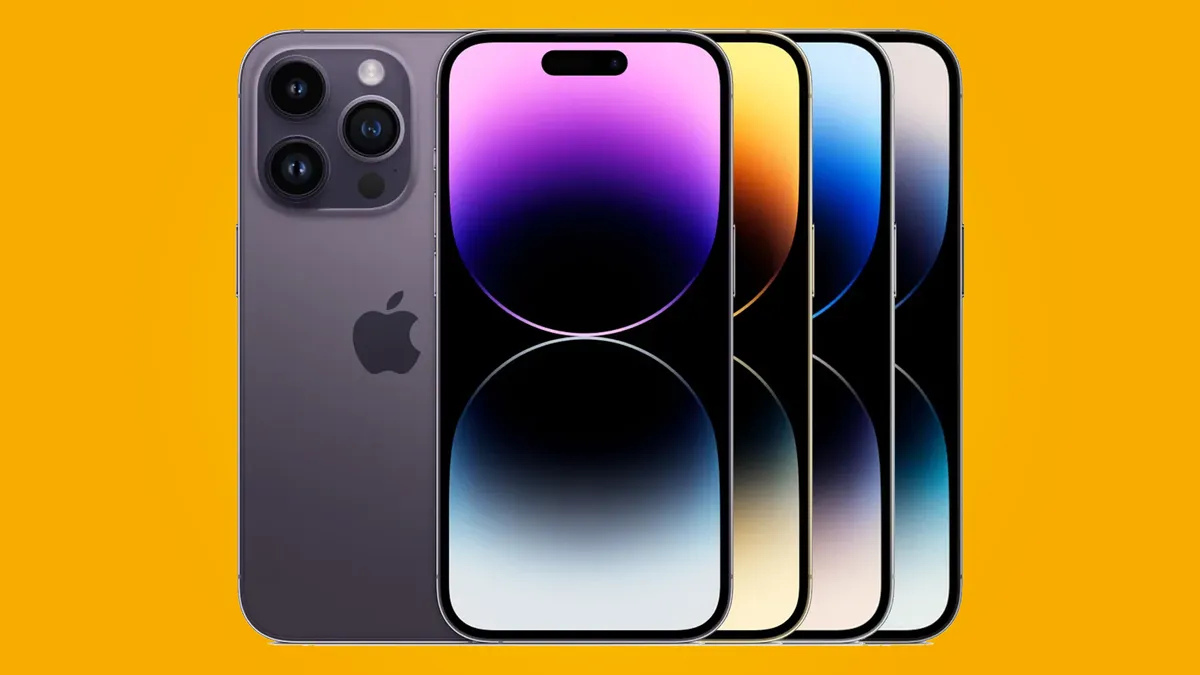
While this might be iPhone 101 to some, Apple pretty much snuck this feature into their 2.0 firmware, and while we're now at 2.1, not everyone may yet know that they can capture their iPhone screen contents with just the touch of a button -- well, two buttons actually.
To take a screenshot with your iPhone or iPod Touch, just press the Home and Sleep buttons at the same time. On 2.0, the screen will flash white, while with 2.1, you'll also get the camera shutter sound, and your screen will be captured.
To access your screenshots go to Photos and on the iPhone, look in Camera Roll, while on the iPod Touch, check out Saved Photos. (see, poetically, screenshots after the jump!)


There are 120 comments. Add yours.
I use it to take snapshots of google maps for me to switch between and websites / pics for viewing offline.
I figured this out the first week the 2.0 software and new iphone launched. At first i thought there was a glitch in the phone... FREAKED ME OUT.... I work for ATT and i finaly figured out that it did this when i was setting up the iphone for a customer. Not really sure why they put this but it sure does come in handy when you find something really cool and want to show your friends.
Not to worry. This is just one of several tricks on the iPhone and iPad. For a whole host of other tips and tricks on the iPhone check out http://iphonetipsandtricks.lookitupforme.com/
I used it on two different occasions to capture a bug for a developer.
DAMN fun feature..took a screen shot...opened the photo...gave the iPhone to my buddy...he could not figure out why the icons were not working..he tried tapping..double tapping...index finger..thumb..nothing worked...HAHAHA...damn funny app
Hahahaha... Epic.
You are sexxxxy
@RsB: not sure how your buddy didn't figure it out. When you tap on an image within the camera roll each finger tap to the screen displays and turns off the "camera roll header and footer" with the controls. Dragging the image would have moved it to the next image in line if there were one. If he double taps the image, the image will zoom. He must have not have had any experience with an iPhone before.
+1
its easy to dupe retarted friends I guess. For that matter, RsB may be retarted also, since he didn't notice it and actually posted about it.
Very very thanks.
this is well cool. I accidently took a screen grab, freaked me out ;) good functionality!!
coudnt work out how to do it until i found this blog. thanks
I couldnt because I'm dumb
you'r a thunk Apple would actually publicize something that is a handy feature. I used to save some memorable (blush) SMS text messages.
Yafrgtfoyahiwkya f u
Wow. Seems like a lot of people have found out about this. Saw this funky trick on this website if you're feeling mischievous:
http://cogito.faii.net/iphone-screenshots-tutorial/
according to the author, once taking an image of a friend's homepage on his iphone, hand the iphone back to him. he'll think it's hung or something like that. one of those cheap thrills.
Didn't know that you could take screenshots from the iPhone screen... great :-))
Awesome feature
@Ira. Scum!!! This don't work it just locks my phone :S
You can't accidently take a screen shot on iPhone or iPod Touch. You have to press two buttons? You accidently pressed them? Get real
I actually did as I was trying to shut off my phone
My kids kept accidentally taking screenshots while playing games. I had no idea how they did it until I found this blog. So, it's possible.
Same here :) my 3 year old did it by chance so I googled how to do it...
Ummmm... U can actually take accidental screen shots. I have done it for months and I just googled it today after seeing like 12 pictures of my lock screen.
Lots of Fantastic information in your posting, I favorited your blog so I can visit again in the future, Thanks
@mitchell
uhh ive accidently done it a couple times its two buttons i have ten fingers you get real
@Jordan don't be Dutch. cûñt, plus this don't work on my phone. It just locks it without taking a screenshot
@Jordan don't be sutch a çûnt
IMG_0461.PNG
My 20 month old was taking screen shots on my phone by accident, and I could never figure out how he did it lol. Love this feature, Thanks! :)
This method is not working with an iPhone 3gs and software 4.0. Pressing the two buttons simultaneously brings up the shut down screen.
At the same time ..
That's what "simultaneously" means, moron.
Don't hold them down, just press both, for a second
I have a 3G and it works for me but it takes me a lot of tries before I snap one with those buttons.
worked for me and my 3gs upgraded to 4.0
it worked on my 3G with the 4.0 OS once but it won't work any more!
It works if you click and release. If you click and hold, it just goes to shut down screen
Interesting function...it came in pretty handy in proving that my friend's boyfriend was lying to her and the girl he claimed was "just" a friend!
so basically your a snooping bitch?
Please don't refer to women as bitches. It is disrespectful. Also, consider reviewing the proper use of your vs you're.
Bitch.
Bitch, bitch, beyatch, bitch.
If it looks like a bitch, sounds like a bitch, and acts like a bitch, it's a bitch.
Hey if you are (you're) going to insult people, learn proper grammar.
You are (you're) a bitch too!
I get that it isn't helpful to shoot back with insults when complaining of being insulted... But Dude, you know you're being rude and obnoxious, so can you chill? I'm not coming back to read any reply, so don't bother trying to insult me, too.
The two of my Labs take pleasure in apples, carrots, melon, and squash as snacks.
Thanks for the tip! Love it!
Uhh i just got smarter :-) dident know it could do this.. thanks
thnx a lottt :) I saw others doing it but dint know how to
My 3 year old niece took a screen shot and I had no idea how she did it. Thanks :)
this tutorial is wrong: you need to hold down the shut down button and press the home button twice.
No you don't.
this worked for me!
THis is the only thing that worked for me.
Thx for the correction. I think that used to be the right way but wasn't working for me now. Your approach worked perfectly
Thanks for the correction Matt! You Rock!
thank you!!!! that is correct matt.
Works better if you follow the tutorial. Holding the lock button and pushing home twice will take the screen shot but then lock the screen.
Yes you need to click home twice. Thanks ! The other explanation didn't work for me.
Thanks! That did work!!!
I only need to press it once O.o
tnx for your simple but great info...
This is what worked for mine! Iphone 4s
Screen shot with the camera. Haha
worked great for me!!!
Thanks
Awesome! Thank you!
This is perfect for taking shots of text messages to use in court!
Hardly seems binding since it would be easy to photoshop whatever you want into a conversation...
It is useful and allowed as evidence in court as the service provider can provide the logg of exact messages sent so it can be verified
How do you take a screanshot if your lock button is broke?
Hmm I Like
This was so helpful! It also works on iPhone 4
thank you very much i got it
Please let me know how to get this application.
Couldn't get it to work on iphone4. mmm? But hey Matt. You were right. Thank you so much. Pity they couldn't get it right in the first place.
How do you get the URL?
Just press the home button and "lock" button at the exact same time... Works everytime.
Yipee!! tapping the home button twice does work! xx
sit back down where you belong in the corner of the bar with your high heels on
awesome!!!.. just TOO FEW people know this!
4s Verizon can't find the screenshot as listed above once taken
I just tried it, and you only need to press both buttons simultaneously once...
You only need to pres the 'O' button once with the iOS5, so Meh is right; dunno how it works with previous versions though.
Correction: Press simultaneously On/Off and 'O' buttons to snap shot the screen you're at; if you hit the On/Off first then 'O' button it would still make the screentshot, however, it would lock your phone too so no need the hassle - use the first approach :)
Thank you! Super helpful... I kept seeing pictures of screenshots on Facebook, etc., but no one I asked ever knew how, and I've been wondering for a while now. Thanks!!!
Worked for me! Thanks
Is there an app cause my sleep button is jam. And I can't screenshot.
I did not realize this was so easy or I could even do this on my iPhone. I saw a texting window screen shot on Facebook and had to know how this was done.
This works for me ! Cheers
I knew that already but still awesome! It would be cool if you could take a video as well. Is there an app or something to do that?! I have an iPod touch 4g and I've been wondering how to do that for a while
If you have the upgraded iPhone4 you have to click home then the lOck screen:) but keep the home button down till after you press the lock:)
This is not working for me on a VZ iPhone 4s. Holding the Home button invokes Siri and then the screen lock button just locks the screen. TIA
I have the same phone as you, Jeff - try this: press the home button (but don't release it) but IMMEDIATELY after you start pressing the home button, press the Lock button. Gotta do it fast, before Siri comes on. I just tried this, worked for me first try.
Danielle's idea works really well, worked 1st try but you do have to press the lock buttonSTRAIGHT after!
comment #
comment #1 worked for me, but it took a few times to get it right. Don't give up on a few tries. That is Igodtaswag that is.
Thank you for sharing. I have accidentally made a screenshot and now I know how to make new ones. Thank you again!
Thanks so much!! So helpful!!
Thanks a lot! I thought all along that screenshot for my iphone is not possible, I was very envious of Android phones, but this works perfectly, thanks!
Life saver
This was not working for me on the iPhone 4s even is I did it quickly but if you do it in reverse order (hold down lock then press the home button) it works!
It works on the 4S. I did it before and just did it again. The snapshot goes into your photos folder.
The order is the other way around, press lock and hold it the press home. If you wait too long before pressing home it will bring up the lock screen. But if you do lock first my 4s consistently gives screenshots
My asshole is bleeding after i tried this why????
I love this feature! Thanks, forgot how to take a screenshot, Googled and found your site. Simple ;)
Well I don't what 2 say
I don't know
Hi there very cool site!! Guy .. Beautiful .. Wonderful .. I'll bookmark your web site and take the feeds additionally?I am satisfied to seek out a lot of helpful info here in the submit, we want work out extra strategies on this regard, thanks for sharing. . . . . .
Very Helpful! I use this to take pictures of these slutty bitches that i know from school on facebook to show to my friends! love it!
Wow the coupons are awesome.Working fine on my new Compete account.
can you do it with the iPhone 4s?
I tried in my 3Gs just a clicked work for me.
Hold these buttons not works perfect everytime.
I tried in my 3Gs, Just a clicked work for me. Holding these buttons seems not works perfect everytime.
Thanks so much! Be interested in more iPhone tidbits, what a handy little gizmo! Works on my Verizon 4S fine.
** Press Home button first then press Sleep QUICKLY as in above posts, worked first time.
I have tried this on my 4s and it only works sporadically.
Does anyone else have this problem and does anyone have a solution please?
Very very thanks.