Latest about Tips & Tricks

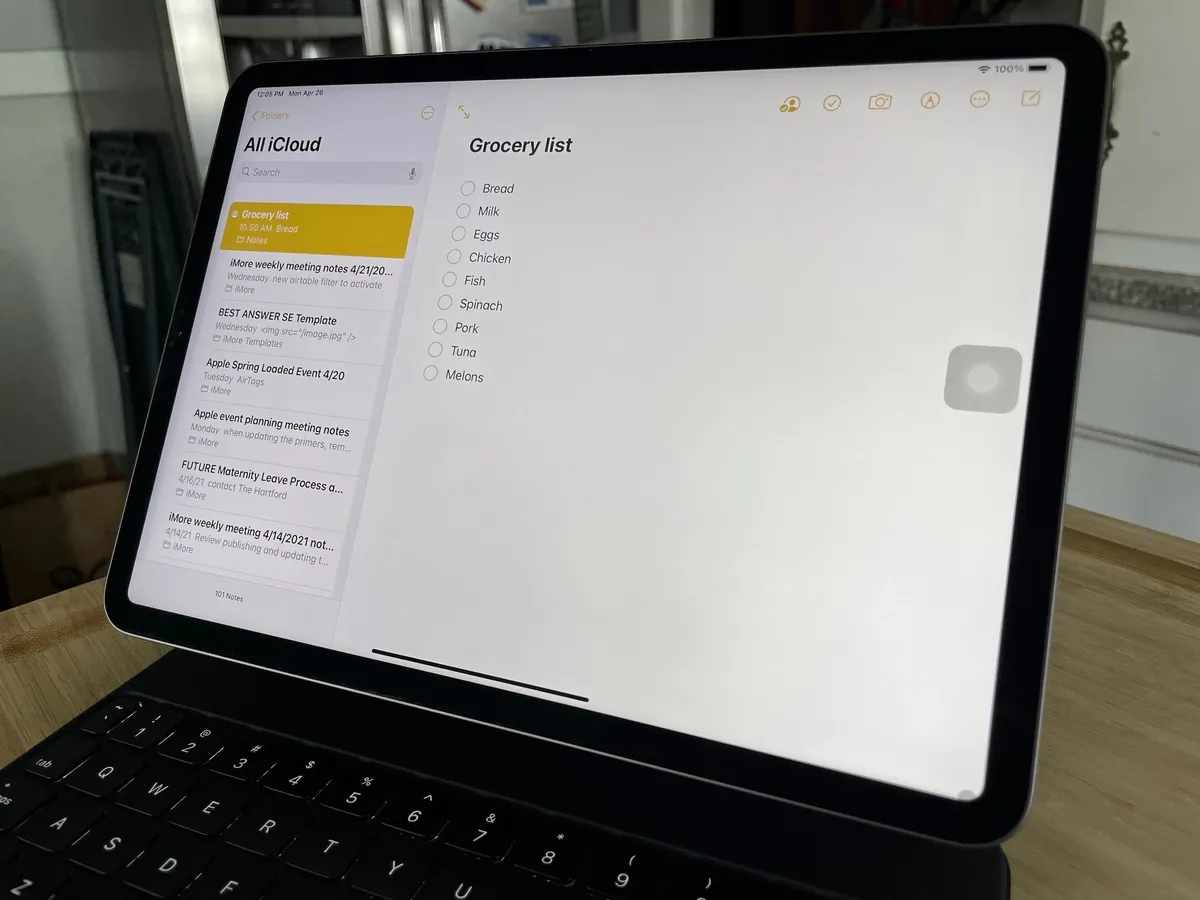
How to reset Launchpad on your Mac
Is Launchpad not working properly on your Mac? Try this quick fix!
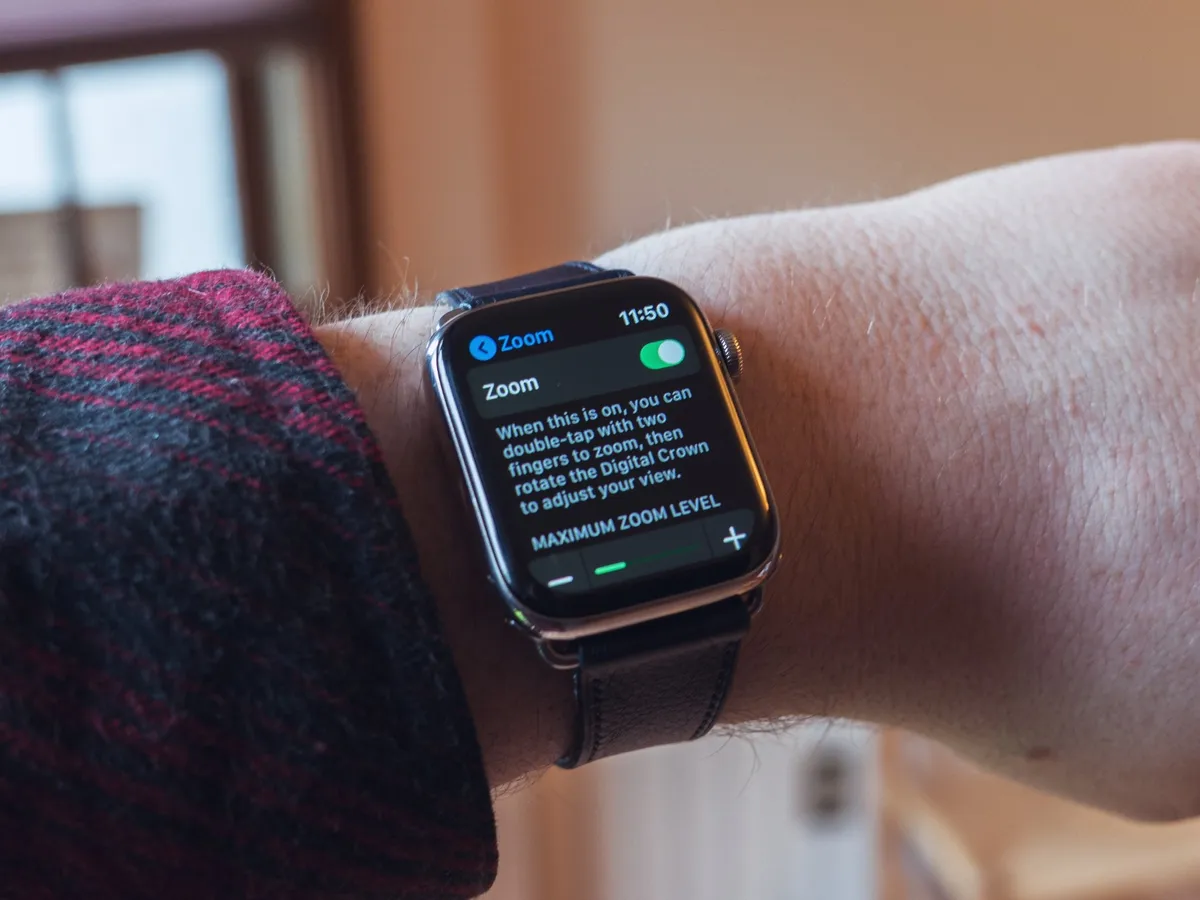
How to set up and use Zoom on Apple Watch
Zoom increases the magnification of the Apple Watch interface, making it bigger for those who need to see it more easily. Here's how to set up and use it.

How to customize Optimized Storage on Mac
You can customize some of the data that is or isn't stored in iCloud. Strike a balance between the hard drive and iCloud storage.
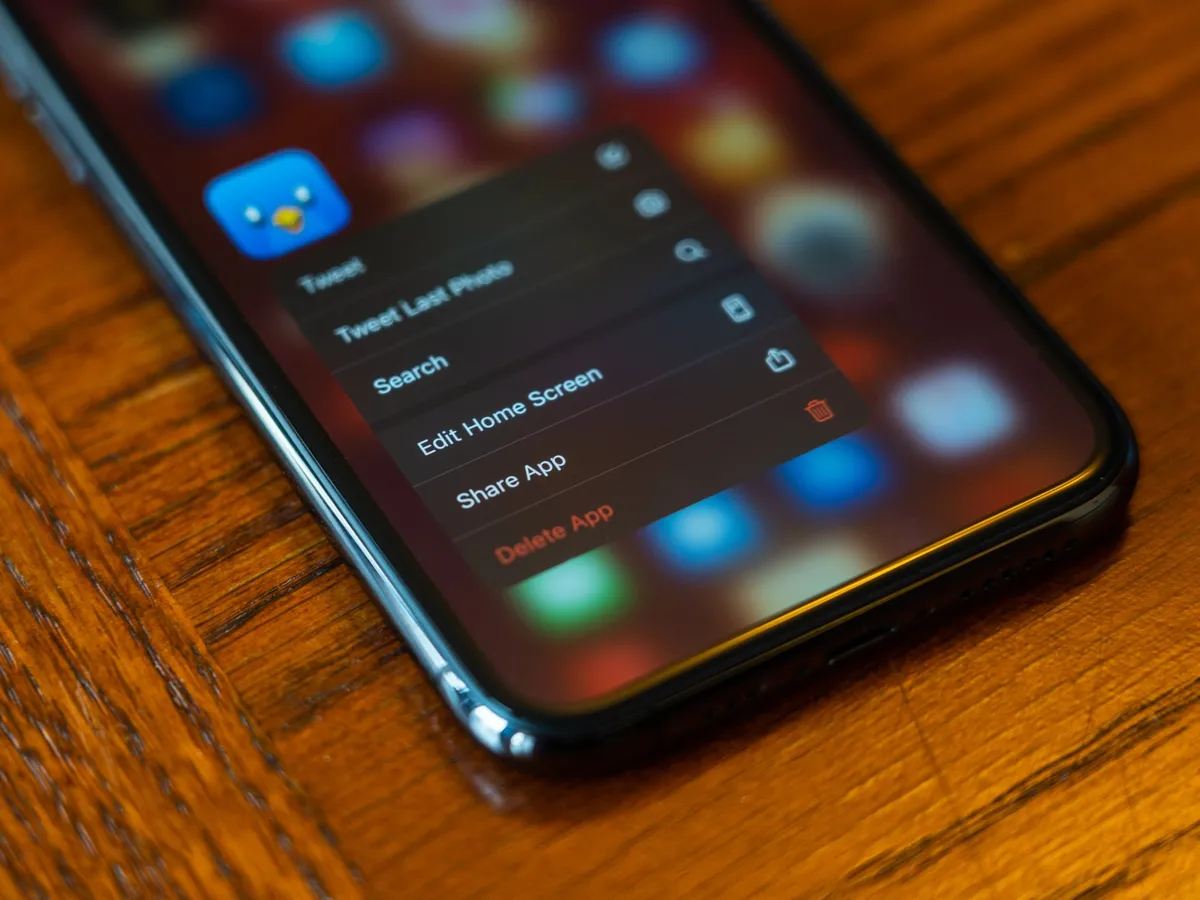
How to rearrange your apps on iPhone and iPad
Organizing your Home screen can make a big difference on your iPhone. Learn How right here!
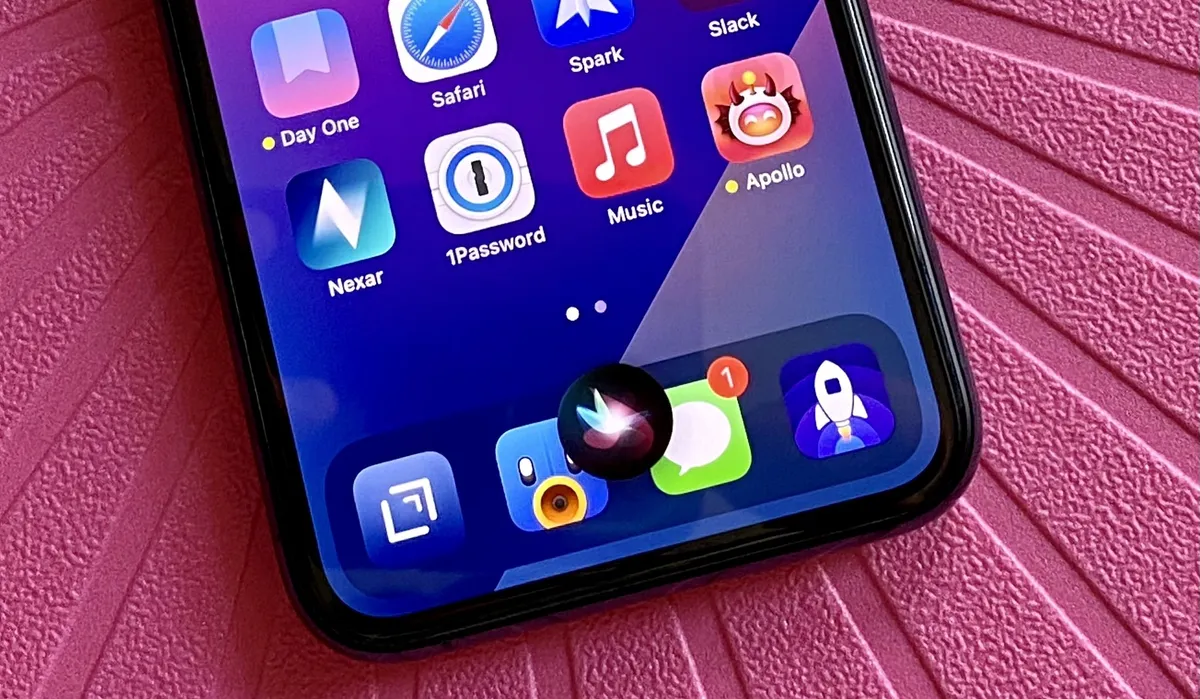
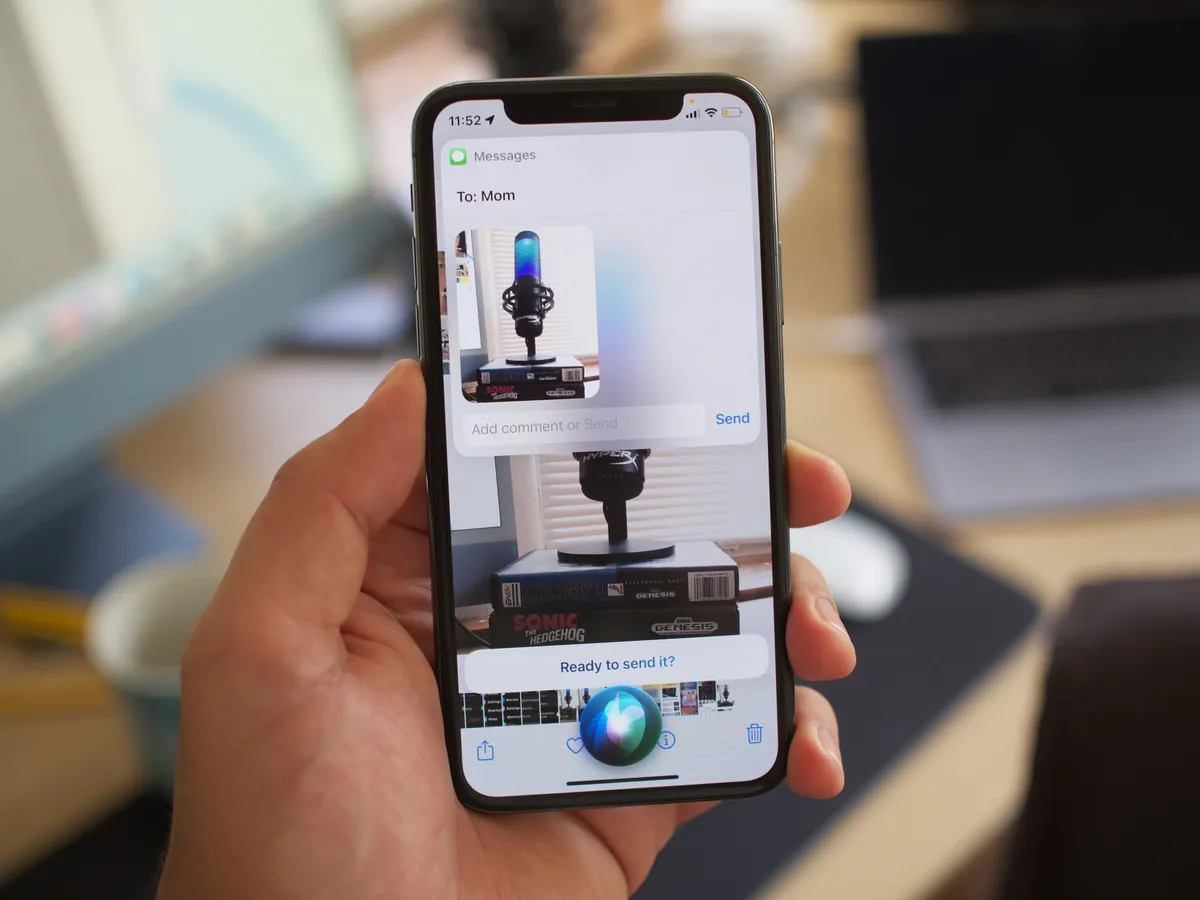
How to use Messages with Siri on iPhone and iPad
Siri can be a lifesaver when you need to send or check messages in certain situations. Here's how to master your messages with just your voice.
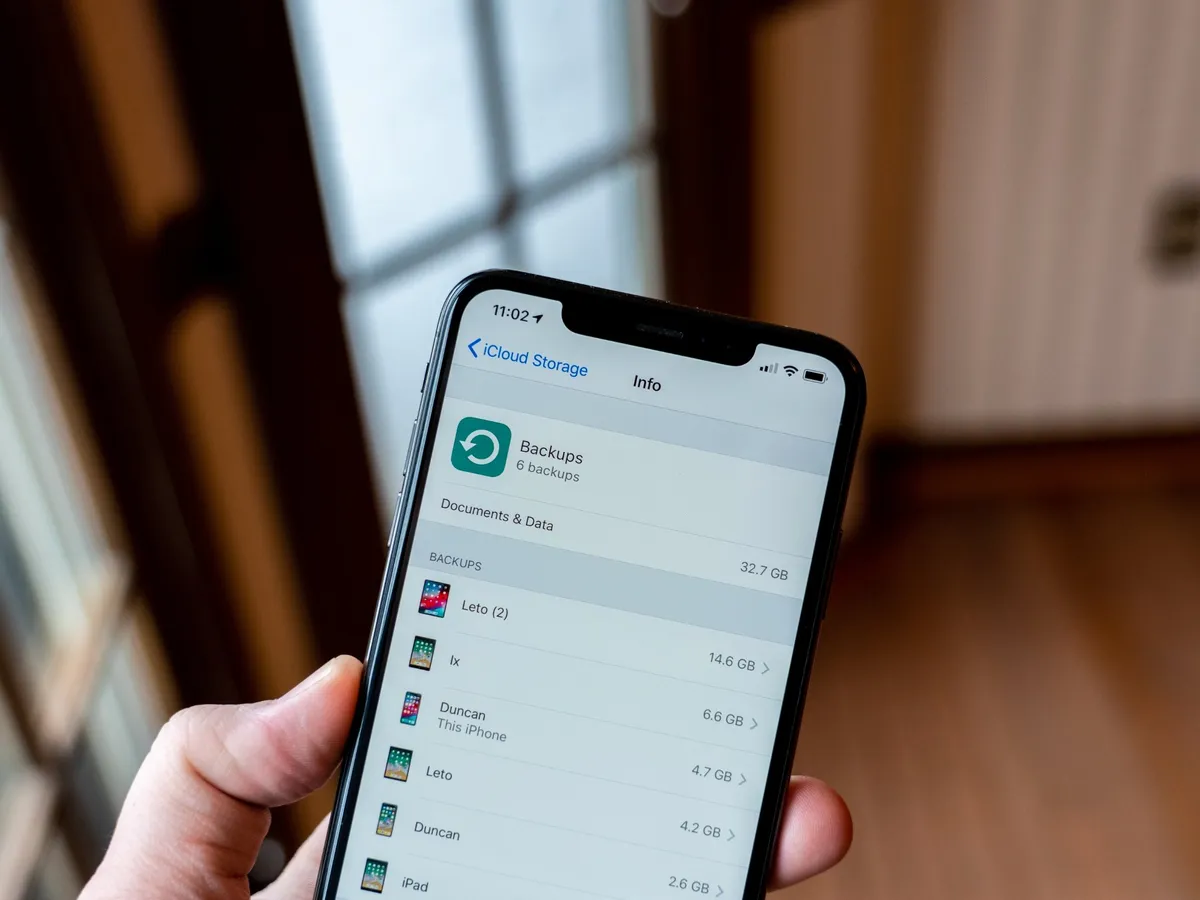
How to choose what your iPhone backs up to iCloud
If you're limited on iCloud storage space, you can manually decide what app data you want, and what you don't!

How to use calendars with Family Sharing
Keeping track of everyone's schedule in the family can be tough. That's why you should make the most out of the Family Sharing feature in the Calendar app.

How to send emoji on the Apple Watch
Take control of emoji on your Apple Watch and send all of the smiley faces, pizza slices, and koalas that you want. Oh, and don't forget the poop emoji.

How to set a default card for Apple Pay on Apple Watch
You can use Apple Pay directly on your Apple Watch, but how do you change your default payment card? Here's how.

How to share content in the App Store
Did you tell all your family and friends about your favorite app? Here's the best way to spread the news.

How to tell if iOS and Mac apps are eligible for Family Sharing
Before you download an app from the Mac or iOS App Store, you can see if it's eligible for Family Sharing. Here's how.
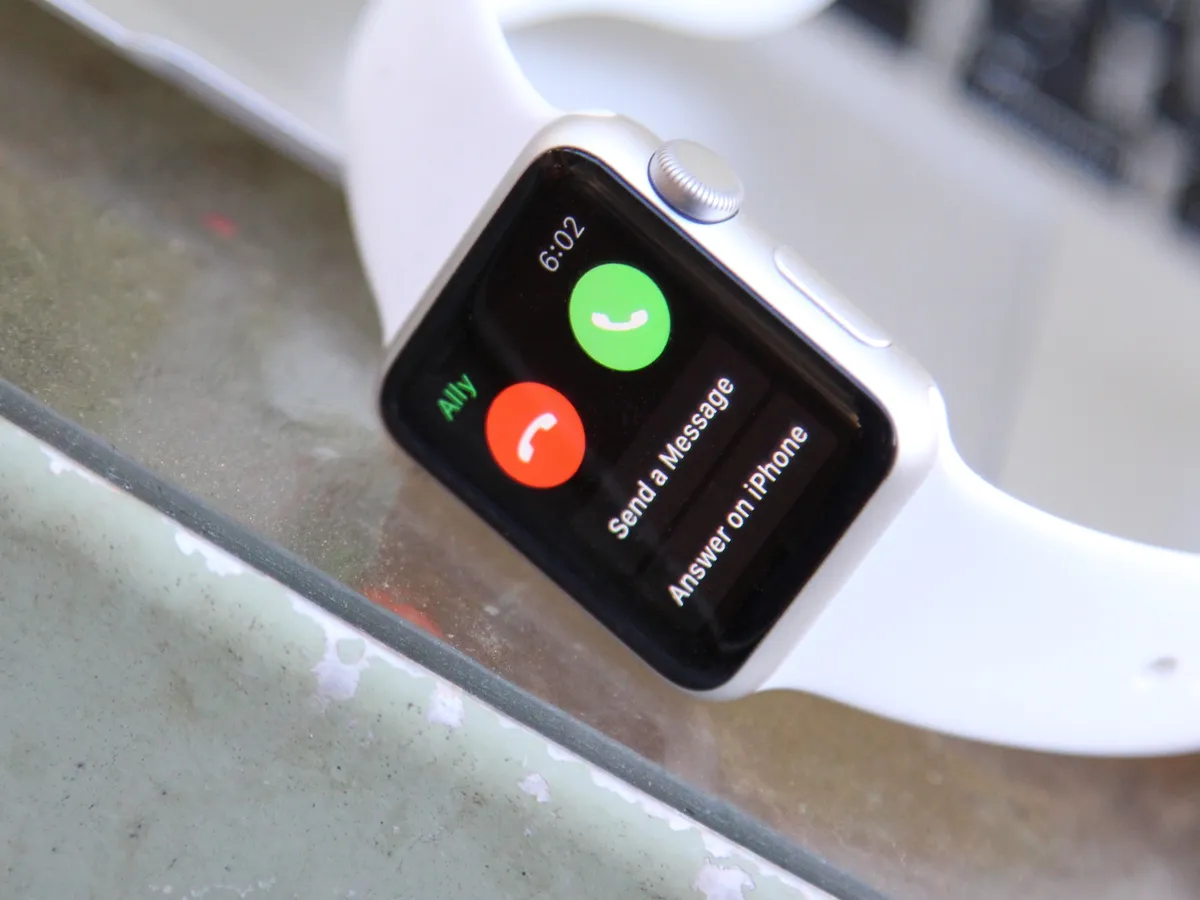
How to transfer a call, message, or email from Apple Watch to iPhone
Need a more solid device to carry on your conversation than your Apple Watch? Use Handoff to switch to your iPhone!
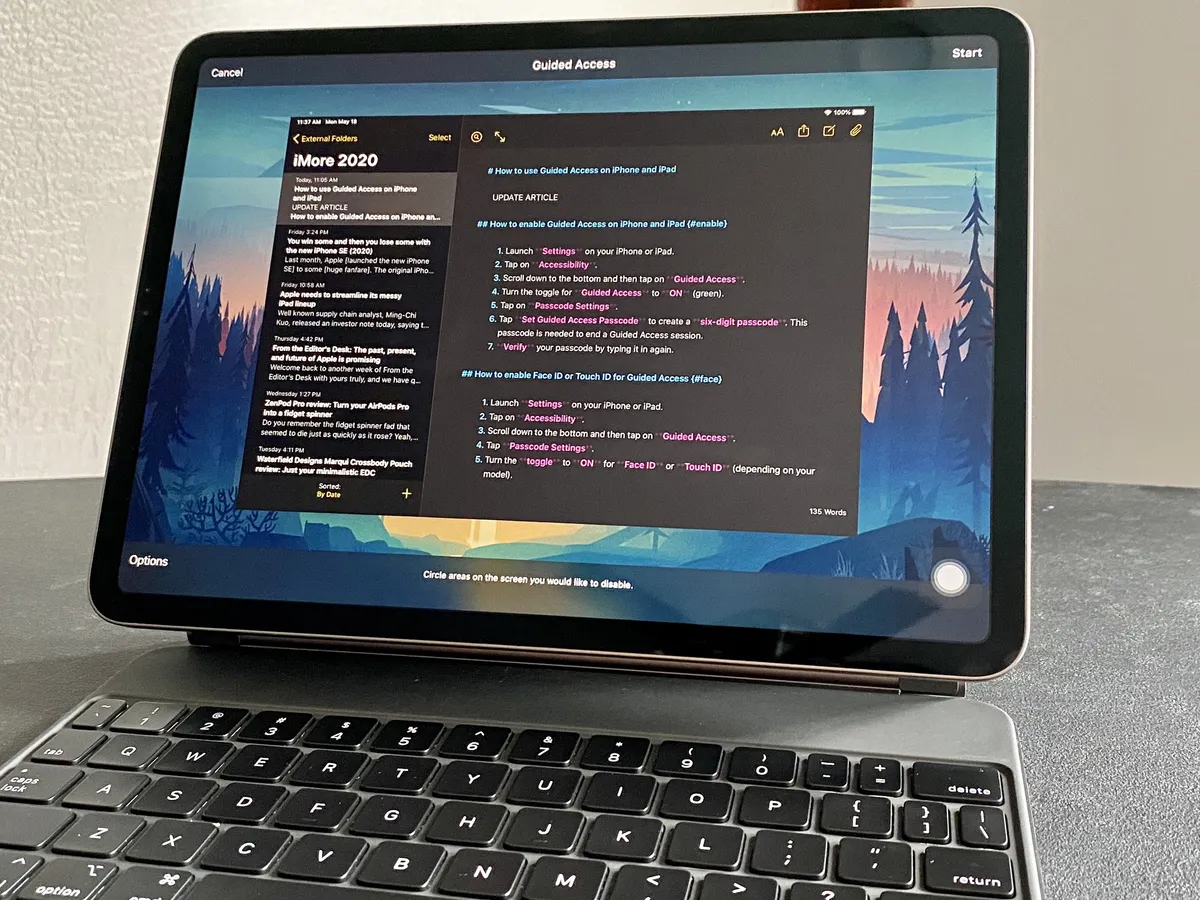
How to use the iPhone Guided Access feature
Want to share something on your iPhone or iPad with someone, but don't want them snooping around your personal stuff? Turn on Guided Access to lock your device to one app.
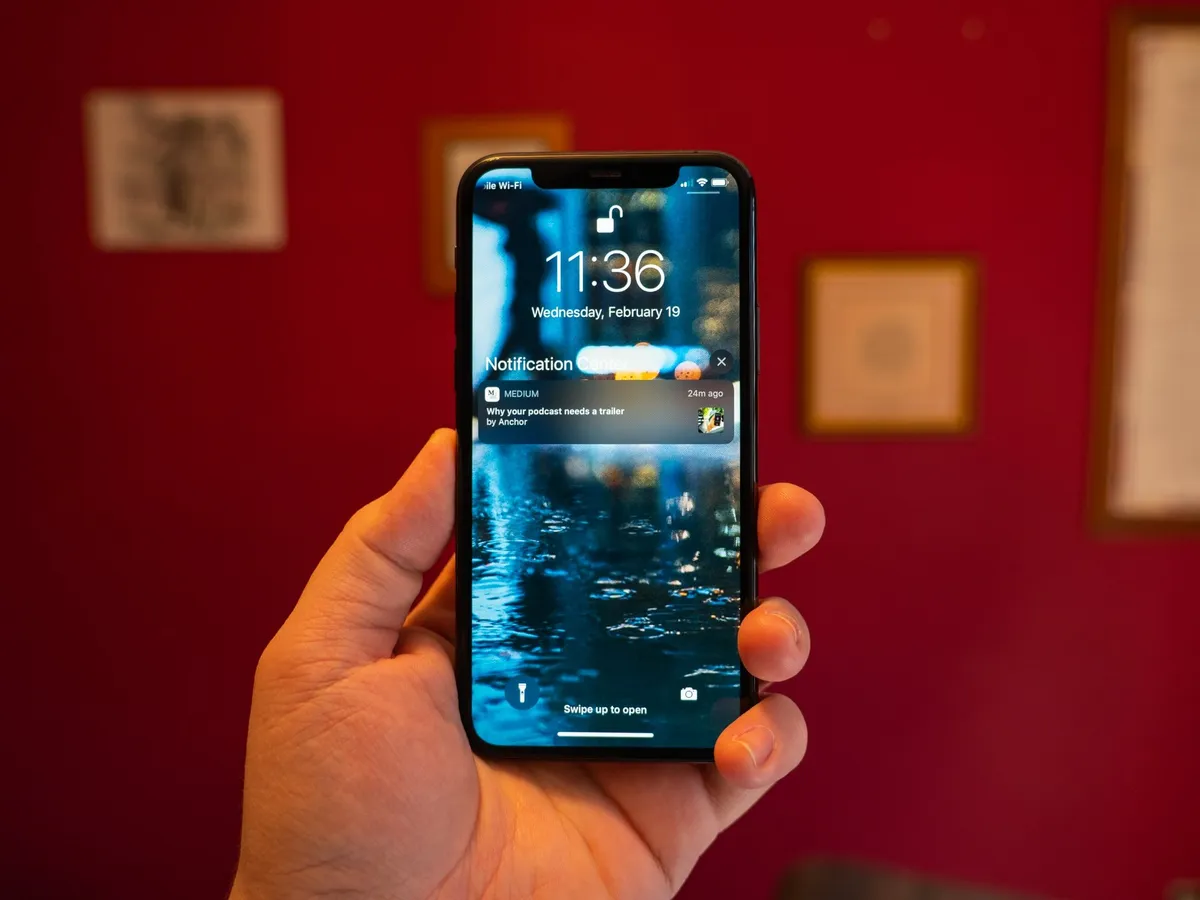
Lock screen: The ultimate guide
What's the Lock screen, how do you use it, and how do you change it to make it your own? Here are your answers!

How to ask Siri for walking and transit directions
Siri can help you do all kinds of things, like finding transit or walking directions, which is great if you are visiting a big city without a car. All you have to do is ask!
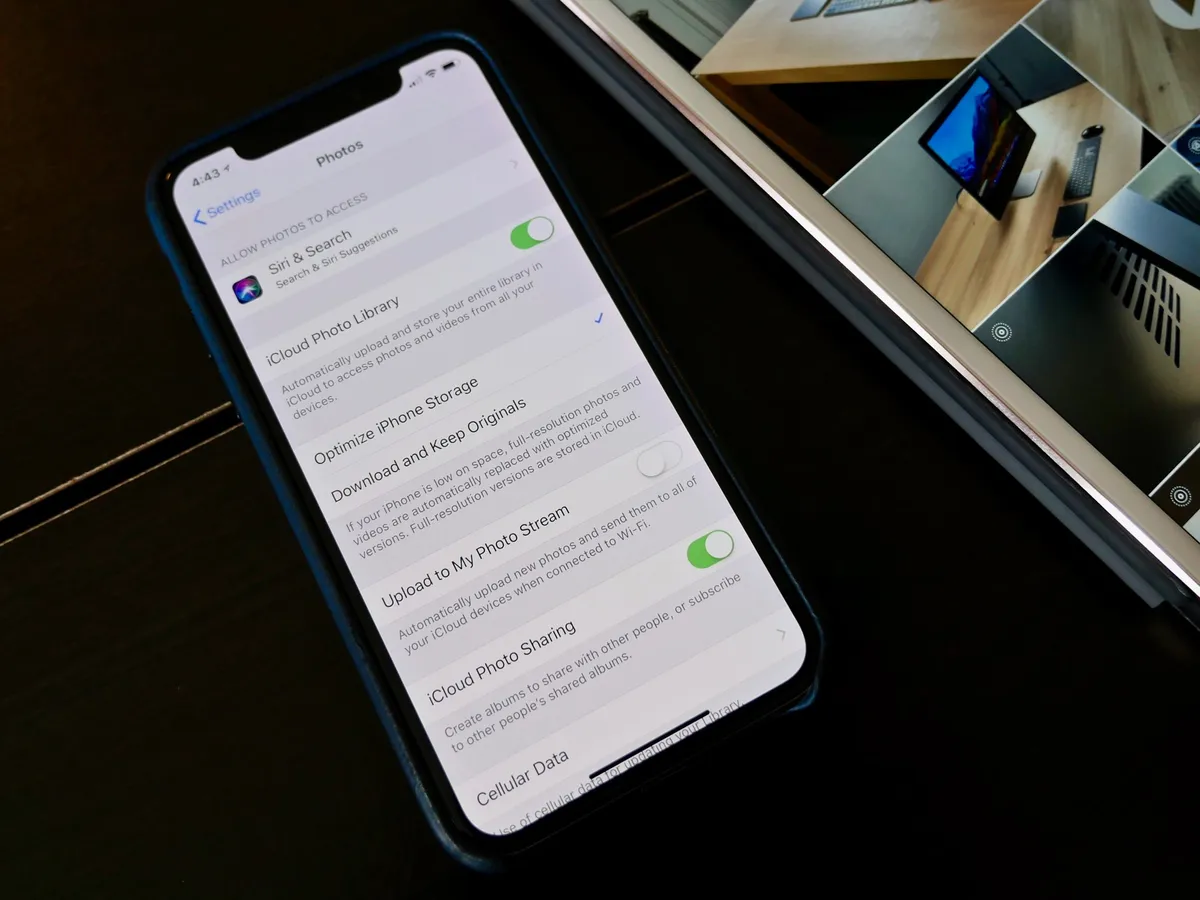
How to keep all your private photos off iCloud
If you keep your private photos off iCloud, you have less of a chance that they will end up somewhere they shouldn't.
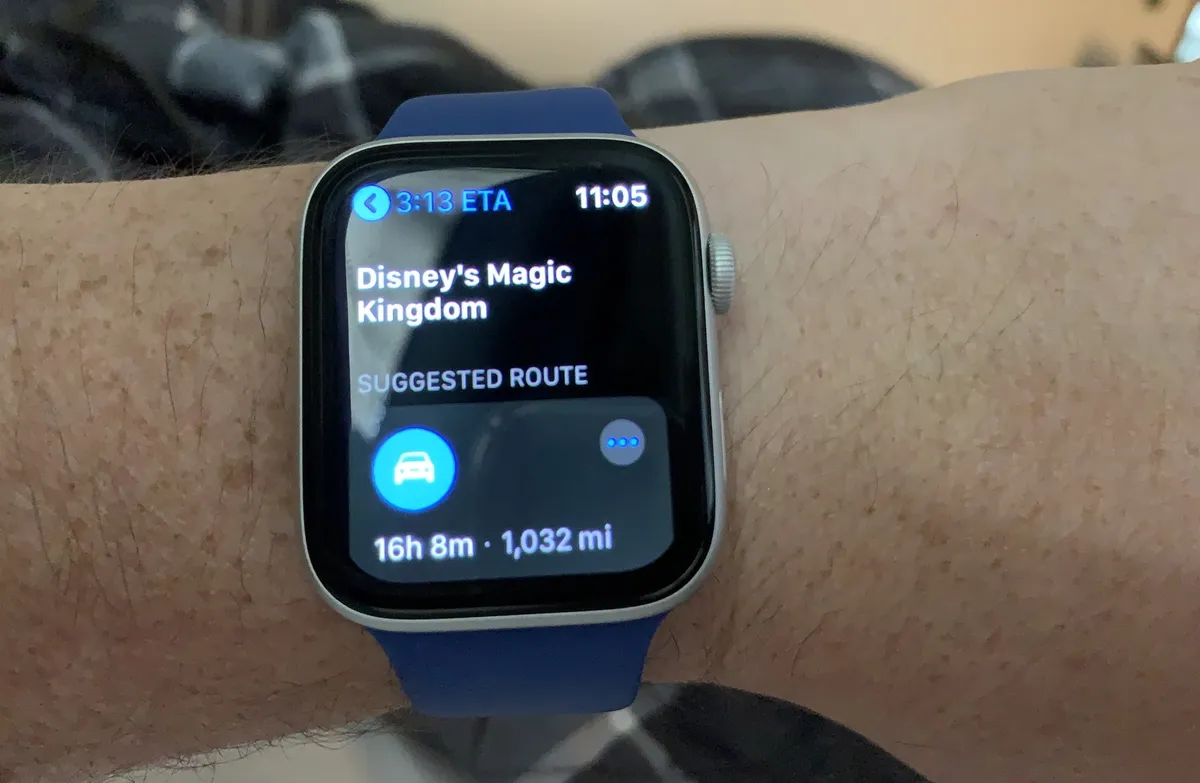
How to check maps and directions on your Apple Watch
Using your Apple Watch to find directions is as simple as asking Siri. Here's what you can do with the Maps app on your wearable device.