Ibooks

How to search for text within a book or PDF with iBooks for iPhone and iPad

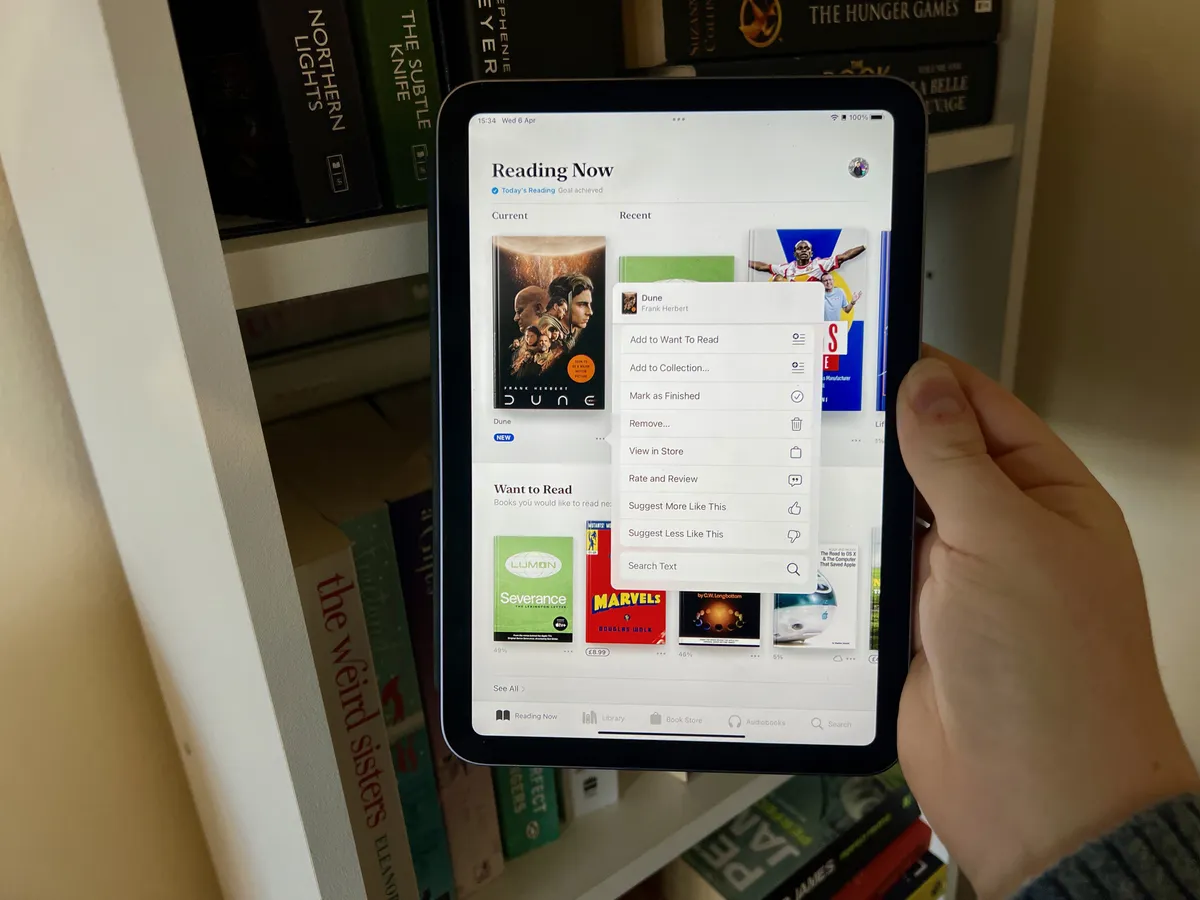
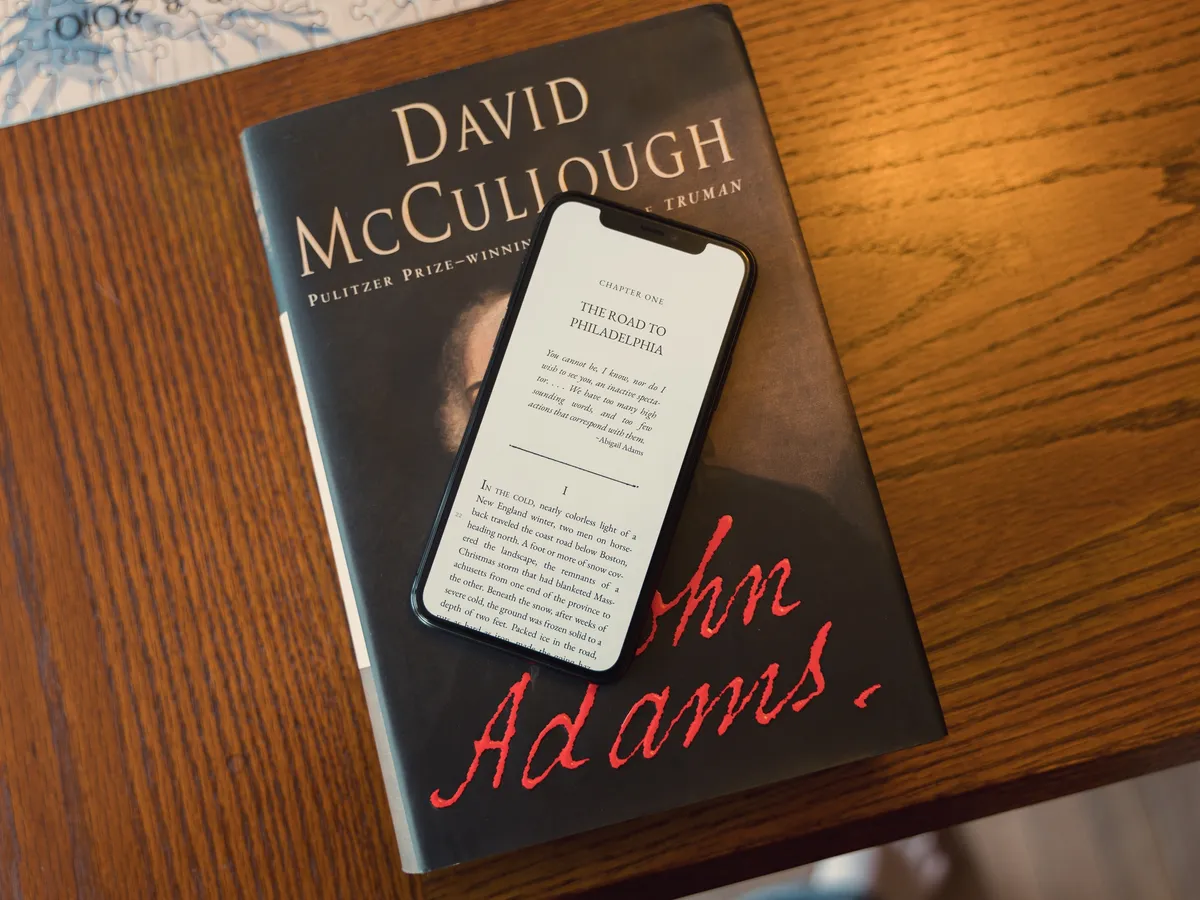
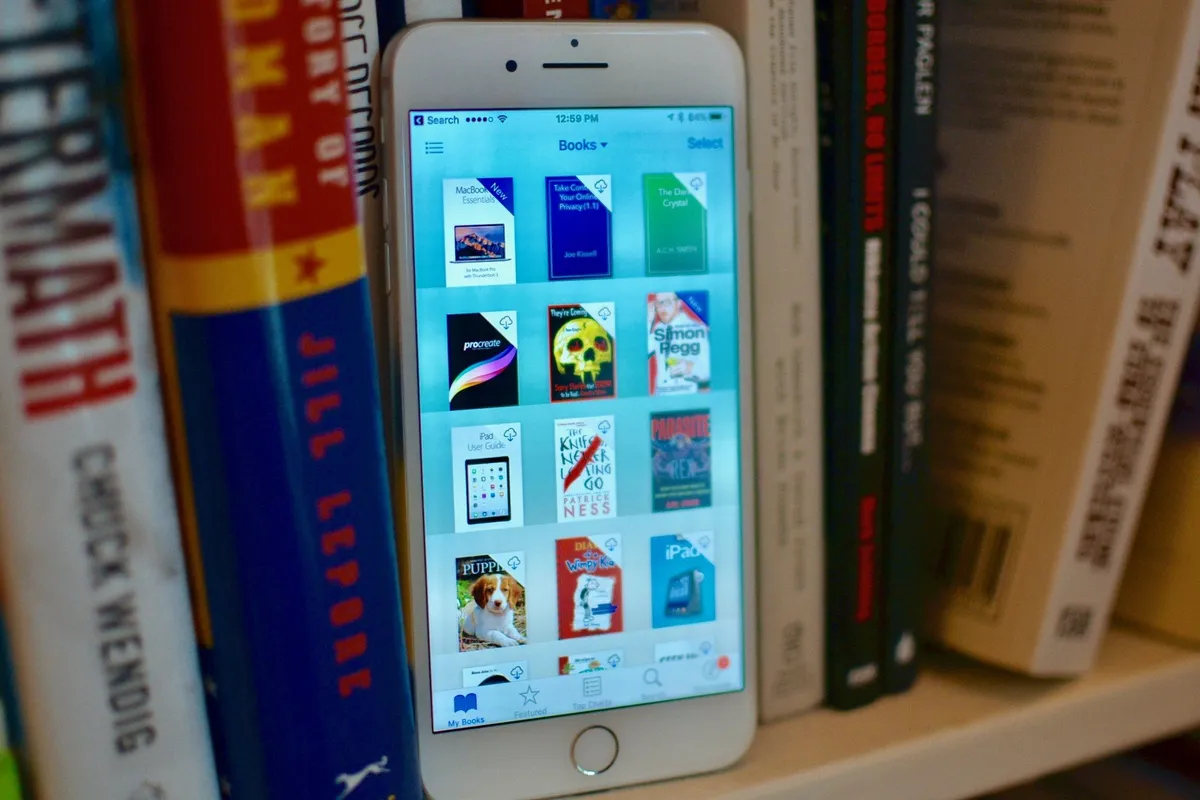
If you use iBooks to organize and hold your books and PDFs, there are lots of useful tools at your disposal to make finding what you're looking for even easier. One of those tools is the ability to search any book or PDF in its entirety for certain text.

Here's how:

More →

4
loading...
6
loading...
45
loading...
0
loading...

Best iPad apps for comic book lovers

The iPad is the best thing that ever happened to comic books, especially on the big, beautiful, 9.7-inch Retina iPad screen. Every page comes to life and every panel just pops. Combine that with the convenience of digital delivery, and even the iPad mini has the ability to hold an entire comic book library in your hand. That's almost every adventure of Superman, Batman, and Wonder Woman, of the Fantastic Four, Avengers, and X-Men, and of indie titles every bit as good if not anywhere nearly as well known. Comic books on the iPad are every fan's dream, but which are the very best iPad apps for realizing that dream? Follow on to find out, true believer!

More →

10
loading...
5
loading...
83
loading...
0
loading...

How to delete books and PDFs from iBooks for iPhone and iPad

iBooks is a great way to download books and PDFs straight to your iPhone and iPad as well as manage them. If you frequently read or download titles that you don't plan on reading again, you can always delete them to remove some clutter from your virtual bookshelves.

Here's how:

More →

3
loading...
2
loading...
38
loading...
0
loading...

How to organize books into collections with iBooks for iPhone and iPad

If you download books with iBooks or use it to save and view PDF files from Safari, you may find yourself scrolling through a lot of titles to find exactly what you're looking for. Instead of searching and weeding through a jumble of books and PDFs, you can easily create collections so you can find what you're looking for faster and more efficiently.

Here's how:

More →

4
loading...
9
loading...
64
loading...
0
loading...

How to view and navigate through a book's table of contents in iBooks for iPhone and iPad

If you use iBooks to purchase and download books to your iPhone or iPad, you have a very easy way to find exactly what you're looking for using the table of contents. It allows you to jump through chapters, read summaries in some cases, and more.

If you're new to iBooks, follow along to find out how to quickly navigate a book using the table of contents on your iPhone and iPad.

More →

3
loading...
1
loading...
31
loading...
0
loading...

How to download a book to your iPhone or iPad with iBooks

iBooks is a great way to download not only PDF files for safe keeping, but an even better way to download books. After all, that's what it was made for. The iBookstore has a vast collection of every kind of book you could possibly think of. Whether you're new to iOS in general or have never used iBooks until now, here's how to get started with download books on your iPhone or iPad.

More →

4
loading...
5
loading...
73
loading...
0
loading...

iBooks updated with support for users in Japan and better Asian language handling

Apple has just updated iBooks to version 3.1 which will now bring the iBookstore to Japan. Outside of Japanese users now being able to purchase books, more Asian language support has also been added.

More →

4
loading...
4
loading...
36
loading...
0
loading...

DC Comics coming soon to iBooks, Kindle, and Nook

DC Comics has just announced a deal to bring their monthly content to Apple's iBooks as well as to the Kindle and Nook online stores. While DC Comics already has offerings in the App Store in the form of graphic novels via their own apps or apps like ComiXology, monthly content hasn't been available in iBooks natively, until now.

More →

0
loading...
6
loading...
70
loading...
0
loading...

Deconstructing Apple's October iPad and Mac event

On October 23, 2012, Apple held a special event to introduce their new Mac and iPad lineups. Unlike the previous month's iPhone 5 and iPod event, it wasn't bifurcated into effectively two different keynotes, nor was almost any time at all spent on software. Instead, one after another, product after product, spec updates, redesigns, and entirely new hardware was shown off on the California Theater stage. It was an unprecedented display of force projection. It was Apple firing everything. It was Tim Cook clearing his skies.

More →

0
loading...
8
loading...
32
loading...
0
loading...

Apple, iBooks, and competing with Kindle

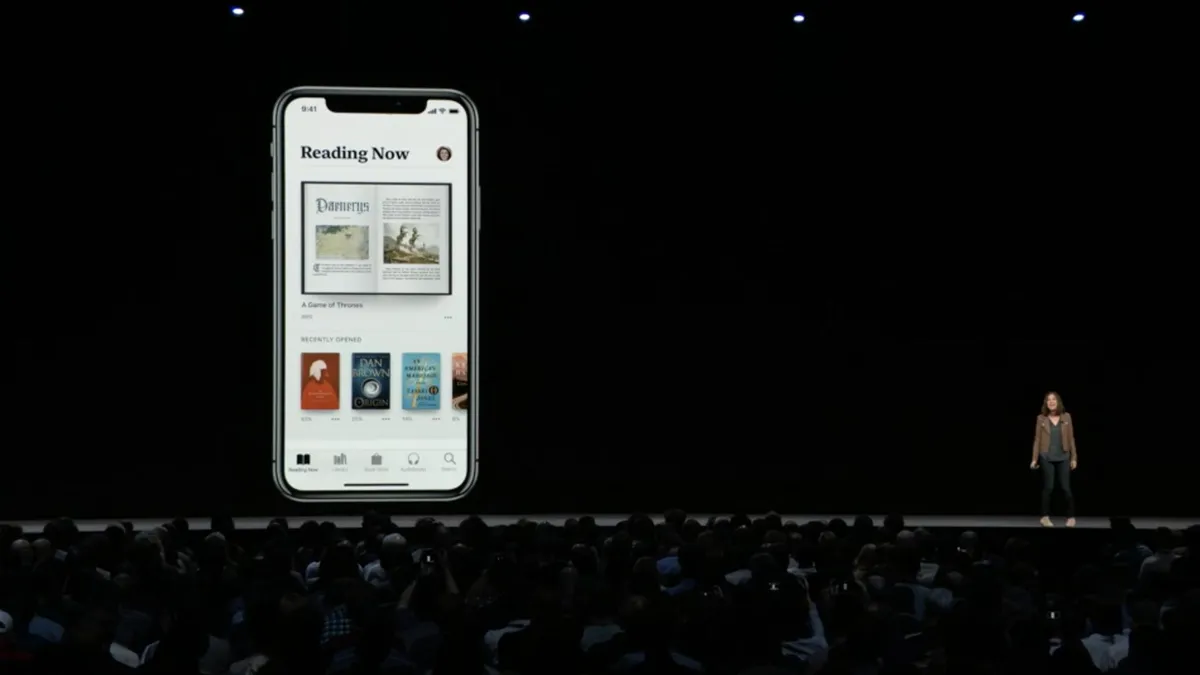
Buried among the numbers at yesterday's iPad and Mac event, Tim Cook announced a new version of iBooks with a few new features. From the beginning I'd heard the iPad mini was about removing weight and cost as barriers of entry to iPad sales, and about taking the ebook fight to Amazon and, as Ryan Block of GDGT aptly terms them, their Kindle line of consumer content appliances. Yet the event came and went without Apple matching the Kindle on pricing, or challenging Amazon on ebooks. Why?

More →

0
loading...
13
loading...
71
loading...
0
loading...

Pages