Daily Tip: How to stop your iPhone from switching tracks when you dance
Dancing while holding your iPhone and wondering how to stop it from switching tracks every time you shake your groove thing? It might sound silly, but we've been asked about this several times so we figured we better write it up once and for all. Luckily, it's easy to prevent your popping from locking up, just follow on after the break!
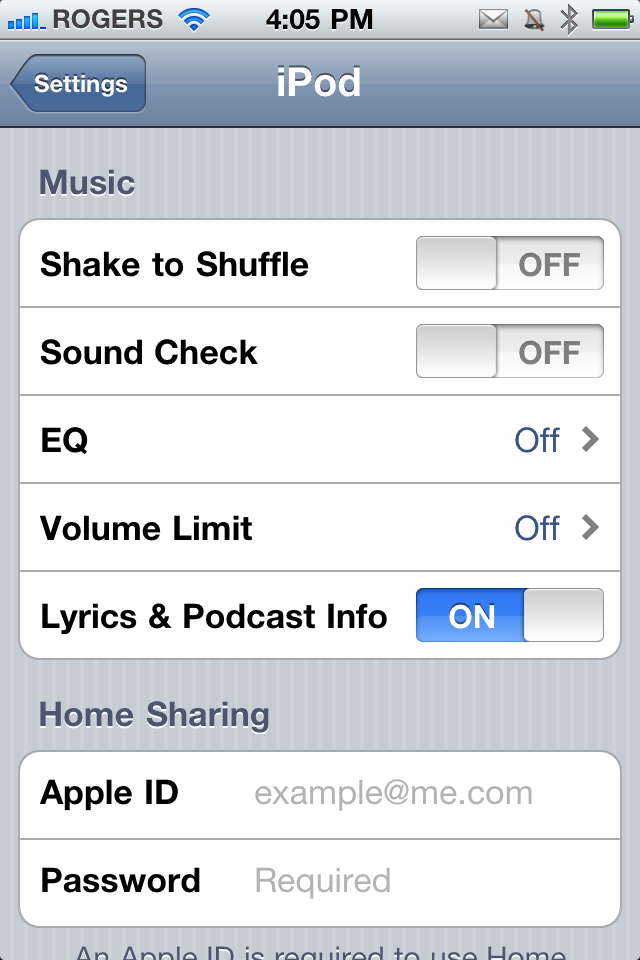
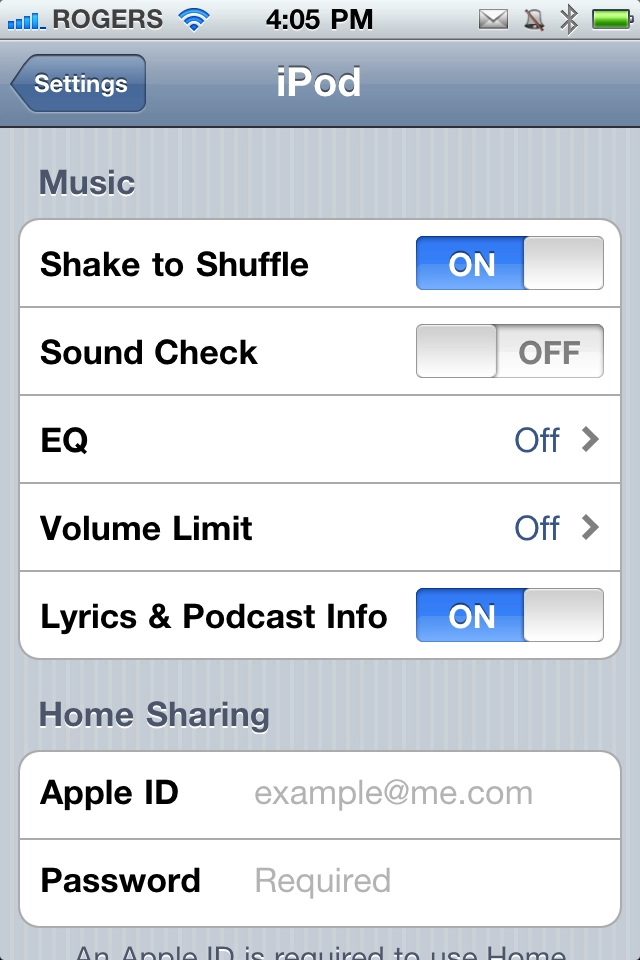
We've already gone over how Apple implemented Shake to Undo for text editing in iOS, but they've also implemented Shake to Shuffle for the iPod (or Music) app as well. If it's switched on, any significantly large movement will cause your current song to stop and a random new song to start playing. While you can use this to good effect if you mean to, if you're not aware of it it can drive you crazy.

Here's where you find the switch:
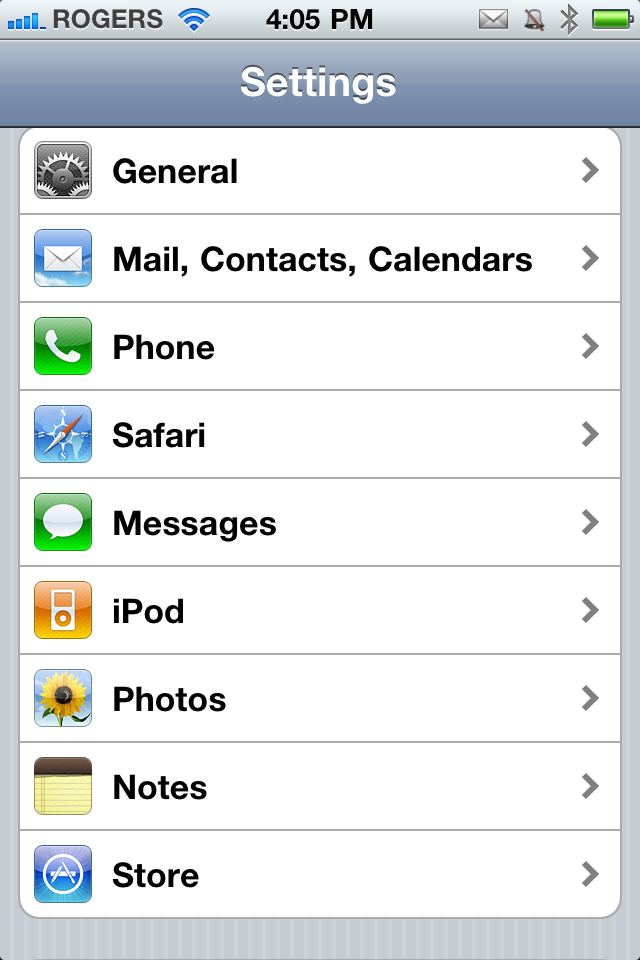
There you go, no more unintentional harshening of your dance mellow! And if you decide one day you do want to shake up to shuffle up, just repeat the process and toggle it back on.
If you have any other iPod/Music tips to share, drop them in the comments!
Tips of the day will range from beginner-level 101 to advanced-level ninjary. If you already know this tip, keep the link handy as a quick way to help a friend. If you have a tip of your own you'd like to suggest, add them to the comments or send them in to news@tipb.com. (If it's especially awesome and previously unknown to us, we'll even give ya a reward...)
| Tweet |
|
|
Leave a Reply
Note: Comments must be civil, respectful, and on-topic. If a comment does not add to the conversation, if it contains spam advertising, or inappropriate language or content, it will be removed. Insulting the topic, author, staff, site, network, or other commenters will result in the comment being marked as spam and potential prevent future comments from appearing on the site. Do not post as a business or your comment will likely be confused with spam. Comments containing links may be held for moderation. Relax, enjoy, and share in the discussion.


Are you an aspiring dancer Rene?
Does anyone really dance with their iPhone? And if so, do they really get this problem? Nonetheless, good tip.
Even if you don't dance, this is handy if your a runner also!
It only shuffles inside the iPod or Music app, correct?
Somewhat. I've had experiences outside the app when it did respond to the shake, and when it did not. My guess is if you're not typing then it will go ahead and shuffle.
Lol, I love the title.
"Popping from locking up" Awesome song and great play one words. Great tip!
uncanny, a few months ago my mum was saying that her iPhone would "skip tracks as she walked" so I had to show her this one
On the next iPhone live - I, personally, think Renee should demonstrate this by dancing with and without that option chosen :p
Oh, it's on! Gotta dust off my Snoopy Dance!
Great tip... I was on a business trip and had just bought the iPhone3G, and was running on the treadmill and my phone continued to do this. I drove about 45 minutes to the nearest Apple Store, and told the guy that it was broken, and kept skipping. He was actually pretty cool about it, and simply showed me how to turn the shuffle off. Needless to say, I was rather embarrassed...wish I had known this tip then!
Solid tip! Now I can bust-a-move in peace.
THANK YOU. This has been torture for way too long. I never thought to go into settings. DUH.