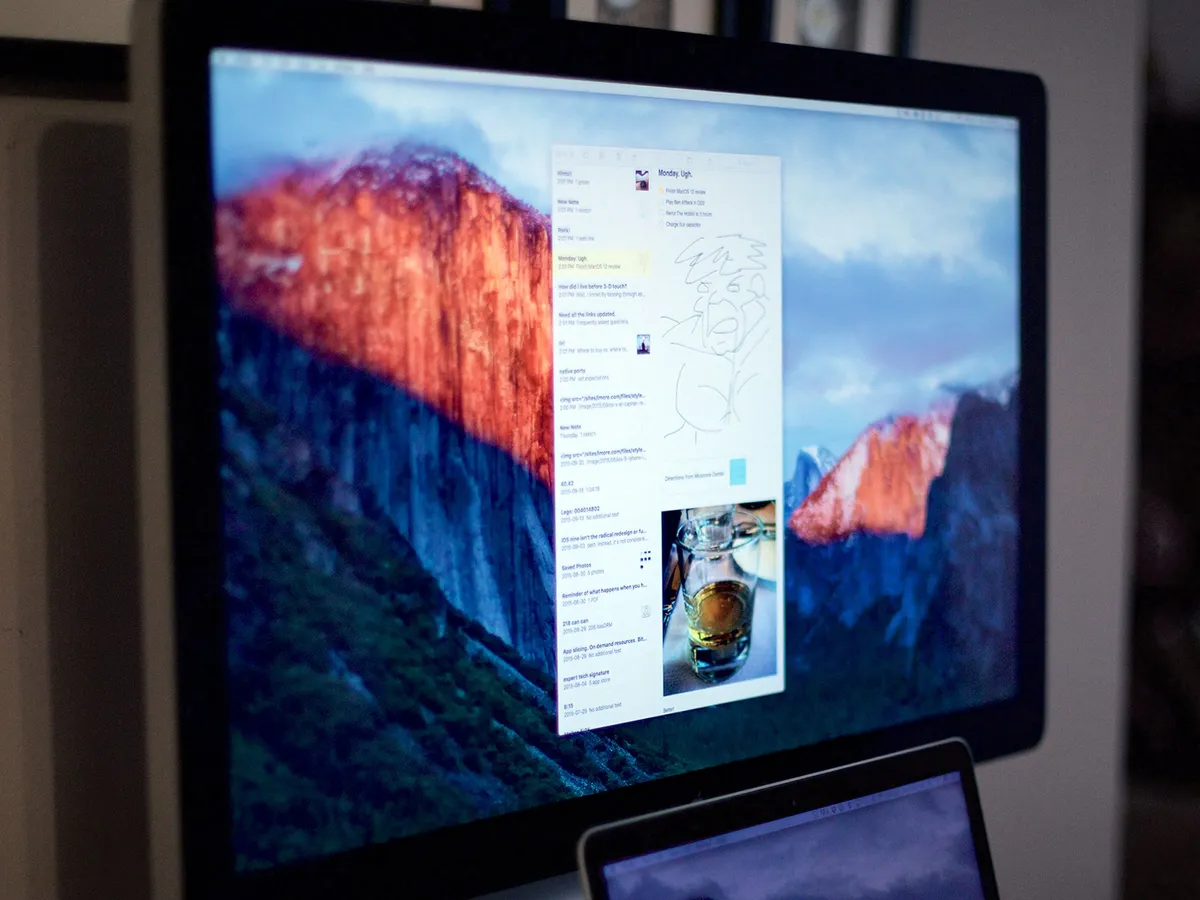
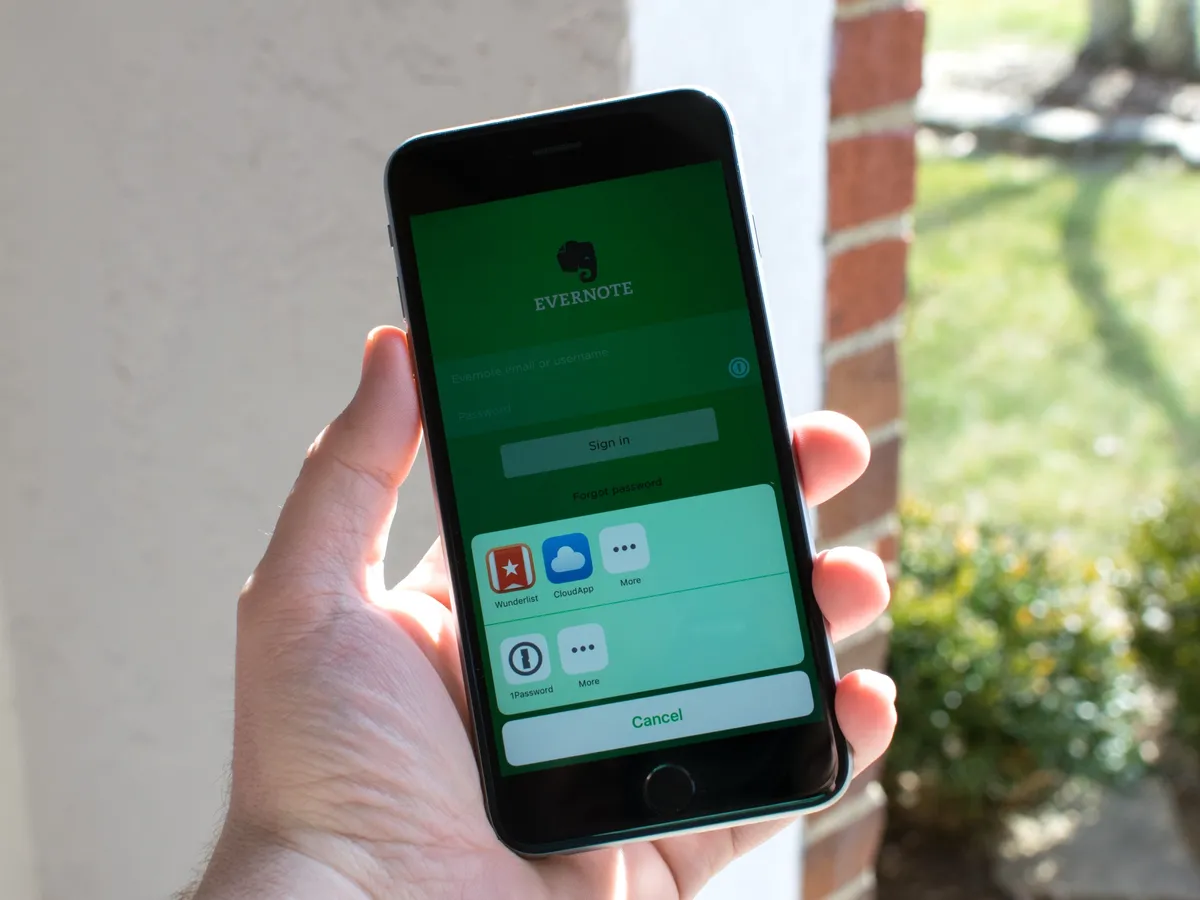
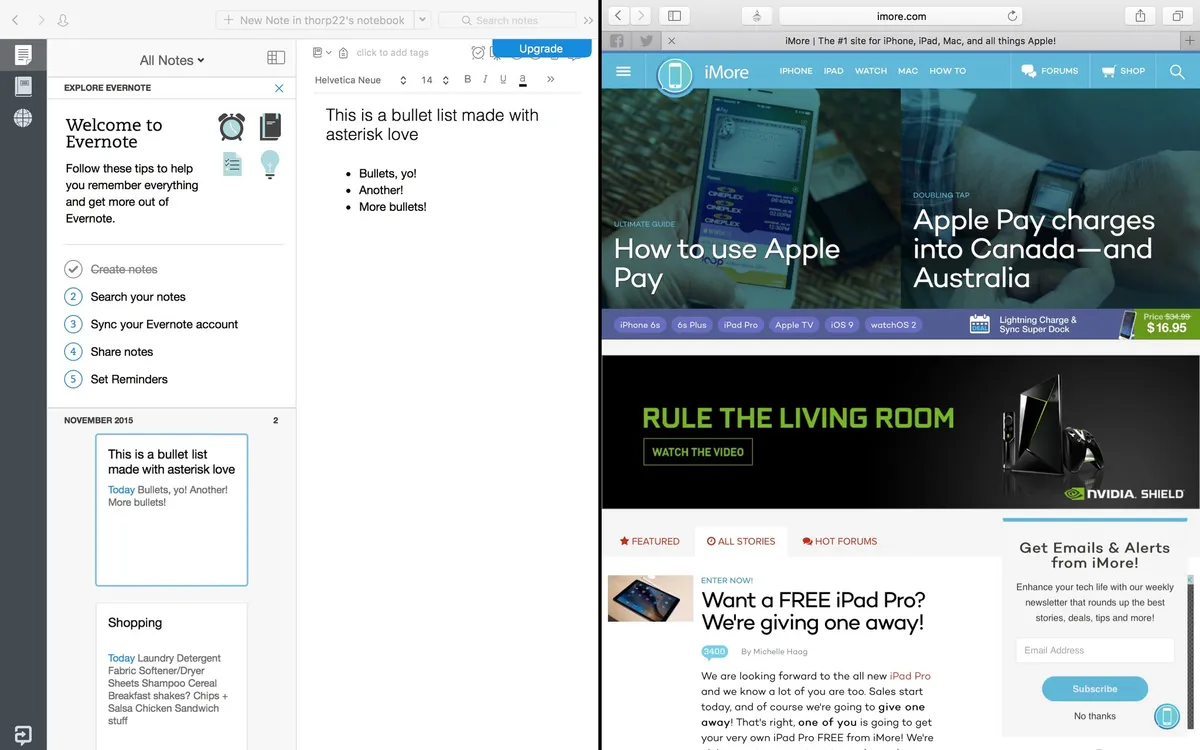
EverClip for iPad is an app that allows you to clip various things from across the internet as well as many third party apps. Once you've clipped it, you can launch EverClip and automatically send it straight to your Evernote account right from your iPad. This can include links, any amount of text, images, and more. If you like to keep track of things in your Evernote account, EverClip can make getting the content there even easier.
Evernote, the popular cross-platform note-taking service, has issued a global password reset for all users following the discovery of suspicious activity described as a coordinated attempt to gain access to their system. In an email sent out by the company, Evernote said:
Evernote has been updated to version 5.2, adding a slew of new features, including an improved PDF viewer, Snippets, new formatting options, and new features for Evernote Business.
Evernote has announced version 5 of its iOS app. The update includes several new and improved features, including a new home screen, a more streamlined interface for accessing your notes, a Places map, and an improved Page Camera. This update also focuses on speed.
Evernote, makers of the widely popular note-taking and idea management apps for iPhone, iPad, and pretty much every platform you can think of, have bought Penultimate, one of the premiere hand-written note-taking apps on the iPad. Evernote will be keeping Penultimate as a separate app, however, and will be moving to push it out to other platforms as well.
"Evernote is hands down the best way to take and organize notes on the iPad whether you're in class, in a meeting, or on the go. Pair that with the ability to use Evernote across any platform available and it simply can't be beat."
Taking notes on the iPad is a great way to save on the amount of physical paper you have floating around and a much easier way to stay organized. There's so many note taking apps in the App Store that choosing one can be a bigger task than anything. Syncing notes across all your devices and organizing them has never been easier when you use Evernote for iPad. If you prefer typing out your notes instead of using a handwritten notes app, Evernote is the best choice.
The original handwriting app, Penultimate, is better than ever with its recent update that brings support for Dropbox and Evernote. You can send your notes directly to Dropbox or Evernote and setup Penultimate to automatically backup to Dropbox so that all your notes are always available in the cloud.
TiPb takes a look at the top 5 best iPhone and iPad apps to help you succeed with your New Year's resolutions in fitness, finances, organization, dieting, and kicking a bad habit.
2012 is the year you're going lose weight, get in shape, get your finances in order, quit smoking, and organize your life - and your iPhone and iPad apps are going to help you with your success! There are a plethora of apps out there to choose from, however, so we've gathered up a few of our favorites to help you with your New Year's resolutions.
Given that I spread my device usage across many different platforms such as iOS, Android and yes, even BlackBerry -- I find I have a few standard apps that I like to use. There is of course an exception when it comes to iOS, because I'm not overly fond of the native Twitter client on any OS but for the most part -- my most used apps all revolve around productivity for me and getting things done when I really need to. Read on for my selections
Evernote has released the popular photo drawing application, Skitch, for the iPad. With Skitch, you can annotate your photos and screenshots with shapes, arrows, sketches and text.
I have always been a huge fan of Skitch and I'm so excited to see it on the iPad. I often use Skitch for Mac to edit screenshots for tips that I post here on TiPb, but now I'll save some time using my iPad, instead. The best part? It's free!