
When you’re thinking about jailbreaking your iPhone, or even un-jailbreaking, updating it from an old and expired iOS beta, or just need a solution when everything else has failed and the issue persists, then you probably need to go into DFU (Device Firmware Update) mode. With DFU mode, think of it as a nuclear solution when nothing else works — this is definitely a last resort kind of fix. DFU mode will work on any model of iPhone, iPad, or even iPod touch, though the directions for doing so may differ slightly between models. This is what to do after trying to put your iPhone or iPad into recovery mode.

But what is DFU mode, exactly? It lets you get a borked device back into proper, working order by putting it into a specific state that can still communicate with iTunes on Windows, or Finder on Mac. This is critical because it is necessary to restore your device, but DFU mode won’t activate the bootloader on iOS, just in case the device is truly borked. Having the device in DFU mode lets you restore it, no matter what state it is in.
The only catch? Getting into DFU mode is a little tricky, and requires exact timing. So here’s how to put your best iPhone or iPad into DFU mode.
How to put your iPhone with Face ID into DFU mode

Ever since the iPhone X, most new iPhones use Face ID instead of Touch ID, since there is no longer a Home button. So getting into DFU mode can be a little more tricky than older iPhone models. Here's how to get into DFU mode on a more recent iPhone, such as the iPhone 13 Pro.
- Plug in your iPhone with Face ID into your Mac or PC.
- Make sure that iTunes (macOS Mojave and PCs) or Finder (macOS Catalina and later) is running.
- Turn off your iPhone with Face ID if it isn't already.
- Quickly press and release the volume up button.
- Quickly press and release the volume down button.
- Press and hold the side button until the Power Off sliderappears.
- Drag the slider to power your device off.
- Press and hold the side button (On/Off) of your iPhone for 3 seconds.
- While still holding down the side button, press and hold down the volume down button on the left side of your iPhone.
- Continue to hold both buttons down for 10 seconds. If you see the Apple logo, you've held them down for too long, so you'll need to try again.
- Release only the side button (On/Off) but continue holding down the volume down button for another 5 seconds. If you see the "Plug into iTunes" screen, then you've held it too long and need to try again. The timing can be tricky, so don't be afraid to try again until you get it.
- If the screen has stayed black (but clearly illuminated), then you're in DFU mode.
At this point, iTunes or Finder on your computer should have detected an iPhone and allow it to be restored.
How to put your iPad Pro with Face ID into DFU mode

Since the 3rd-generation iPad Pro (2018), Apple got rid of the Home Button and Touch ID on current iPad Pro models in exchange for Face ID, just like with the higher-end iPhone models. So getting it into DFU mode is just like with an iPhone with Face ID.
- Plug in your iPad Pro with Face ID into your Mac or PC.
- Make sure that iTunes (macOS Mojave and PCs) or Finder (macOS Catalina and later) is running.
- Make sure the iPad Pro is turned off.
- Quickly press and release the volume up button.
- Quickly press and release the volume down button.
- Press and hold the Power button at the top until the Power off slider appears.
- Drag the slider to power the iPad Pro off.
- Press and hold the Power button for 3 seconds, until the screen turns black.
- While you're still holding the power button, press and hold down the volume down button.
- Continue to hold both buttons down for 10 seconds. If the Apple logo appears, you've held it for too long, so try again.
- Release the side button but continue holding the volume button down for 5 seconds. Remember, if the "Plug into iTunes" screen comes on, you've held the buttons down for too long and need to try again.
- If the screen remains black but is illuminated, your iPad Pro is successfully in DFU mode.
How to put your iPhone 8 or iPhone SE (2020 and 2022) into DFU mode
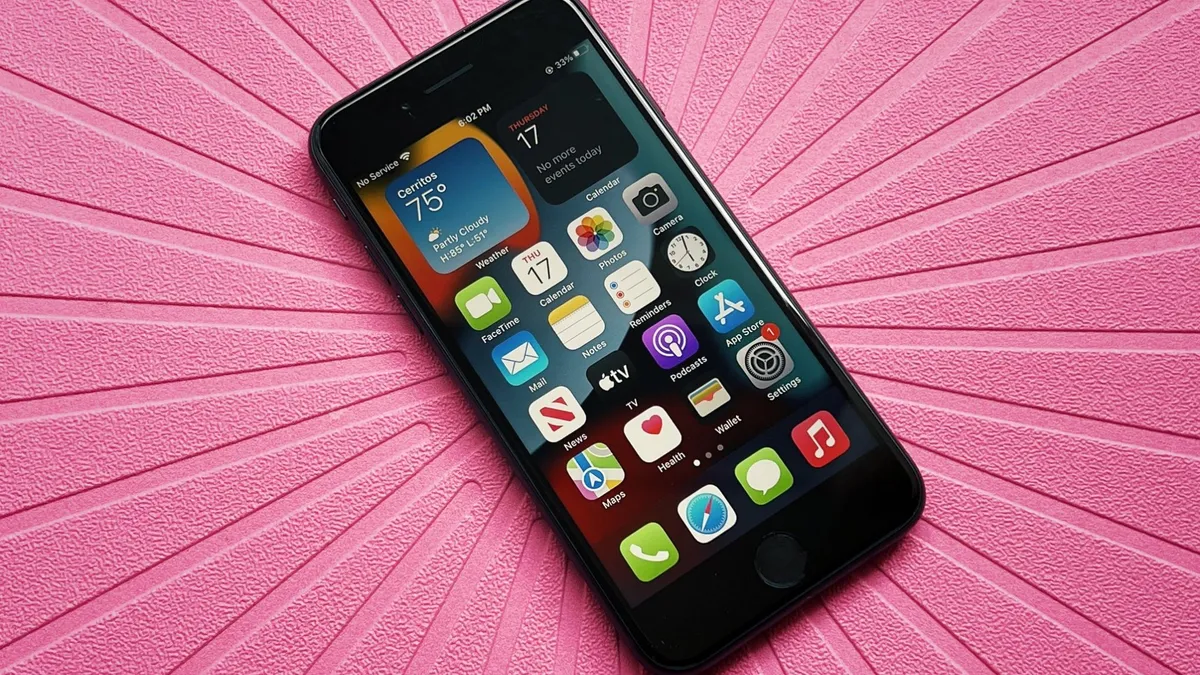
With the reassignment of more-common button combinations to Apple's SOS mode, DFU mode is a bit different on the iPhone 8, as well as the iPhone SE (2020) and iPhone SE (2022), compared to previous generations. Here's how to reboot, reset, or enter DFU mode on an iPhone SE 2/3 and iPhone 8.
- Plug your iPhone 8 or iPhone SE 2/3 into your Mac or PC.
- Make sure that iTunes (macOS Mojave and PCs) or Finder (macOS Catalina and later) is running.
- Turn Off your iPhone 8 or iPhone SE 2/3 (if it isn't already).
- Quickly press the volume up button.
- Quickly press the volume down button.
- Press and hold the side button until the power off slider appears.
- Slide the power off slider to the right.
- Press and hold down the On/Off button on the right side of your iPhone for 3 seconds.
- Press and hold down the volume down button on the left side of your iPhone while still holding down the On/Off button.
- Keep holding both buttons down for 10 seconds. If you see the Apple logo, you've held them too long and will need to start again.
- Let go of the On/Off Button but keep holding the volume down button for about 5 seconds. If you see the "Plug into iTunes" screen, then you've held it too long and will need to start again.
- If the screen stays black but is clearly on, that's it! Your iPhone should now be in DFU mode.
How to put your iPhone 7 into DFU mode

If you're still using an iPhone 7 or 7 Plus, here's how to reboot, reset, or enter DFU mode on iPhone 7.
- Plug in your iPhone 7 or 7 Plus to your Mac or Windows PC.
- Make sure that iTunes (macOS Mojave and PCs) or Finder (macOS Catalina and later) is running.
- Turn off your iPhone 7 or 7 Plus if it isn't already.
- Press and hold down the side button on the side of the device for 3 seconds.
- Swipe the slide to power off slider to the right**
- After the device has been turned off, press and hold down the side button on the side of the device for 3 seconds.
- Press and hold down the Home button on the front of the device while still holding down the side button.
- Continue to hold down both buttons down for 10 seconds. If you see the Apple logo, you've held them too long and will need to start again.
- If the screen stays black but is lit up, your iPhone 7 or 7 Plus should now be in DFU mode.
How to put your iPhone 6s or earlier, iPad (with Home button), or iPod touch into DFU mode
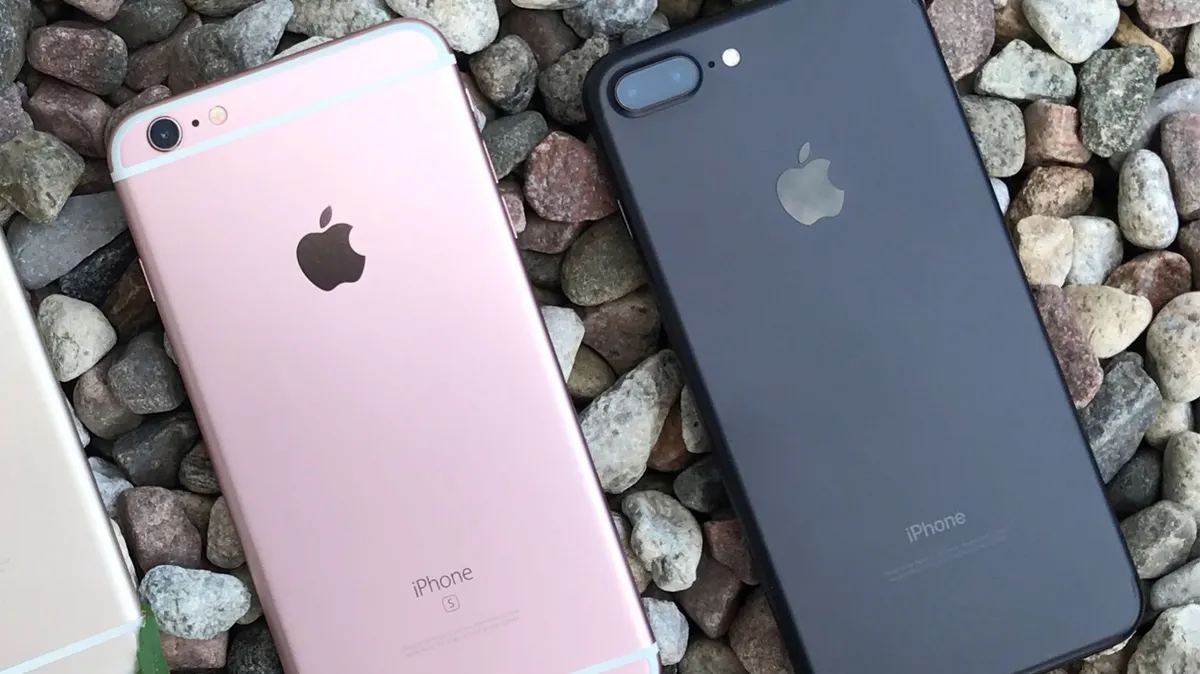
These instructions work for all iPhone models before iPhone 7 (iPhone 6s and earlier, including 1st-generation iPhone SE), along with all models of iPad (with Home Button) and iPod touch.
- Plug in your iPad or iPod touch to your Mac or Windows PC.
- Make sure that iTunes (macOS Mojave) or Finder (macOS Catalina and later) is running.
- Turn Off your iPad or iPod touch if it isn't already.
- Press and hold down the On/Off button for 3 seconds.
- Swipe the slide to power off slider to the right.

- After the device has been turned off, press and hold down the On/Off button on the top of your device for 3 seconds.
- Press and hold down the Home button on the front of your device while still holding down the On/Off button.
- Keep holding both buttons down for 10 seconds. (If you see the Apple logo, you've held them too long and will need to start again.)
- Let go of the On/Off Button but keep holding the Home button for about 5 seconds. (If you see the "Plug into iTunes" screen, then you've held it too long and will need to start again.)
- If the screen stays black while illuminated, that's it! Your iPad or iPod touch should now be in DFU mode.

At this point, iTunes or Finder should show you an alert saying it has detected your iPad or iPod touch and will allow it to be restored.
Reminder: If you see any logos on your device, you might be in Recovery Mode, but you're not in DFU mode. If Recovery Mode works, great. If not, try for DFU Mode again.
DFU mode can fix most of your iPhone issues if nothing else works
Yes, it can be a little tricky to get your iPhone, iPad, or even iPod touch into DFU mode since the timing is a little tricky. However, with perseverance, you should get it. It just takes a few tries, even for us pros. If you're experiencing some issue with your device that nothing else seems to help with, then restoring in DFU mode is probably your best bet.
Updated July 2022: These are still the steps to take to go into DFU mode.

