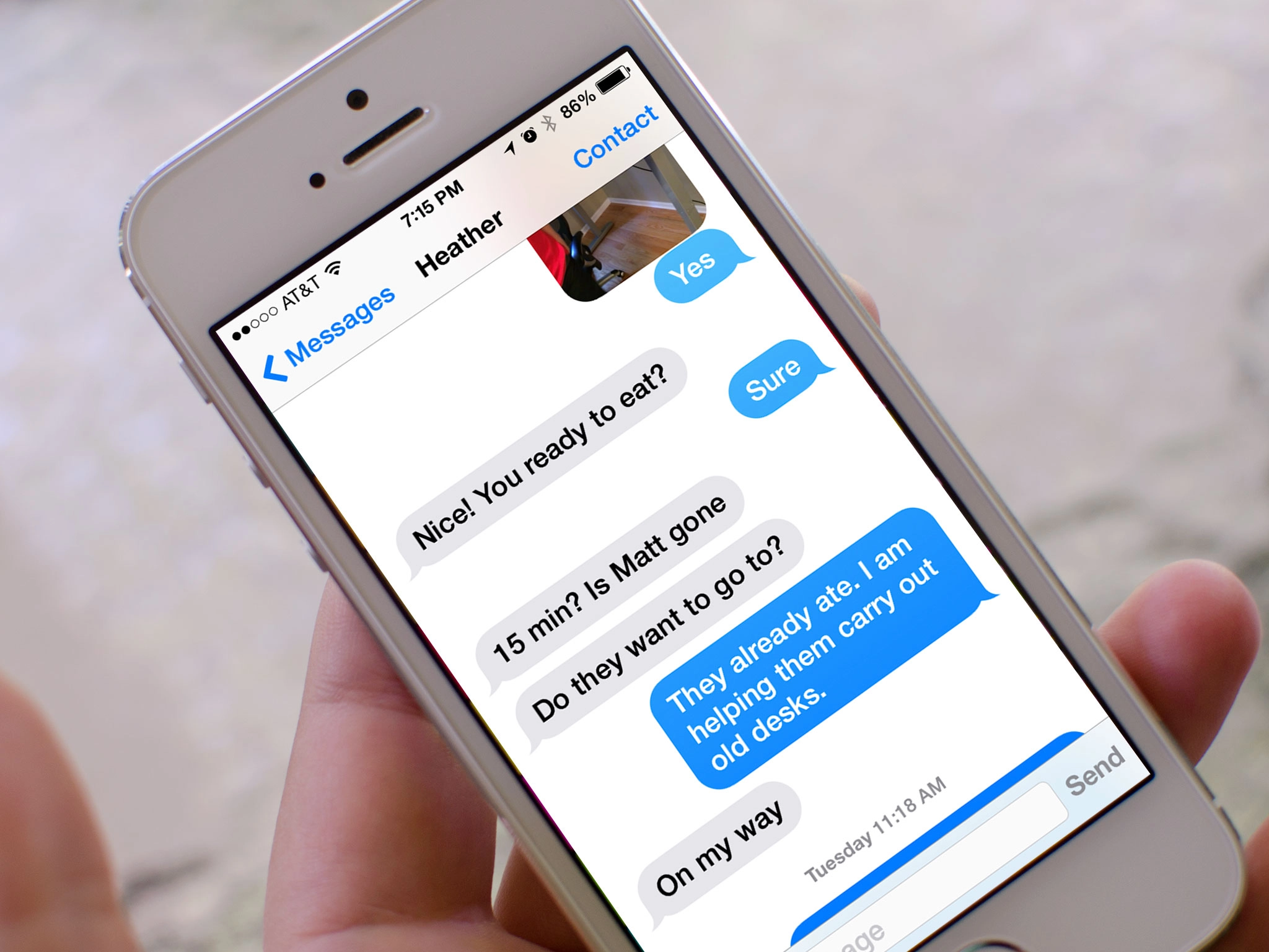
Large and bold text is an Accessibility feature that helps increase legibility by using the iOS dynamic type engine to make fonts bigger and/or heavier and generally easier to read. For people with low vision, making text larger can magnify words without also magnifying interface elements. For people who need more contrast, making text bold can turn thin, hard-to-see lines into thicker, easier-to-see lines. Applying large or bold text in iOS will make text larger and bolder in all of Apple's apps, and in any App Store apps that support the dynamic type framework.
How to turn on large and bold text on iPhone and iPad
- Launch the Settings app on your iPhone or iPad running iOS 7 or higher.
- Tap on General.
- Tap on Accessibility.
- Tap on Larger Text.
- Turn On the option for Larger Accessibility Sizes.
- Drag the slider from left to right in order to adjust the text to the size you'd like.
- Tap on Accessibility at the top left to return to the previous screen.
- Turn On the option for Bold Text.
- Tap on Continue to reboot your iPhone or iPad.


Once you're iPhone or iPad reboots, you should notice that the text is bolder than it was before and not nearly as thin. For those with visual impairments, this should make text much easier to read. Just keep in mind that not all third party apps will support bold text. However, all built-in apps and many App Store apps do.
How to get more help with accessibility for iPhone and iPad

