These days, people use emoji to express emotions and feelings to their friends, but also sometimes in a work context too. Usable on one of the best iPhones, such functionality also expands to your Mac. You're only a couple of quick taps away from using emoji on your iPhone but on your Mac, it's a couple of taps of your keyboard to do so.
If you're keen to express yourself more visually while working or playing on your Mac, we've got everything you need to know about how to do exactly that. Whether it's a hopeful smile to your boss in a message or a laughing emoji to a friend on FaceBook, it's simple to add emoji to your arsenal on your Mac.
With more emoji added on a regular basis and the best emoji apps also contributing, it's a good idea to get yourself acquainted with how to share them with others. Here's how to use emoji on your Mac and how to make it so just one button on your keyboard produces the emoji picker.
Got an Apple Watch? We also have a guide on how to use emoji on your Apple Watch.
How to use emoji on Mac
- Position the cursor in any text field you'd like to insert an emoji, like posting a tweet for example.
- Hold down the following three keys at the same time: Command+Control+Spacebar. This will bring up the emoji picker.
- Click the emoji you'd like to use and it'll be inserted where you left your cursor.

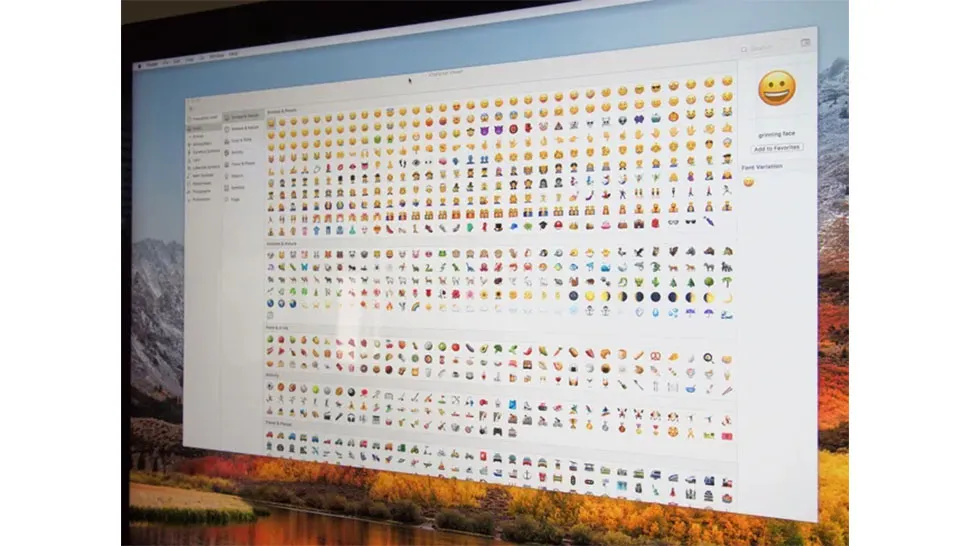
Emoji are divided into several categories: Smileys & People, Animals & Nature, Food & Drink, Activity, Travel & Places, Objects, Symbols, and Flags If you don't want to scroll through all of them, you can use the search field to find emoji you'd like to use. Type in the first few letters of the face, object, or action you'd like to use and it will narrow down your options accordingly.
How to add the emoji picker to the Menu bar
If you always want the emoji picker at your fingertips, you can go into your system settings and add the emoji picker to the Menu bar at the top of your Mac.
- Click the Apple symbol in the top left corner of your screen.
- Click System Settings.
- Click Keyboard.
- Next to Press key to, make sure that the menu displays Show Emoji & Symbols.
- You can now bring up the emoji bar by tapping the Fn or global button.

