
Emoji began in Japan as a way to better express emotions, and they've exploded in popularity over the last few years. The iPhone, iPad, and Mac have built-in emoji keyboards that get new options with every update, and there are also numerous third-party apps and stickers that can elevate your emoji game even further.
Here's everything you need to know about emoji and using them on your iPhone, iPad, and Mac!
- Why emoji matter
- Emoji: The latest updates!
- How to use emoji on iPhone or iPad
- How to change your emoji's skin tone
- How to use emoji and Tapbacks in iMessage
- Emoji: Secret Shortcuts!
- Best emoji apps for iPhone and iPad
- How to use emoji on your Mac
- How to use emoji on Apple Watch
- Animoji: The ultimate guide
Why emoji matter

The meaning of what you write is subject to the interpretation of the people who read it. You might have one tone or intent, but filtered through their mood and assumptions, they could take it quite differently. That's what makes emoji so powerful.

Sure, emoji are little images of people laughing or crying, of animals or plants, of food or vehicles, of activities or things, of places or flags — so many flags! — but they're also an important form of communication.
Why emoji matter
Emoji: The latest updates!

Curious how new emoji get added and where all these crazy images come from? Emoji are controlled by the Unicode Consortium, which regularly adopt new emoji. Apple (and all other manufacturers) can submit petitions to include new emoji in the next update. Here's everything you need to know about new emoji coming to your iPhone, iPad, and Mac!
How to use emoji on your iPhone or iPad
Language is constantly evolving, and even though language purists may not like it, communicating with Emoji is becoming more and more common especially in social communication. And Apple has taken Emoji integration to new heights by offering you a ton of new ways to use Emoji. Show your 😁 (smile) to the 🌎 (world) and have a 💥 (blast) with Emoji!
How to use emoji on your iPhone or iPad
How to change your emoji's skin tone on iPhone or iPad

As part of Apple's ongoing efforts to address diversity, they continue to offer a much wider array of cultures and ethnicities for face and hand symbols on iPhone and iPad. Face and hand emoji now start off with a "neutral" (i.e. classic yellow) emoji. Each also offers five alternate skin tone options based on the Fitzpatrick scale for standard dermatological representation, as adopted by the Unicode Consortium.
In layman's terms, you can change your face and hand emoji to display the skin tone you prefer instead of using the skin color of the characters on The Simpsons. You likely already know how to use emoji, and changing the skin tone is just as easy.
How to change your emoji's skin tone on iPhone or iPad
How to use emoji and Tapbacks in iMessage on iPhone and iPad
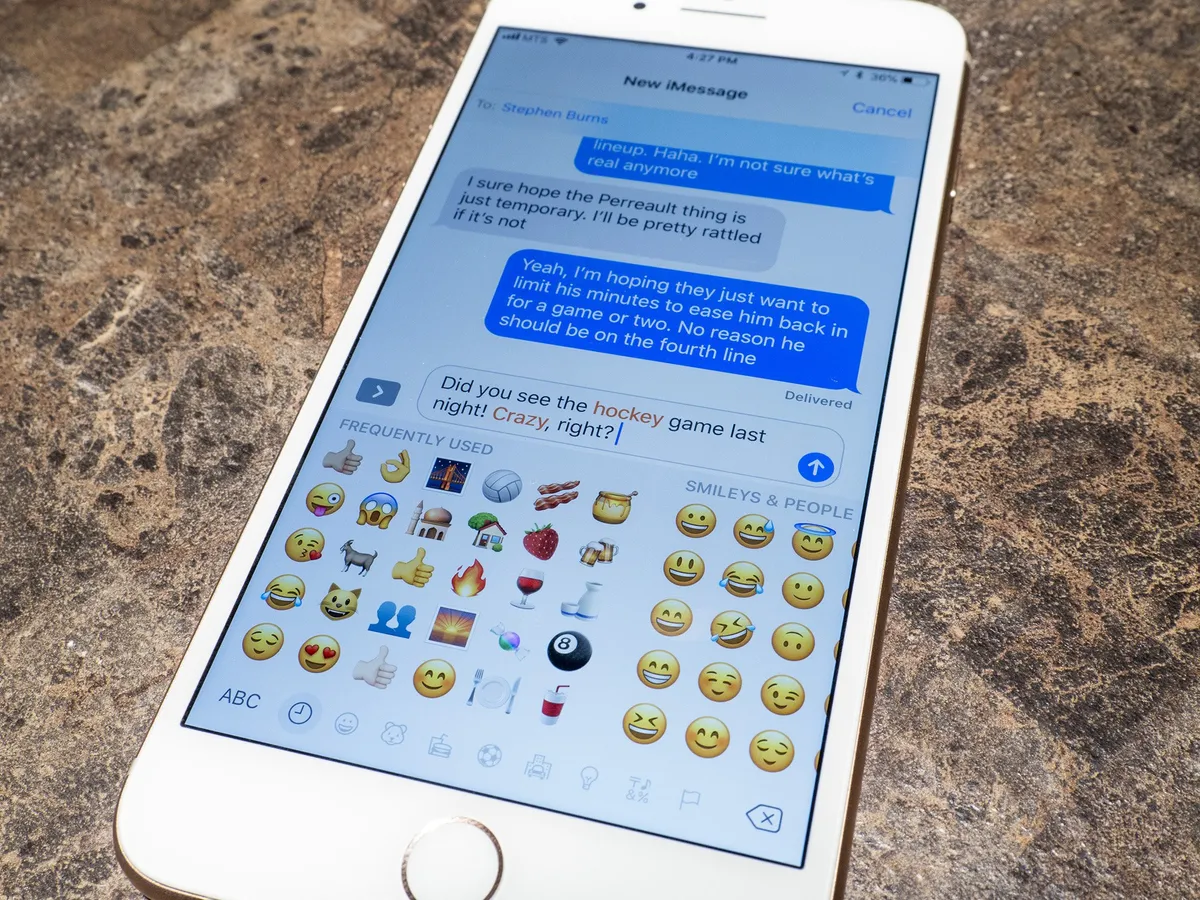
Messages in iOS 11 makes using emoji easier than ever. If that doesn't sound important to you, then you haven't seen the kind of cheers emoji get on stage or the amount of interest they generate on social. They're a big, smiley, thumbs-up deal!
If you're looking to spice up your messages to your friends and family, you can litter them with emoji all you want! Here's how you do it!
How to use emoji and Tapbacks in iMessage
Emoji: Secret Shortcuts!
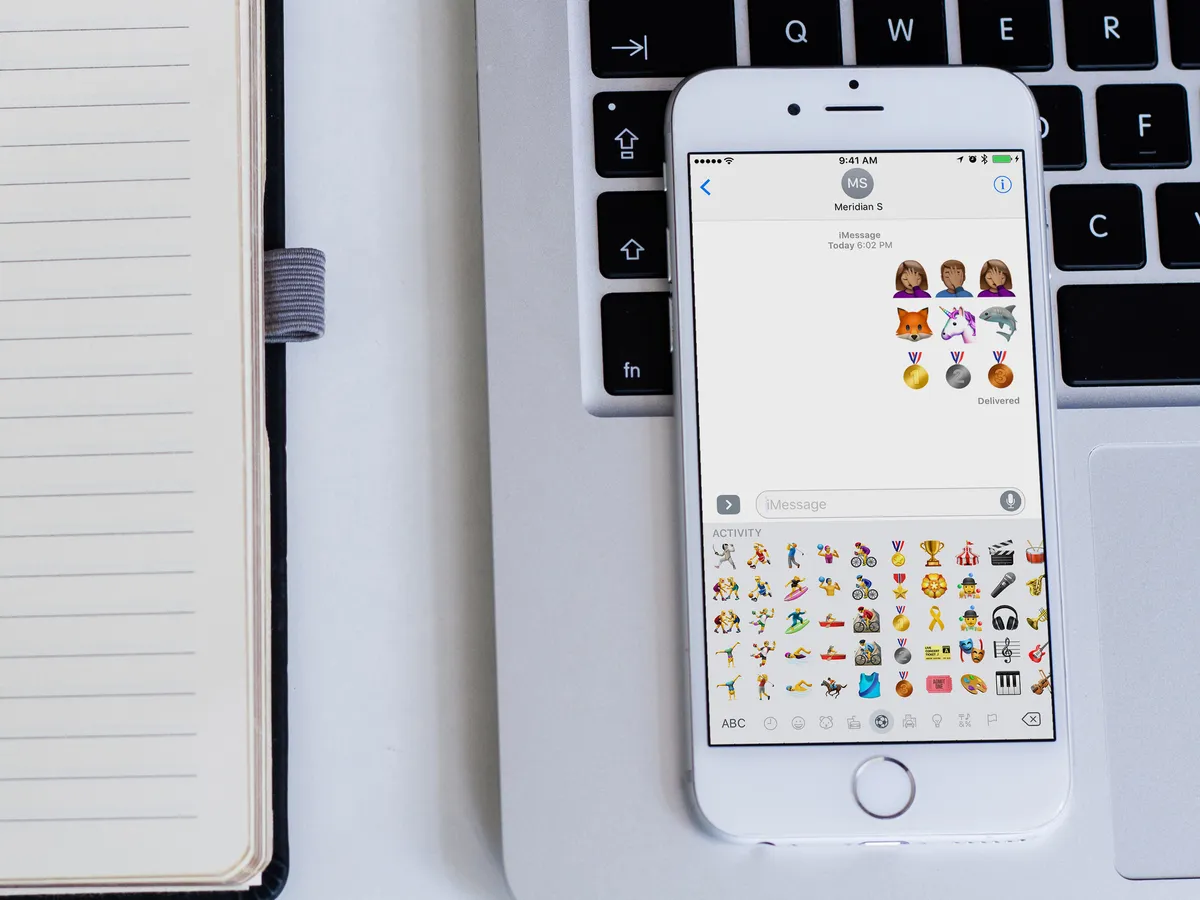
There are few more expressive and fun ways to communicate with someone than using emoji. The fun little pictograms are everywhere, and it seems every update to iOS Apple sends out more emoji are always included. There are so many emoji on your iPhone and iPad that finding the right ones can be a little bit of a pain.
The good news is there's a better way to find the emoji you really want to use! Here are the two quickest ways to use emoji on your iPhone and iPad.
Best emoji apps for iPhone and iPad

Emoticons and emoji have become a second language when it comes to text-based communications. Practically everyone online these days expresses themselves with illustrations, young and old alike. If you're looking for a new way to send the perfect emotional response in writing, we've got a list of apps with varied and unique emojis to express yourself.
Best emoji apps for iPhone and iPad
How to use emoji on your Mac

Using emoji to express emotions, ideas and thoughts are very popular on the iPhone and other mobile devices. A couple of quick taps on the keyboard button and you've got them ready. For a while, actual emoji images have been built into the iOS and the Mac to make using them more expressive, fun and interesting. It isn't immediately obvious how to access them on the Mac, though, so here is a quick tip to help you get there faster.
How to send emoji on the Apple Watch

Just as you can on your iPhone, iPad, and Mac, you can send emoji to your contacts using your Apple Watch.
You've got a choice between the standard set of emoji, as well as some Apple-exclusive animated characters that add some more fun to your messages.
How to send emoji on the Apple Watch
Animoji: The ultimate guide
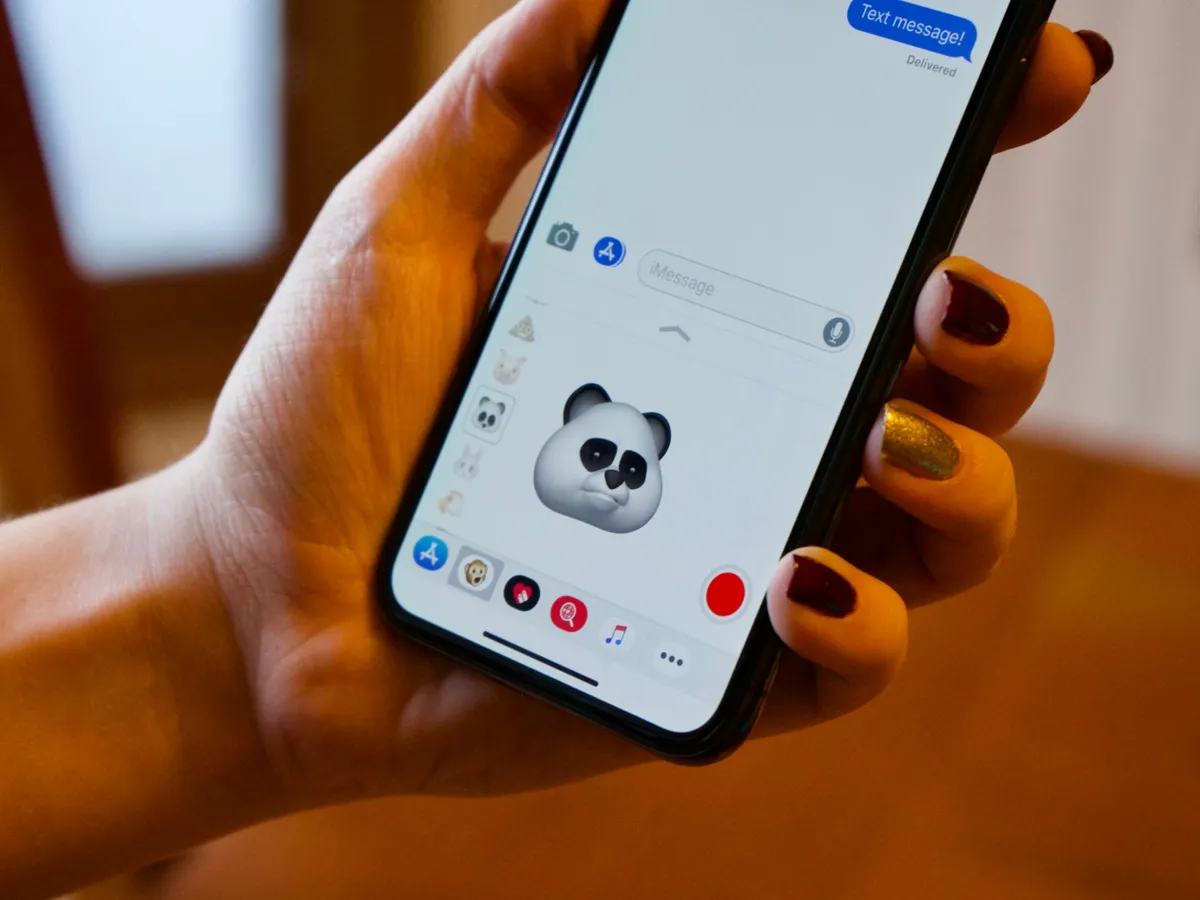
Animoiji is Apple's iPhone X-only animated emoji feature for Messages. With them, you can send a funny fox, snarky chicken, or singing panda to any and all of your contacts.
Your facial features, creativity, and the (currently set to) 10-second timer are your only limits.
Other questions about emoji?
Let us know in the comments!


