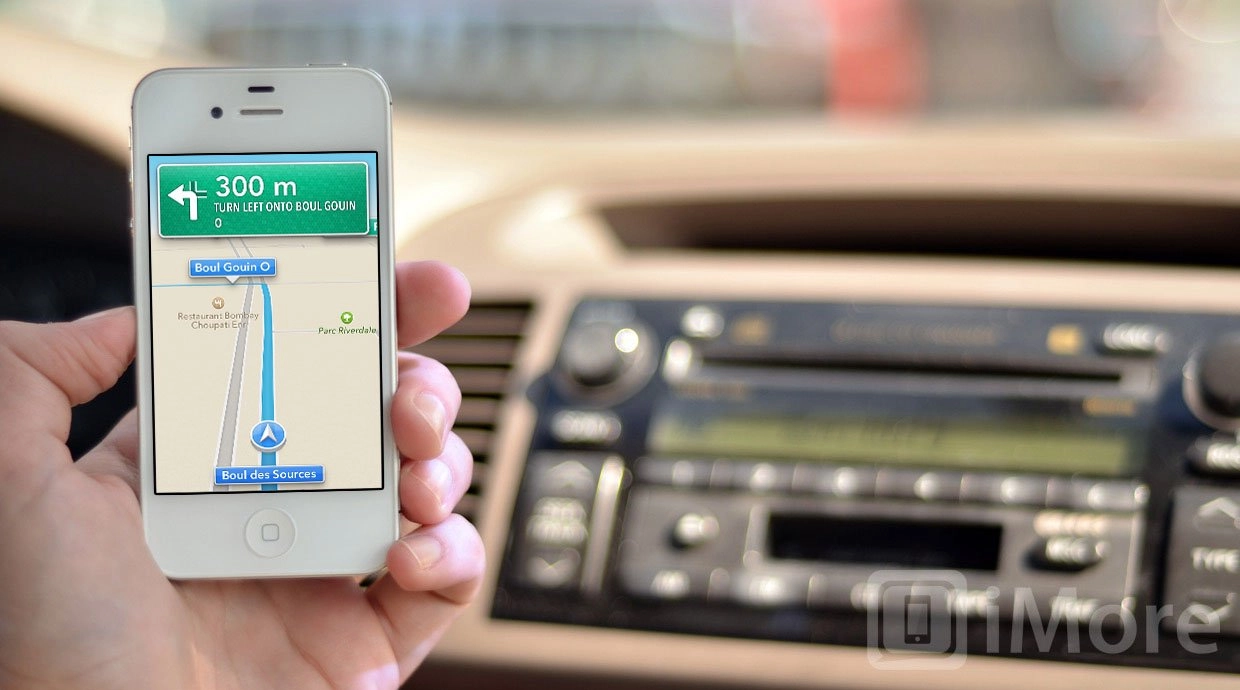
With iOS 6 Apple has rebuilt the iPhone, iPod touch, and iPad Maps app from the ground-up. They've also switched away from exclusively using Google data to using data from TomTom and others. However, like any new endeavor there will be problems, frustrations, and straight up errors and omissions that need to be fixed. In iOS 6 Maps, Apple has provided a way to do just that.
How to report a problem with iOS 6 Maps
- Launch Maps from the Home screen.
- Tap the page curl at the bottom right.
- Tap the text that says Report a Problem above the Print button, middle right.
- Tap the type of problem you want to report: Search results are incorrect, street or other label is incorrect, location is missing, problem with directions, problem with satellite image, or if none of those fit, my problem isn't listed.
- Tap Next.
- Choose the search result, street label, etc. that's giving you the problem.
- Tap Next.
- Add any comments, if asked.
- Tap Send.
That's it. Your report will be sent to Apple, and hopefully addressed in the mapping data base.

How to add a location or business to iOS 6 Maps
If an important location is missing in iOS 6 Maps you can use the same process to suggest it.
- Launch Maps from the Home screen.
- Tap the page curl at the bottom right.
- Tap the text that says Report a Problem above the Print button, middle right.
- Tap location is missing.
- Tap Next.
- Drag the purple pin to the right location on the map.
- Enter the location information.
- Tap Send.
- Add any comments, if asked.
Apple will receive your suggested location, and if it meets their criteria, add it to the data base.
Don't forget, iOS 6 Maps ties into Yelp, so you can also add your location or business to Yelp, and that will give Apple access to that data as well.
Why reporting problems matters
This is basic crowd-sourcing at work. With hundreds of millions of iOS users hammering at the new Maps app, Apple and their partners will have a tremendous opportunity to iterate and improve quickly. And they'll need to.

