

Password management terrifies me. I have thousands of passwords and constantly feel overwhelmed by needing to de-weed my online security garden. Does this sound familiar? If so, a new addition to iOS 18 could change your online security for good.
The Passwords app in iOS 18 finally brings all of your Keychain passwords into a dedicated app rather than hiding them inside the Settings app on older operating systems like iOS 17. You can quickly access your passwords without going through menu after menu to find their location — it’s a much-appreciated change.
While it’s great to have a dedicated app for Passwords across iOS 18, iPadOS 18, and macOS Sequoia, one setting could be the standout new addition and you should make sure you’ve got it enabled.
Here’s how to enable Passkey upgrades in iOS 18
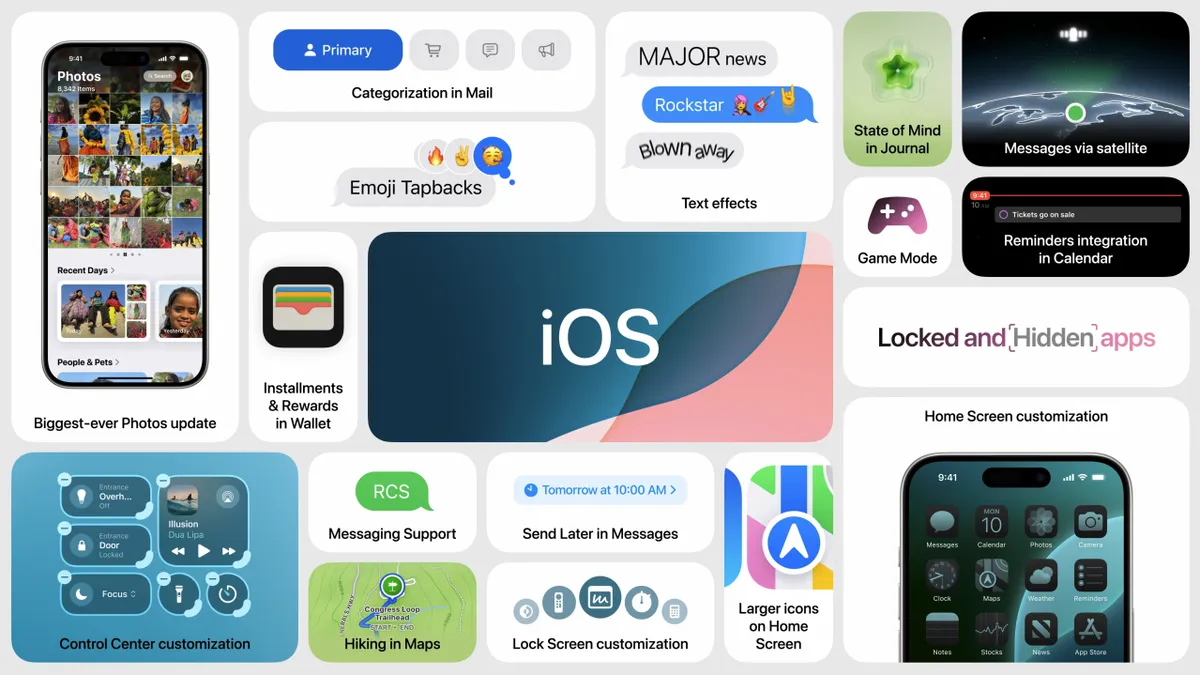
Apple says Passkeys are “a more secure alternative to passwords for signing in to online accounts.” They are digital keys that use powerful cryptography so “unlike passwords, malicious websites cannot trick you into giving away your passkeys.” While Passkeys aren’t available for all sites, there’s hope that in the future all accounts will convert to allow Passkeys so you can use Face ID or Touch ID to login to websites.
In Settings, go to Apps, followed by Passwords, you’ll find a toggle to Allow Automatic Passkey Upgrades which means your iPhone running iOS 18 will do all the work for you and upgrade accounts to use Passkey if and when they become available. Using this setting means your garden of Passwords should de-weed itself over time — think of it as the password equivalent of a robot vacuum.
iOS 18 is currently in beta and you can download the public beta right now. While the operating system is relatively stable we advise waiting until the full release of iOS 18 alongside the iPhone 16 and iPhone 16 Pro later this year before installing on your main device. If you’re impatient, however, we’ve got a full guide to show you how to download the iOS 18 beta.

