
The Calendar app on your iPhone and iPad lets you create appointments and share events, but — most importantly — it also helps you stay on time! You can set up Calendar to work with iCloud, Google Calendar, Microsoft's Outlook, and even calendars from your company's servers. What's more, thanks to Siri, you can add appointments quickly and easily with the power of your voice.
If you are just getting started with managing your events or if you are looking for some new tips, here's how to get the most out of the Calendar app.
For this guide, we will be talking about the Calendar app on iOS and iPadOS. For the macOS Calendar app, check out our guide: How to set up and start using Calendar on the Mac.
Article continues belowHow to set up an iCloud calendar
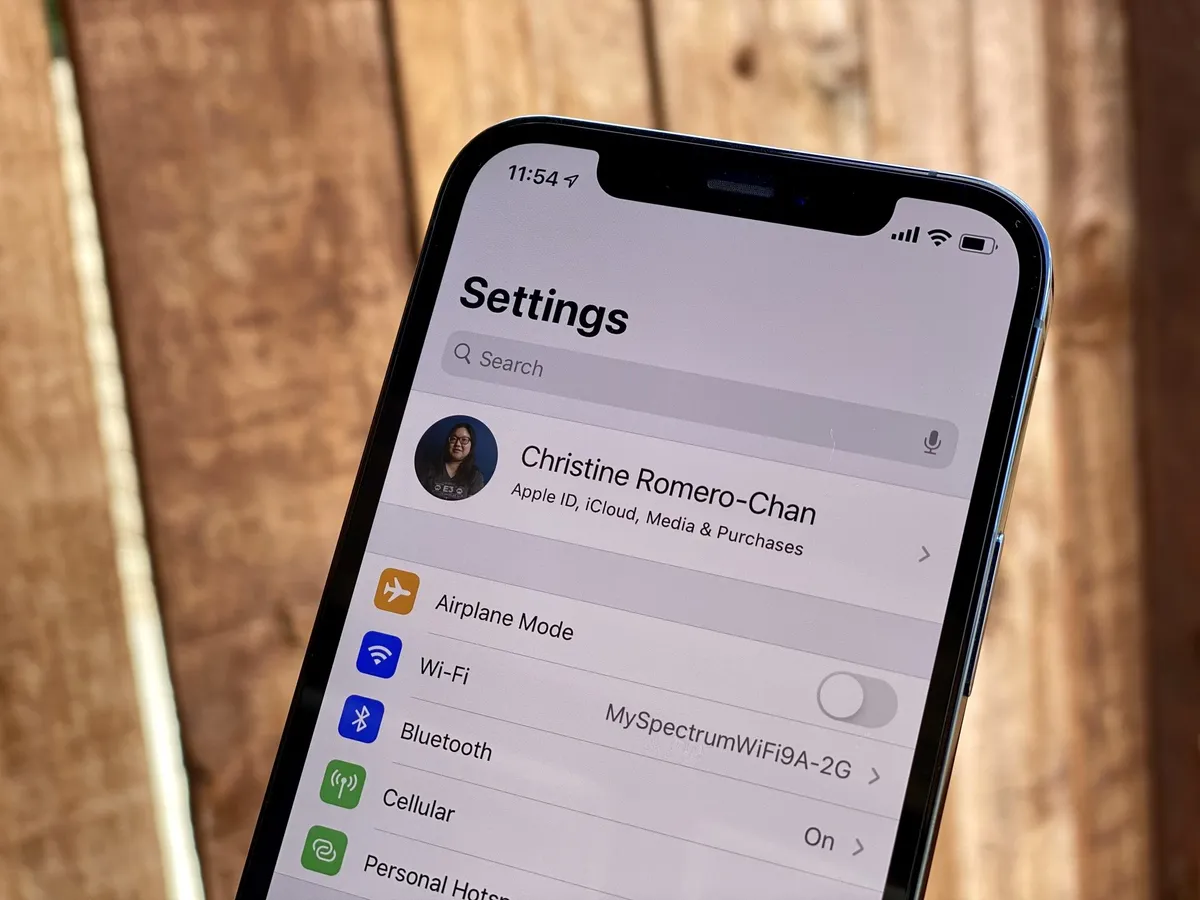
Apple makes it incredibly easy to set up all your calendar accounts and sync them to your iPhone or iPad. When you create an Apple ID, Apple will automatically provide you with an iCloud calendar, so all you have to do is hop on over to the Calendar app to get started.
How to set up other calendar services
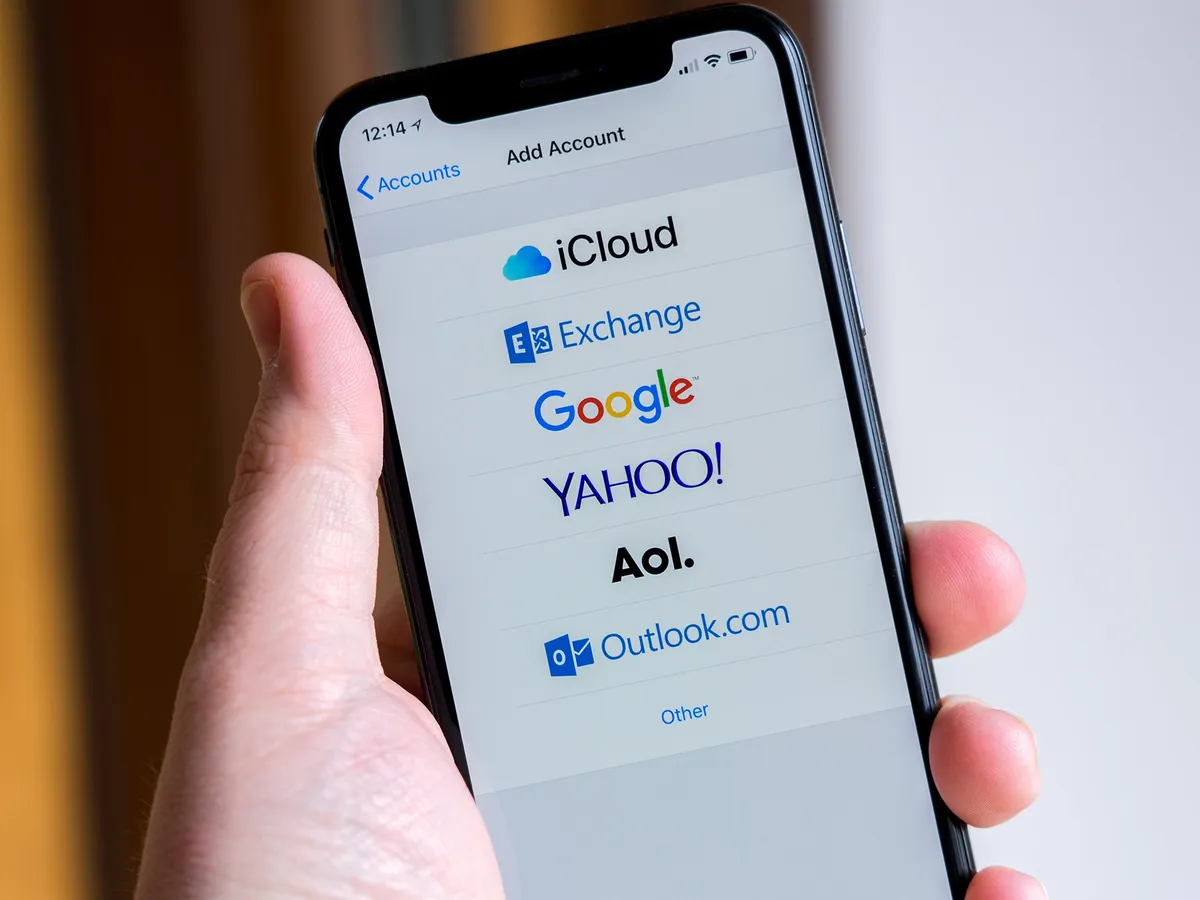
If you use another service for your personal, family, or work calendar, you can set it up through the Settings app. Calendar Account settings will walk you through setting up some of the most common services, such as Google Calendar, Microsoft Exchange, and Outlook, so in most cases, all you will need is your email address and password. Don't worry if you use a calendar that isn't through Apple, Google, or Microsoft — you can still add it easily through Settings. By using the Other option while adding an account, you can type in your credentials the server address for IMAP, POP, and CalDAV calendars.
How to customize your calendars
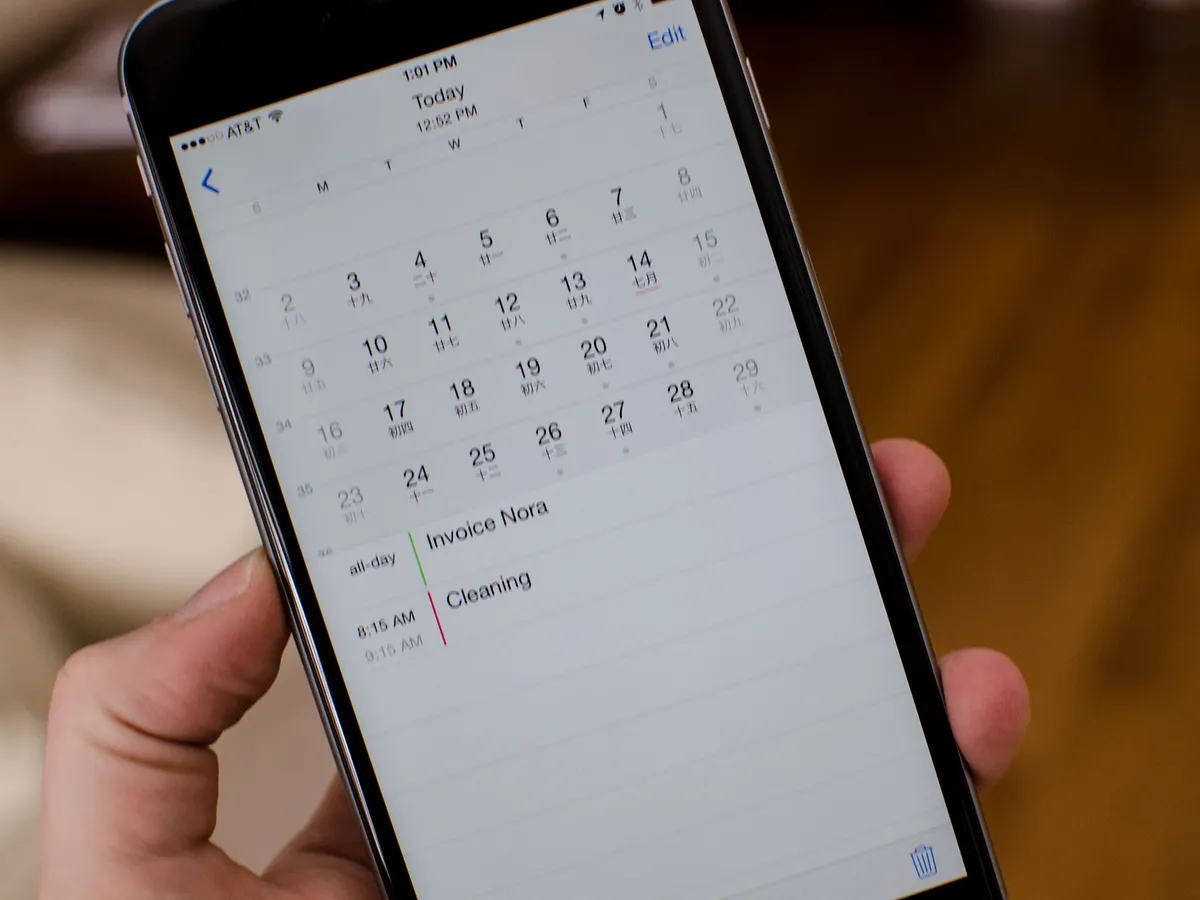
Apple's Calendar app for iPhone and iPad lets you schedule everything from your workday to household chores. To help keep everything organized, you can customize your Calendar settings to color-code your calendars, set time zones, and even set default alerts.
You can also customize your calendar type to use Chinese, Hebrew, and Islamic calendars instead of the default U.S. format. All so you can have your calendar your way!
How to use the Calendar widget
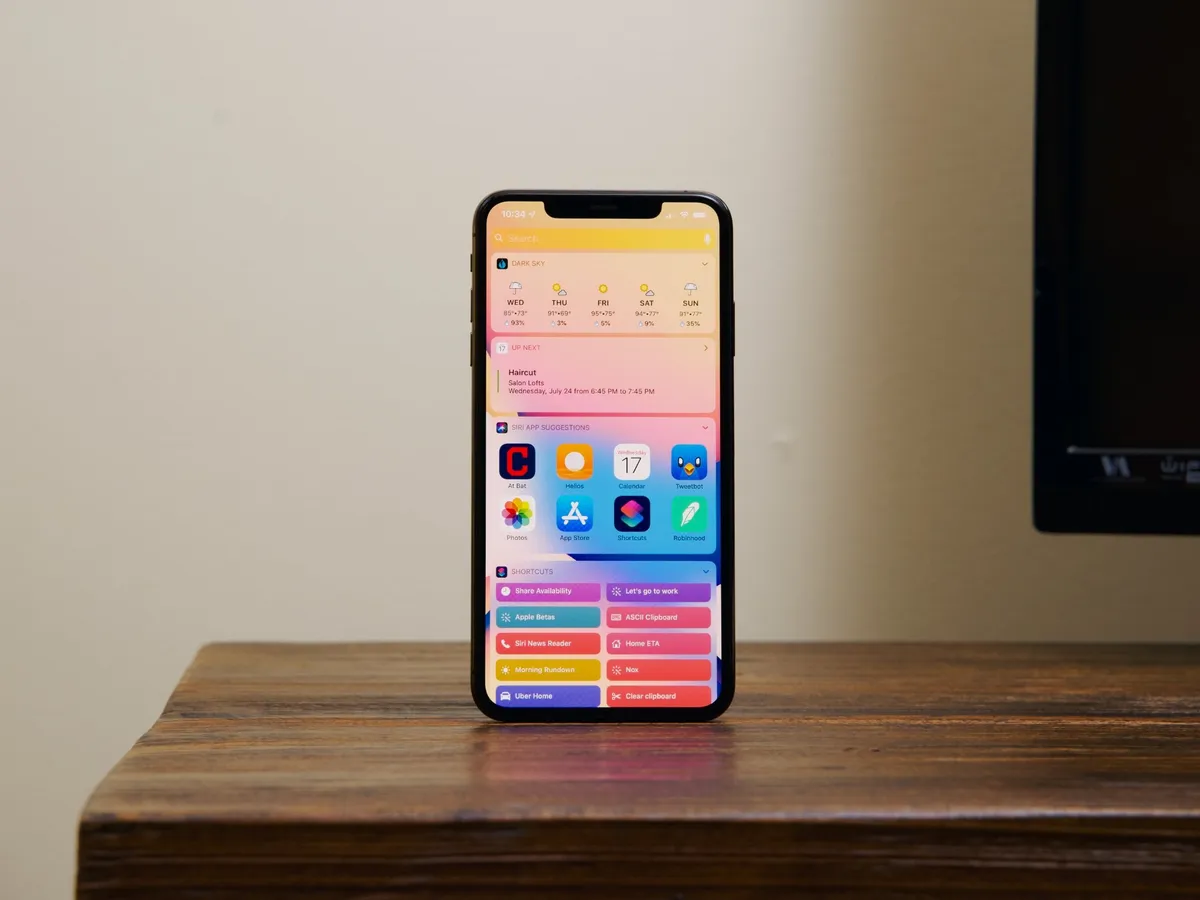
Another way to customize your Calendar is by adding it directly to your iPhone or iPad Home screen. If you are running iOS 14 or later, you can choose between five Calendar widgets, each with a unique layout and size. Widgets include Up Next that shows your upcoming appointments along with the date, Month which shows you the current day of the month, and List that breaks events down by the hour.
Adding the Calendar widget is straightforward as it follows the same steps as adding other widgets on your iPhone Home screen. Just tap and hold anywhere on your Home screen or the Today View and tap the + icon to bring up the widget picker.
How to add and manage calendar events
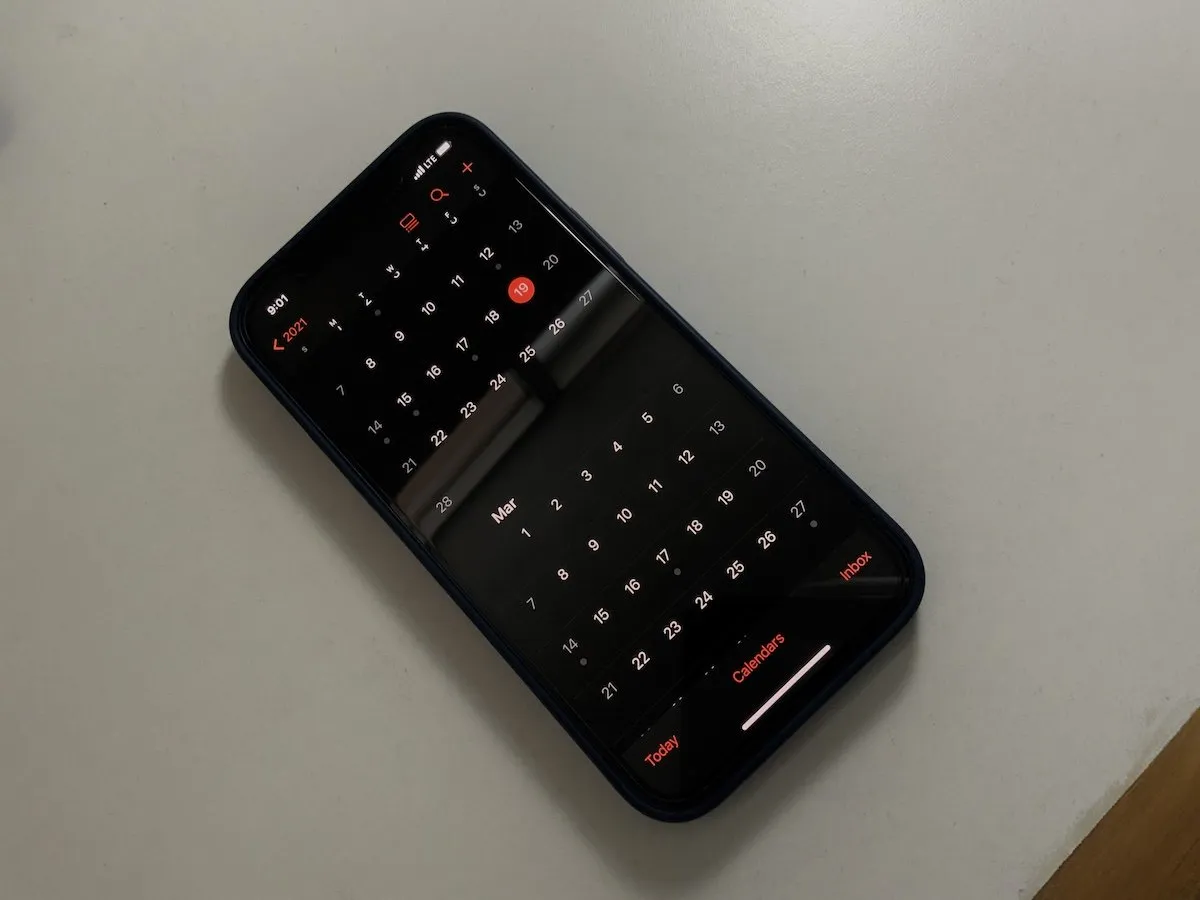
The Calendar app for iPhone and iPad provides a great way to keep track of all your appointments and events. While it's faster to use Siri — more on that in a few — to create basic events to add to your calendar, if you need more precise control, or if you want to edit existing event details, you can do it the old fashioned way: by tapping your way through all the options!
By knowing how to add and manage calendar events, you can not only add meetings, but you can also add links and notes to calendar events. By adding details like an address, you can even get travel times for calendar events.
How to share your calendars

Apple helps you stay organized by letting you publish calendars on iCloud and then share them with other people. It's great for planning events — whether they're conferences for work or family vacations. You can share your calendar if you make iCloud calendars public, or you can share an event by adding someone as an invitee.
The easiest way to share events is to use calendars with Family Sharing. When you set up Family Sharing, Apple will create a shared calendar that you can add events to right away. Events that you create will automatically appear on your family's devices in the Calendar app, and they will receive alerts for any changes.
How to use Calendar with Siri
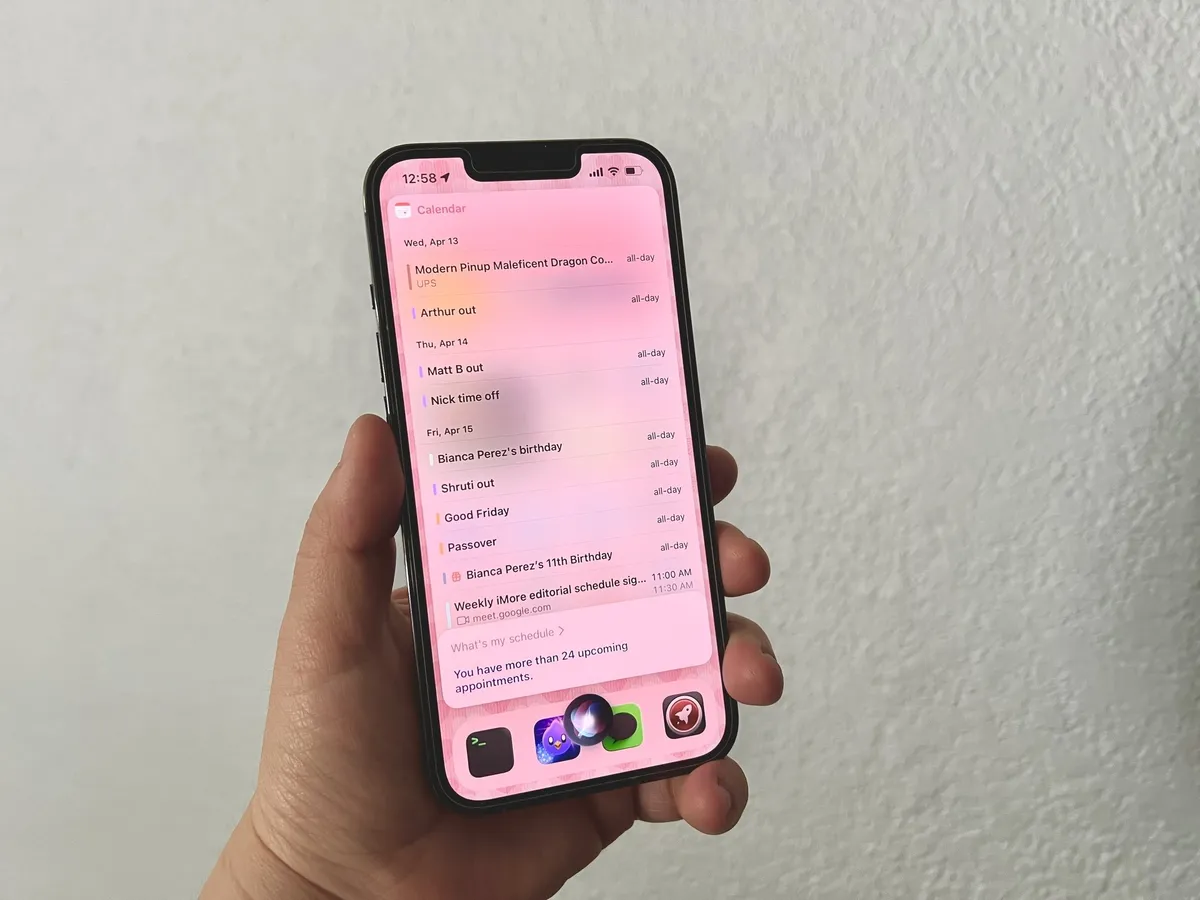
Since Siri is your personal assistant, it only makes sense to have it schedule and manage your meetings and events. You can create a calendar event with Siri in a few seconds, which is much more convenient than manually creating and entering all the data yourself.
You can also ask Siri to schedule a meeting, tell you what's on the agenda for the day, or move an existing appointment to another time to make room for a conference call. Using Siri on your iPhone or iPad isn't the only way to manage your Calendar, though, as you can also request event details or make changes from a HomePod mini.
Keep track of it all with the Calendar app
As you can see, the iOS 15 Calendar app on your best iPhone and iPad makes it easy to manage all of your family events, meetings, and more, all with a few taps or through Siri. However, if you need more customization and sharing options, you can always check out the best calendar apps for even more ways to organize your events.
Updated April 2022: Updated for iOS and iPadOS 15.

