Apple has a cloud-based storage service, called iCloud, that you can use to store and sync photos, documents, movies, music, and a whole lot more. You can find all of your iCloud content on any of your Apple devices using the same Apple ID, from re-downloading apps and games to watching TV shows and movies. Here's everything you need to know about iCloud on iPhone, iPad, and Mac.
How to set up, sync, back up, and restore with iCloud
The very first thing you'll need to do before you can use iCloud is set it up. This involves choosing what data you want to sync and what you want to back up. You'll also need to decide whether or not you need to buy additional iCloud storage space, which we'll help you with as well.
If you're already using iCloud on one Apple device and need to know how to get all your stuff to a new device, this is the guide for you. We will walk you through setting up a device as new, restoring from a backup, and lots more. You'll walk away feeling confident you have complete control over your iCloud data, how it's stored, and what you need to do in order to recover it.
How to use iCloud Photo Library
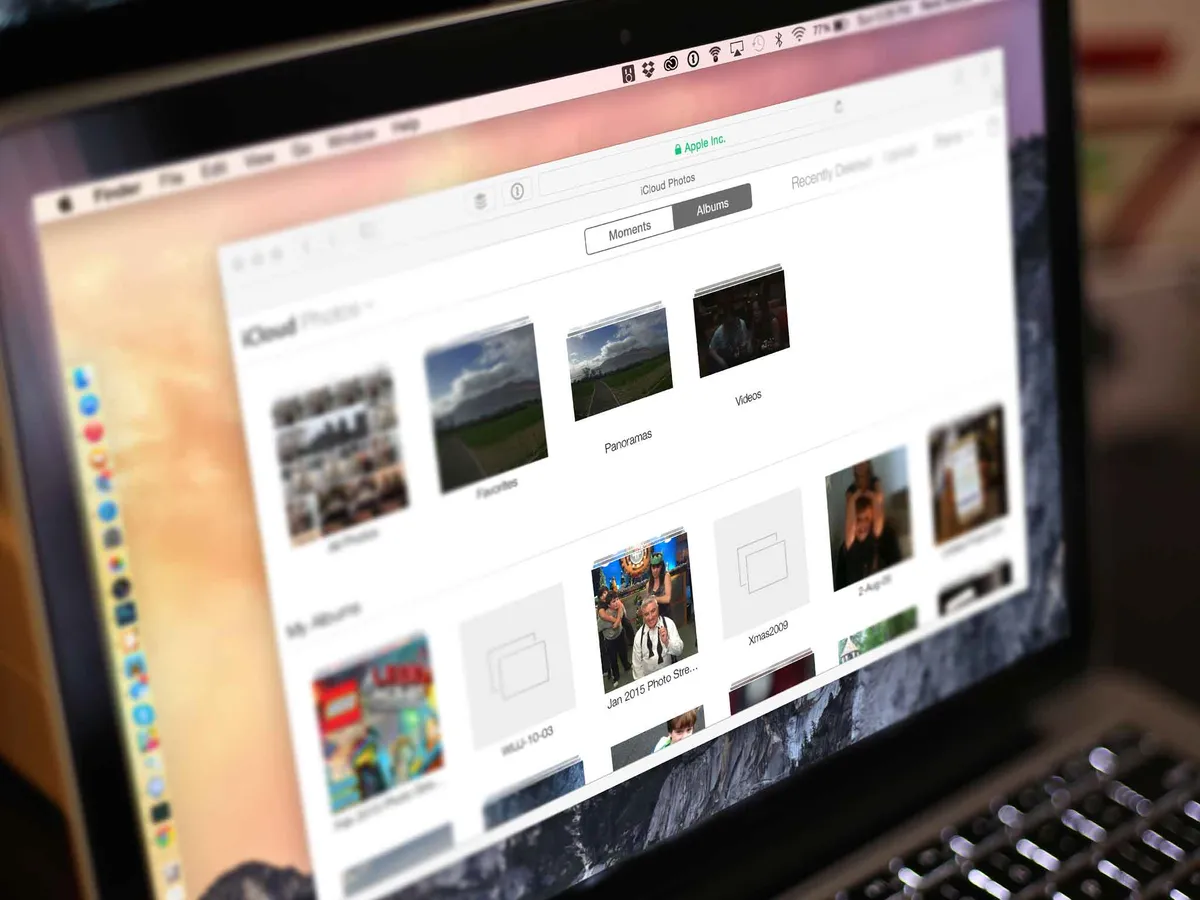
iCloud Photo Library is available to anyone with an iPhone or an iPad. iCloud Photo Library keeps your entire photo and video library in sync between any iPhones, iPads, and Macs you own. This is done through the Photos for iOS and Photos for Mac apps. Create an album on your iPhone, it's instantly synced to your Mac, and vice versa. iCloud Photo Library can also help you free up tremendous amounts of storage space on your best iPhone or iPad by streaming photos and videos instead of physically downloading them. A great compromise for anyone who wants the best of both worlds.
How to use iCloud Photo Sharing and My Photo Stream

iCloud Photo Sharing and My Photo Stream are both parts of the Photos app on iPhone, iPad, and Mac as well. iCloud Photo Sharing lets you create shared photo albums that friends and family can view, add to, comment on, and like. It's a great way to share photos with only a small group of people, no social network required.
My Photo Stream can automatically store your last 30 days of photos, or most recent 1,000, whichever is larger. These are then available across any device that supports Photo Stream. It doesn't store videos like iCloud Photo Library but may be enough for some people. Check out our guide to learn some of the most important differences between the two.
How to use Find My
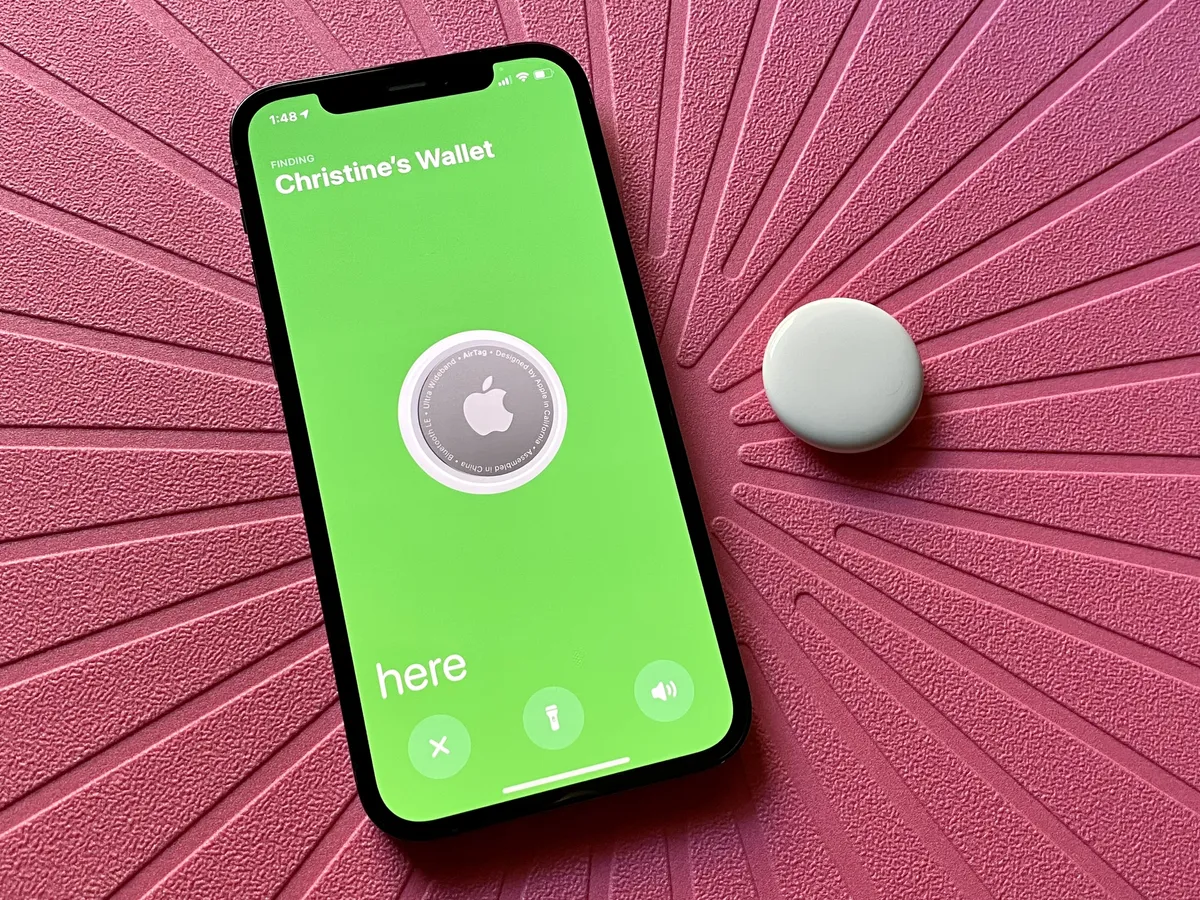
The Find My app lets you locate any Apple devices that you may have misplaced. Things mean devices like your iPhone or Mac, but also accessories like AirTags Not only can you send an alert with a message to a device you can't find, you can also remotely wipe data from it if worse comes to worst. The best part is that if you have Find My enabled, potential thieves won't be able to turn it off without your iCloud password. We highly recommend enabling and learning everything you can about how this free service can help you protect your devices and your personal data.
How to use Family Sharing

Family Sharing lets you share iTunes and App Store purchases with other members of your household. Even better, parents can take advantage of the "Ask to Buy" feature which requires young children to request purchases. You'll get a notification and can approve or reject their request remotely. Family Sharing also adds convenient tracking features which are handy for children in the household. When they're old enough to be on their own plan, you can hand their Apple ID over to them to manage on their own.
We can walk you through how to set up child ID's, track someone's lost device in your Family Sharing group, and anything else you need to know about Apple's Family Sharing service.
How to use iTunes in the Cloud
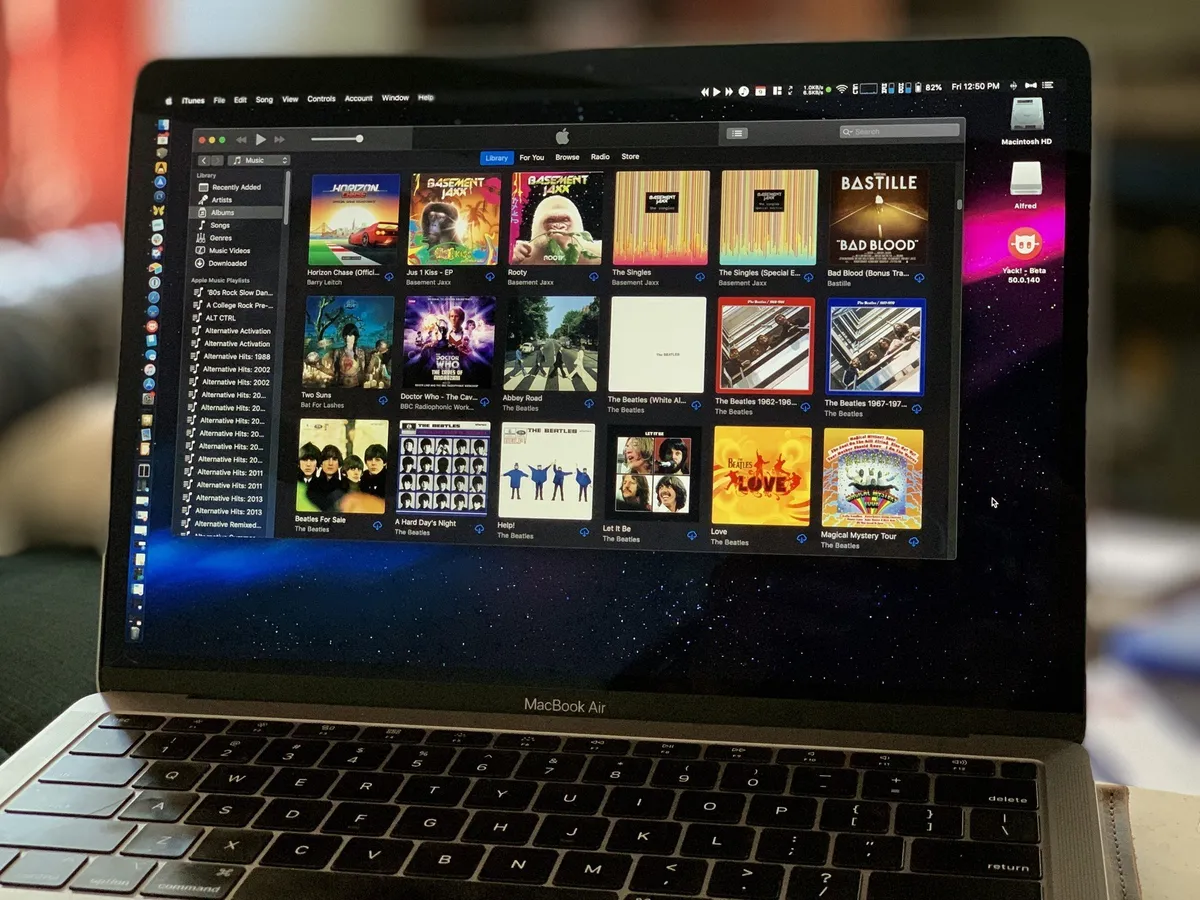
iTunes in the Cloud lets you access, stream, and re-download content you've purchased from iTunes. This includes items from the App Store, iTunes Store, and iBookstore. If you have an Apple TV in your home, you can access all your purchased movies, tv shows, music, and more just by logging in. They'll be instantly available for streaming. And if you have Family Sharing enabled, you can also stream purchases belonging to someone else in your Family Sharing group.
How to use iCloud Music Library

iCloud Music Library lets you compare your entire library with the iTunes music catalog: If it finds the same song, it lets you stream or download it from iTunes, to any of your Apple devices, immediately or for as long as you stay a subscriber. If it doesn't find the same song, it uploads your version and lets you stream it just the same. Because your music is always available on Apple's servers, it works like a backup, making sure you don't lose your collection even if you lose your device.
How to use iCloud Keychain

iCloud Keychain tries to bring sanity to password management. If you save a password in Safari on your Mac for use later, iCloud Keychain can sync that same convenience to Safari on your iPhone or iPad. iCloud Keychain can also store credit cards, addresses, and other personal details so you can easier fill out forms when you need to. Need to generate a strong password for a new account? iCloud Keychain can do that too!
Don't forget iCloud+
When you pay for iCloud, rather than using the free version Apple offers, you'll get access to iCloud+.
Cloud+ brings with it some new features, though, namely the privacy-focused Hide My Email and Private Relay, plus enhanced HomeKit Secure Video storage. iCloud+ also comes with custom email domains for iCloud Mail accounts. So be sure to check it out, to see if it's for you.
Latest about iCloud

Apple could face a class action lawsuit over iCloud's 5GB free plan and limitations on what third-party alternatives can back up
Apple could face a class action lawsuit over claims it limits what services can back up while offering just 5GB of free iCloud storage.

How to use iCloud Keychain on iPhone and iPad
iCloud Keychain is a great way to keep track of your passwords, credit cards, and login details, protecting them across devices through iCloud.

How to reset your Apple ID password
How to reset your Apple ID password if you've forgotten your login details.

How to view and delete old iCloud backups on iPhone and Mac
You don't get much free iCloud storage, so make the most of your space by deleting old iPhone and Mac backups.

10TB ceramic storage might be the future of iCloud storage
The way that companies like Apple store information in data centers might be about to change in a big way thanks to ceramic tiles.
Apple's iCloud Plus plans now stretch to a whopping 12TB
Apple's iCloud Plus now offers new 6TB and 12TB storage options.

Apple backed out of a controversial child protection feature and now we know why
Here's why Apple ditched plans to scan for known CSAM material when photos are uploaded to iCloud.

Thanks to Apple, you'll likely want to subscribe to your next Ford
Two ex-Apple VPs will head a transformation within Ford, and a massive push toward subscriber services
iCloud: Everything you need to know
iCloud is Apple's cloud service that keeps your important data in one place, allowing you to sync across multiple devices. Here's everything you need to know.

Apple's iCloud storage just got more expensive in these countries
Apple has hiked the price of iCloud storage in a number of countries including the U.K.

How to share photos with Family Sharing and iCloud
Part of a Family Sharing group? You can use a special album to share images and video with your fellow family members, all courtesy of your iCloud membership.

iCloud Photo Library: The ultimate guide
iCloud Photo Library is part of Apple's iCloud service, and helps you back up, sync, and share your images and video. Here's everything you need to know about it.

Everything you need to know about iCloud Music Library
Apple Music has now incorporated iCloud Music Library's iTunes DRM-free matching into its subscription service.

How to set up and access iCloud Drive on the Mac
iCloud Drive is great for storing your files and accessing them from any Apple device, here's how to use it.

Which iCloud storage plan should you get?
How do you work out how much storage you need? Here's our guide to choosing the right iCloud storage plan for you.

How to use iCloud Drive on iPhone and iPad
iCloud Drive is Apple's solution to document and file management across iPhone, iPad, and Mac devices. If you have an iCloud account, you can use iCloud Drive.

How to set up iCloud Photo Sharing on your iPhone, iPad, Mac, and PC
You can share photo albums with selected friends and family thanks to iCloud Photo Sharing. It's like your own private Instagram!

How to add an iCloud email alias and keep your email address safe
If you don't want to give out your personal iCloud email address, you can create aliases for it so that you can receive email there and be able to delete an alias at any time.


