• What's the best iPhone?
• Set up a new iPhone
• Best apps for new owners
• The best iPhone deals
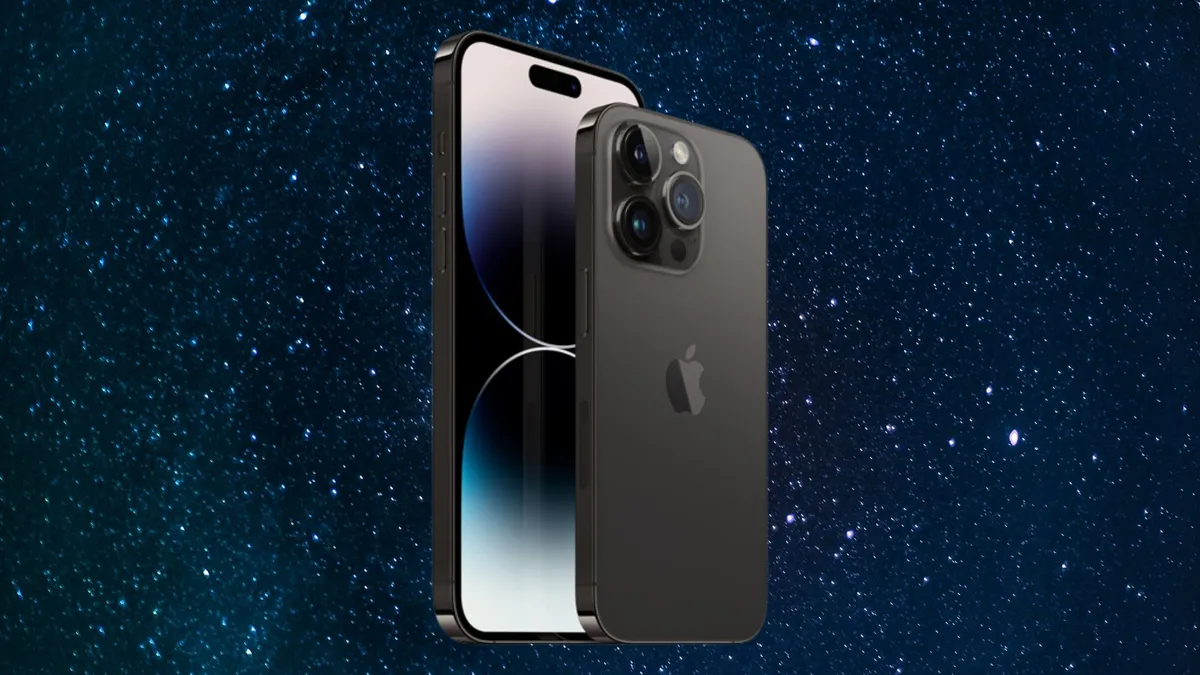
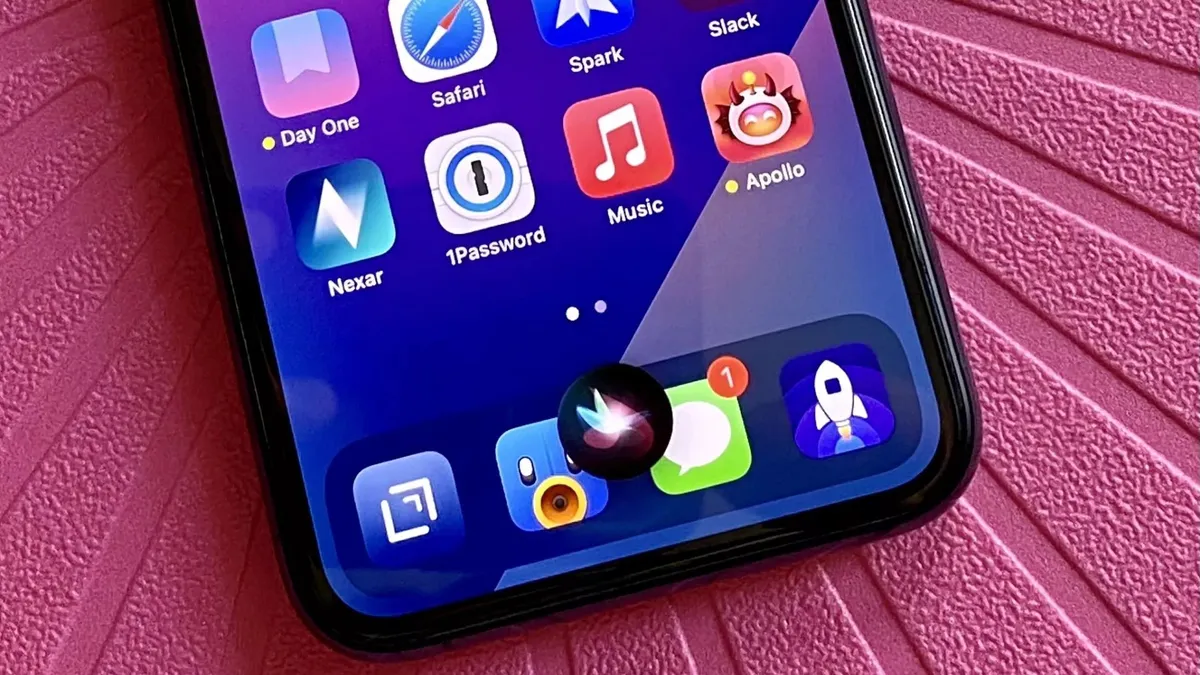
Over 1 billion iPhones are in active use making it one of the world's most popular devices — with a fascinating history. The App Store features over a million apps, helping you unlock your iPhone using your face, charge without cables, have Siri turn on the lights in your home, and so much more. Apple's most advanced iPhone range is here: the iPhone 15, iPhone 15 Pro, and iPhone 15 Pro Max. And hints about the iPhone 16, iPhone 16 Plus, iPhone 16 Pro, iPhone 16 Pro Max, and iPhone 16 Ultra are already trickling in.
iPhone 15: The current lineup
Here's what you need to know about the iPhone 15, iPhone 15 Plus, iPhone 15 Pro, and iPhone 15 Pro Max, including specs and new features:

iPhone 15 / 15 Plus The everyman iPhone, without the bells and whistles.
Screen: 6.1- or 6.7-inch
RAM: 6GB
CPU: A16 Bionic
Rear Camera: 48MP
Connectivity: USB-C
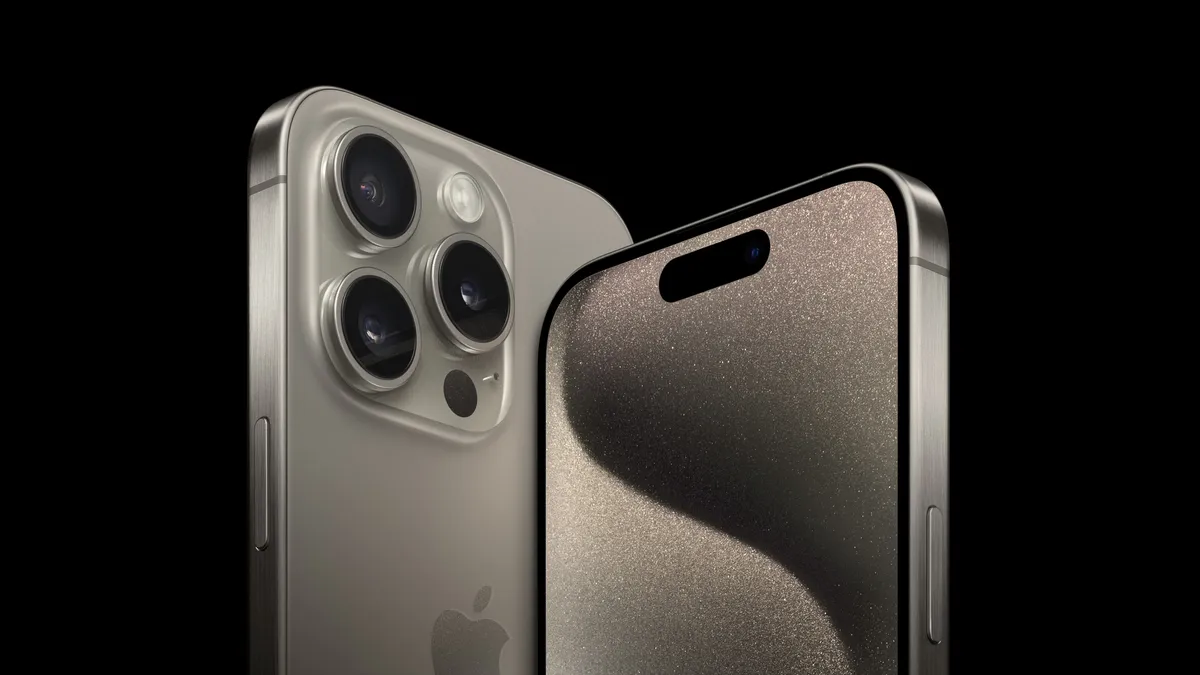
iPhone 15 Pro Adds the faster A17 Pro chip and a new design, with a titanium frame.
Screen: 6.1-inch
RAM: 8GB
CPU: A17 Pro
Rear Camera: 48MP
Connectivity: USB-C

iPhone 15 Pro Max Adds a Telephoto lens tech for enhanced zoom capabilities.
Screen: 6.7-inch
RAM: 8GB
CPU: A17 Pro
Rear Camera: 48MP w/ Telephoto lens
Connectivity: USB-C
Do more with your iPhone
The iPhone isn't just beautiful and magnificently fun -- it's practical too. It's the best camera in the world, the window to your smart home, an assistant that can maintain your schedule as easily as your health, and more. And loads of stuff came to the iPhone with iOS 17. Here's the top features and how to use them.
How to Download iOS 17 | Contact Posters | Standby | NameDrop | AirDrop
Latest about iPhone
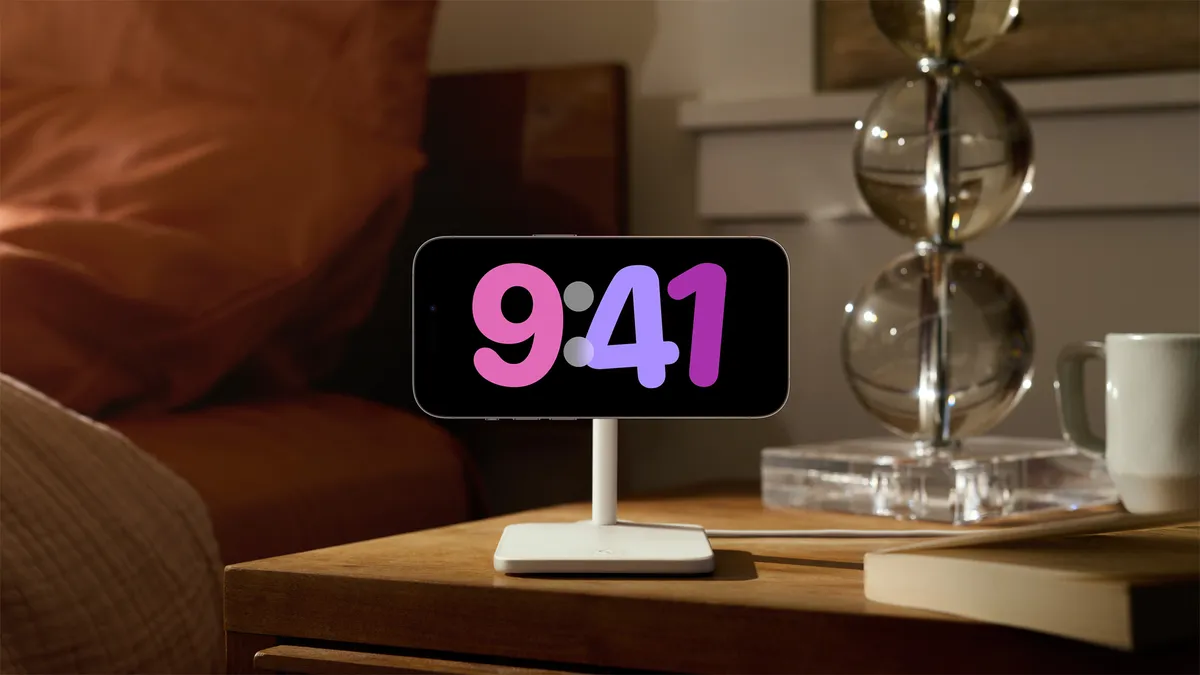
Best MagSafe charging stands 2024
The best MagSafe charging stand is the perfect way to take advantage of StandBy mode in iOS 17. Here are our favorites.
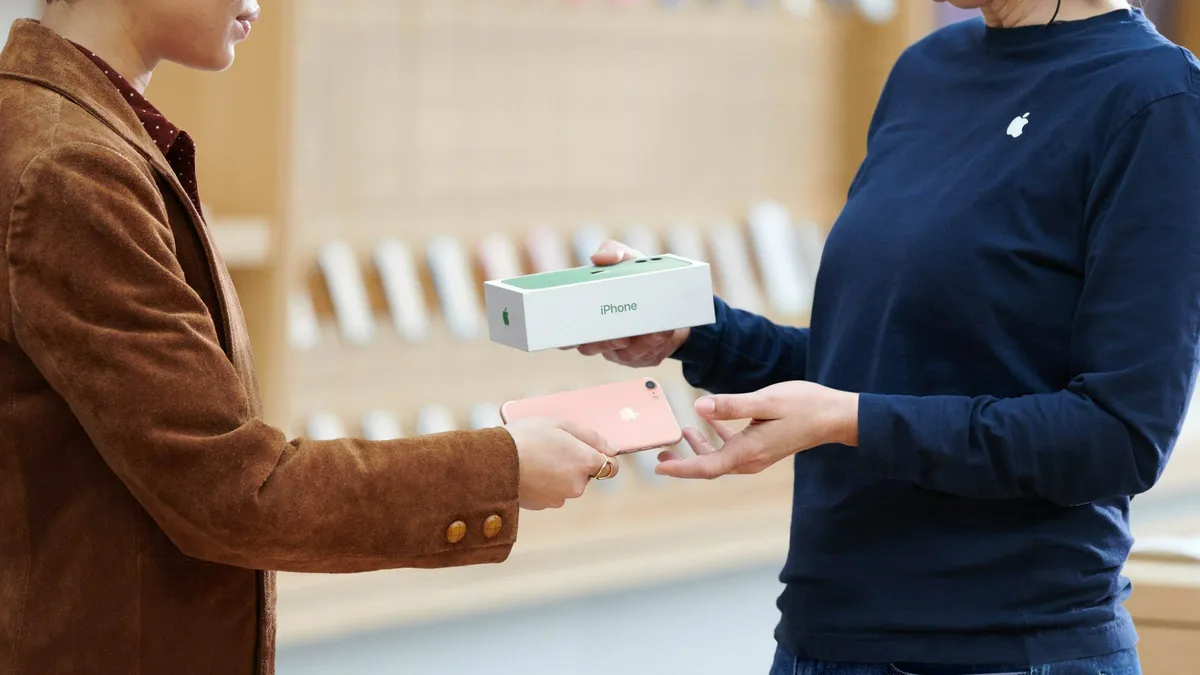
Did Apple just email you to say your trade-in is canceled? Don't panic, it's a glitch
iPhone customers are being told by Apple that their trade-ins have been canceled by a glitch email.

iPhone 16: Release date rumors, news, and more
The iPhone 16 is expected to arrive in September 2024 and it could be one of the biggest upgrades in some time.

iPhone 16 Pro: Release date rumors, news, and more
The iPhone 16 Pro is expected to come with a few changes compared to the model you're already carrying.
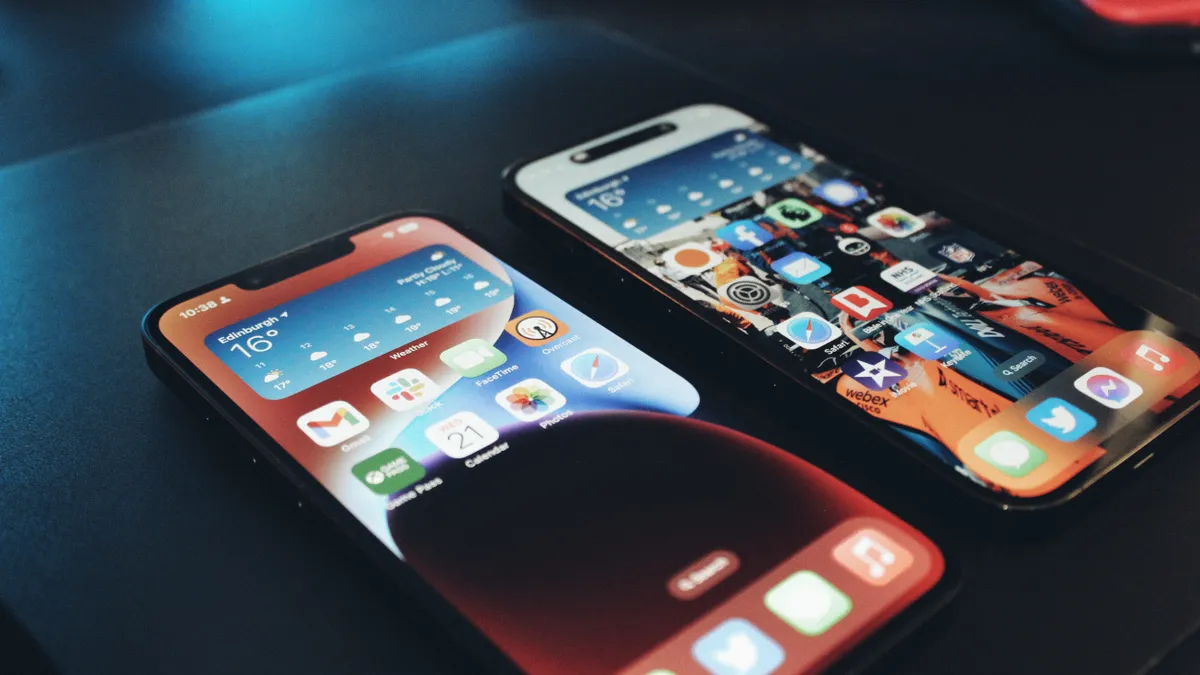
This Australian iPhone can use the EU's third-party app stores and more, but it's a messy workaround you probably shouldn't try
Someone found a way to get the EU's DMA features like third-party app stores and more, but the workaround probably isn't worth the hassle.

Apple's iPhones are so good and last so long people aren't buying new ones as activations slump
New Apple iPhone sales are falling as people find their existing handsets are good enough for one more year.
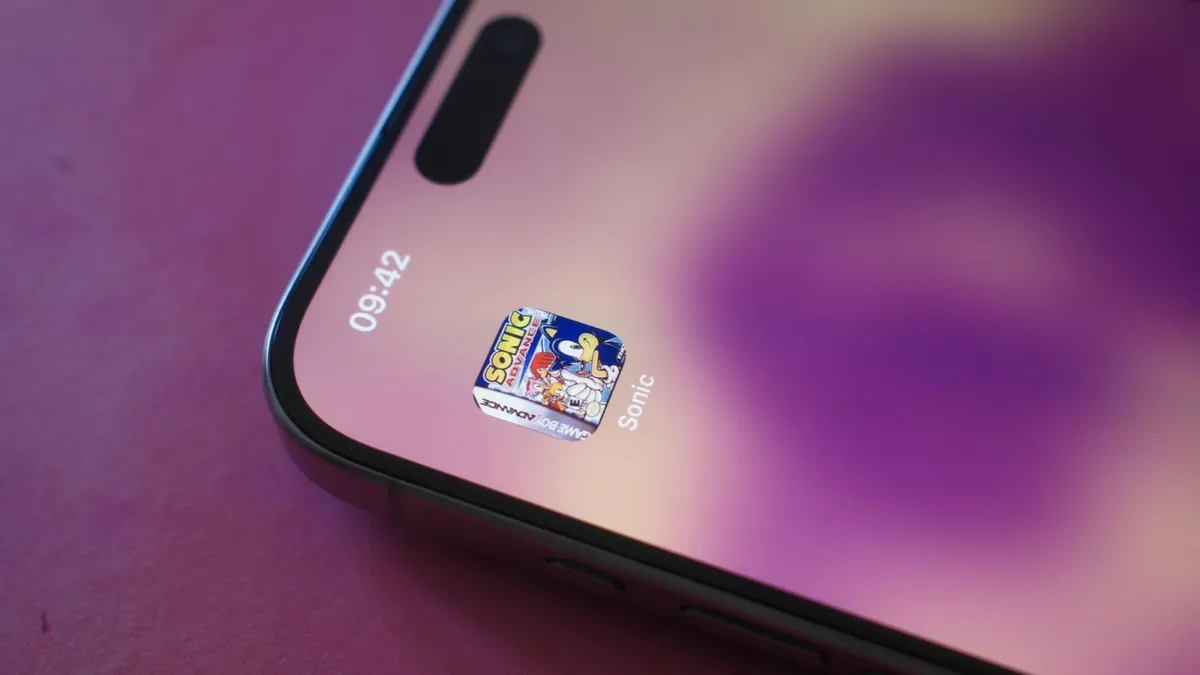
Add retro games to your iPhone's home screen with this Delta Game Emulator trick
Quick Tips Thanks to this handy trick in Delta for iPhone, you can launch your retro games directly from the Home Screen.
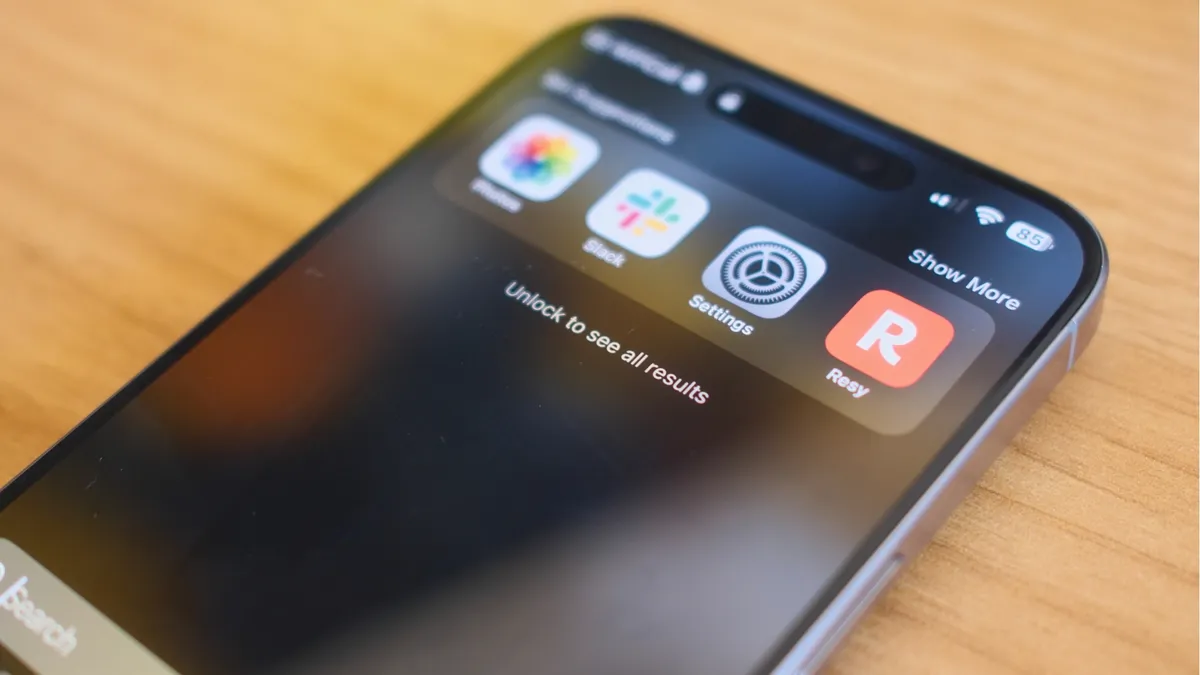
This iPhone trick lets you quickly search directly from your Lock Screen, here's how
Quick Tips You can search using Spotlight directly from your iPhone's Lock Screen — I wish I'd known all this time.
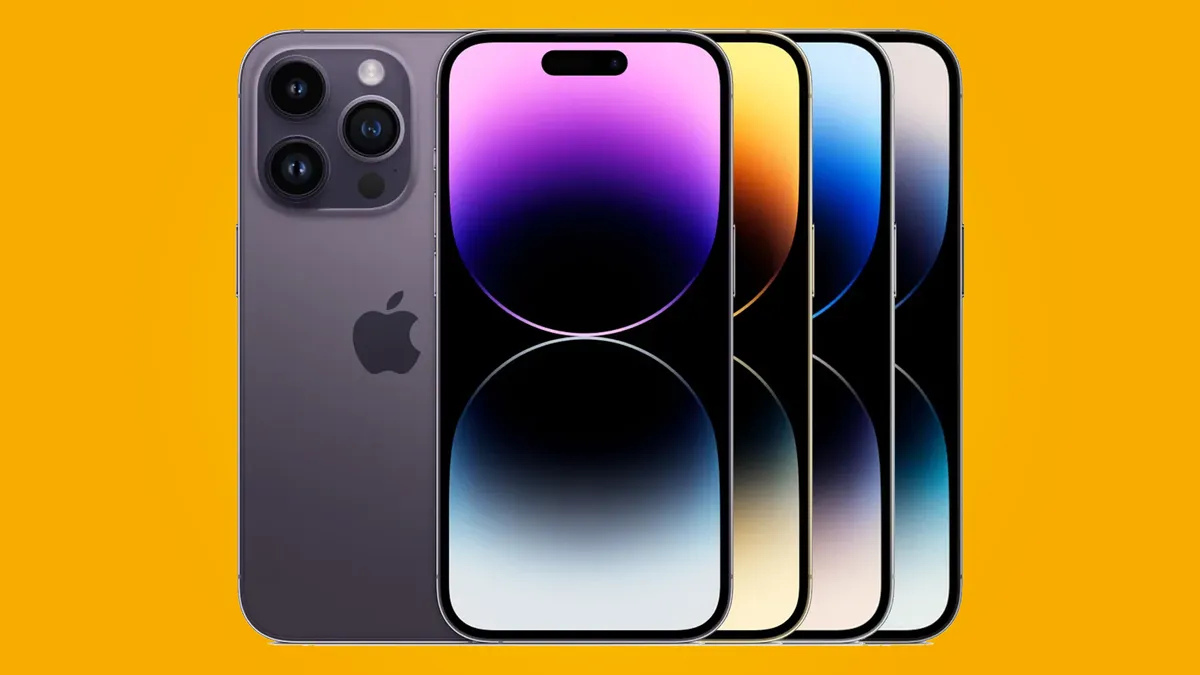
Best iPhone 14 Pro cases 2024
You've selected a premium Apple device, don't let it get damaged. We've rounded up some of the best case options for you here.
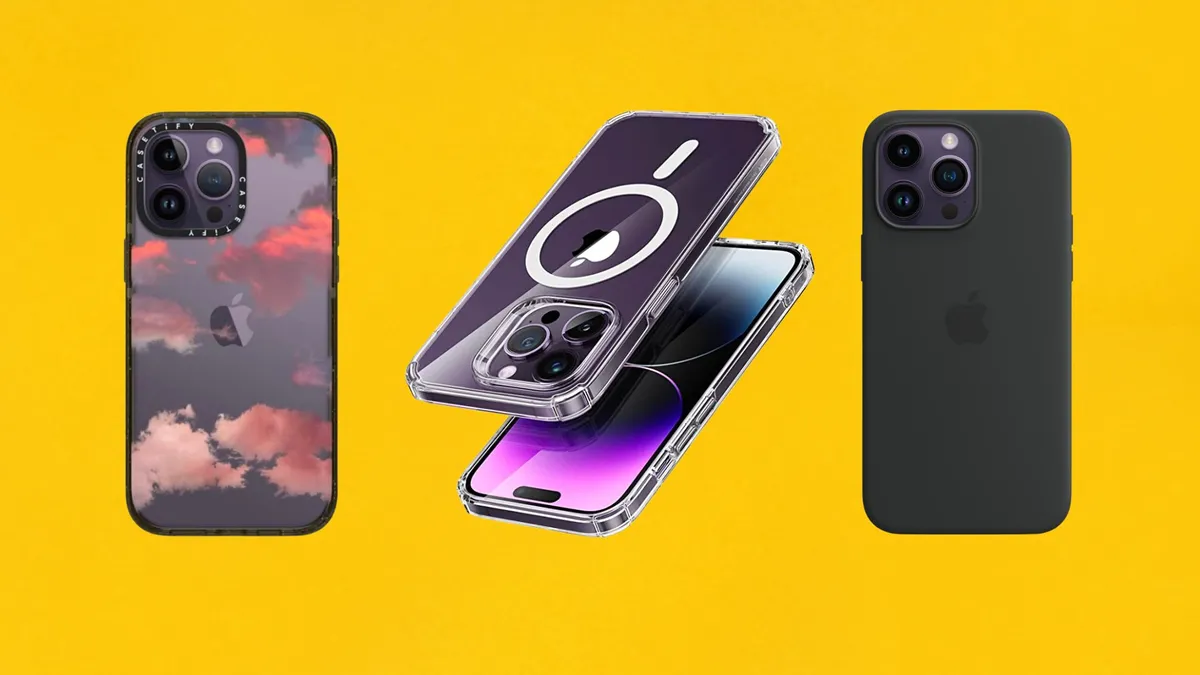
Best iPhone 14 Pro Max cases in 2024
You're pouring a pretty penny into your gorgeous iPhone 14 Pro Max. Be sure to get a case to keep it in tip top shape.
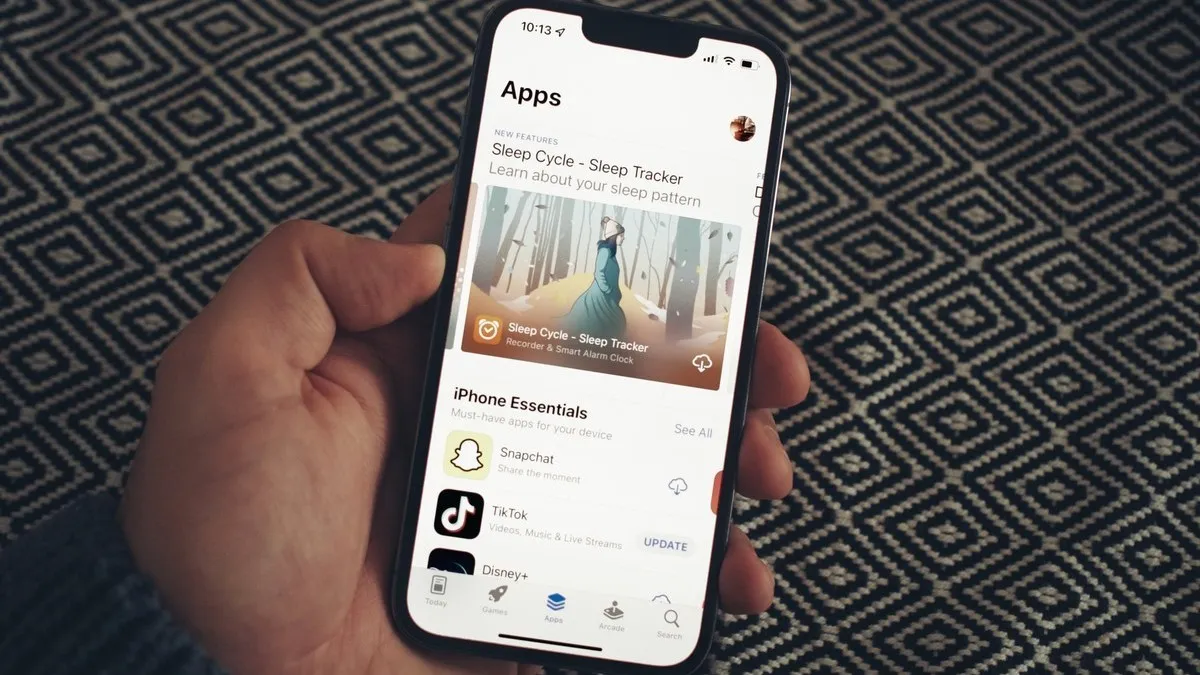
Epic drags Apple to court over App Store fees and more, judge orders a three-day evidentiary hearing as sanctions loom
Apple and Epic Games are heading to court over new claims App Store rules violate an injunction that came into force in January 2024.
This iPhone trick has been around for years — why don't more people use Apple's built-in undo method?
Quick Tips Did you know your iPhone has a secret undo feature that just requires a bit of arm strength? Here's how to use it.
Get an iPhone 15 for free at Verizon — and this time there's no trade in required
Verizon has one of the best offers on an iPhone yet — and you don't even need to trade in your old phone to get it.

Best iPhone 15 screen protectors
A screen protector will keep your iPhone from getting scratched, and maybe even ward off a costly repair in case of drops. Protect your iPhone 15 from the first day you get it with one of these.

Best iPhone 15 Pro screen protectors
The iPhone 15 Pro sports Apple's best screen yet. Keep it looking amazing from the moment you take it out of the box.
Become a master of your iPhone's calculator app with this hidden iPhone trick that not many people know even exists
Quick Tips Did you know Calculator on iPhone has a backspace button? Here's how to use it.
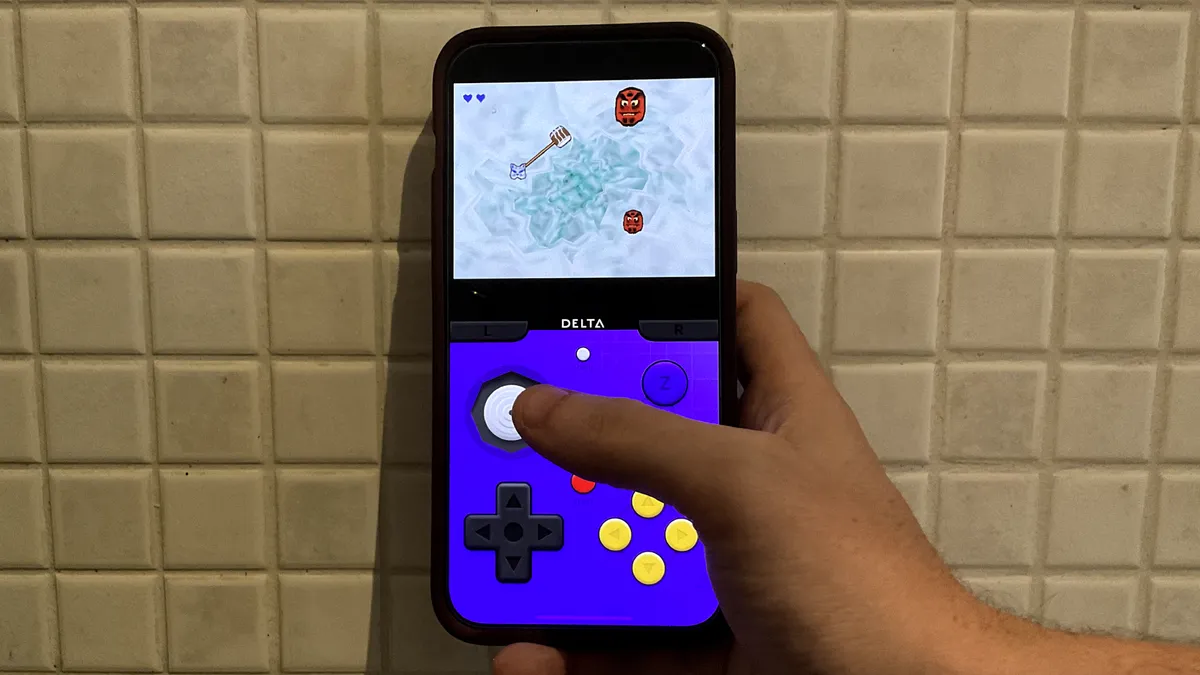
Here are 10 great free games you can legally play on Delta Emulator for iPhone
We’ve got 10 games that you can play on your iPhone with the Delta emulator without worrying about Nintendo’s lawyers knocking on your door.