Last year, Apple switched from prioritizing performance to prioritizing battery health on iPhone 6, iPhone 6 Plus, iPhone 6s, iPhone 6s Plus, and iPhone SE. This year, Apple added iPhone 7 and iPhone 7 Plus to that list. As a result, some users have seen significant slowdowns.
Apple is addressing concerns about the slowdowns with a battery replacement program and upcoming software update.
But Apple's new power management isn't the only thing that can affect performance on an iPhone. While it's all currently being conflated together, there are several other factors every user can and should consider, even if only while waiting on a new battery.
Here, from easiest to more difficult, is what you can do help restore speed and performance to your iPhone.
Note: Apple continuously improves iOS over the course of the year. If you stayed away from 11.0, 11.1, or 11.2, wait and see how people react to 11.3 (or some other future release.) If you hear it fixes performance issues on older iPhones, consider updating.
1. Check on performance management
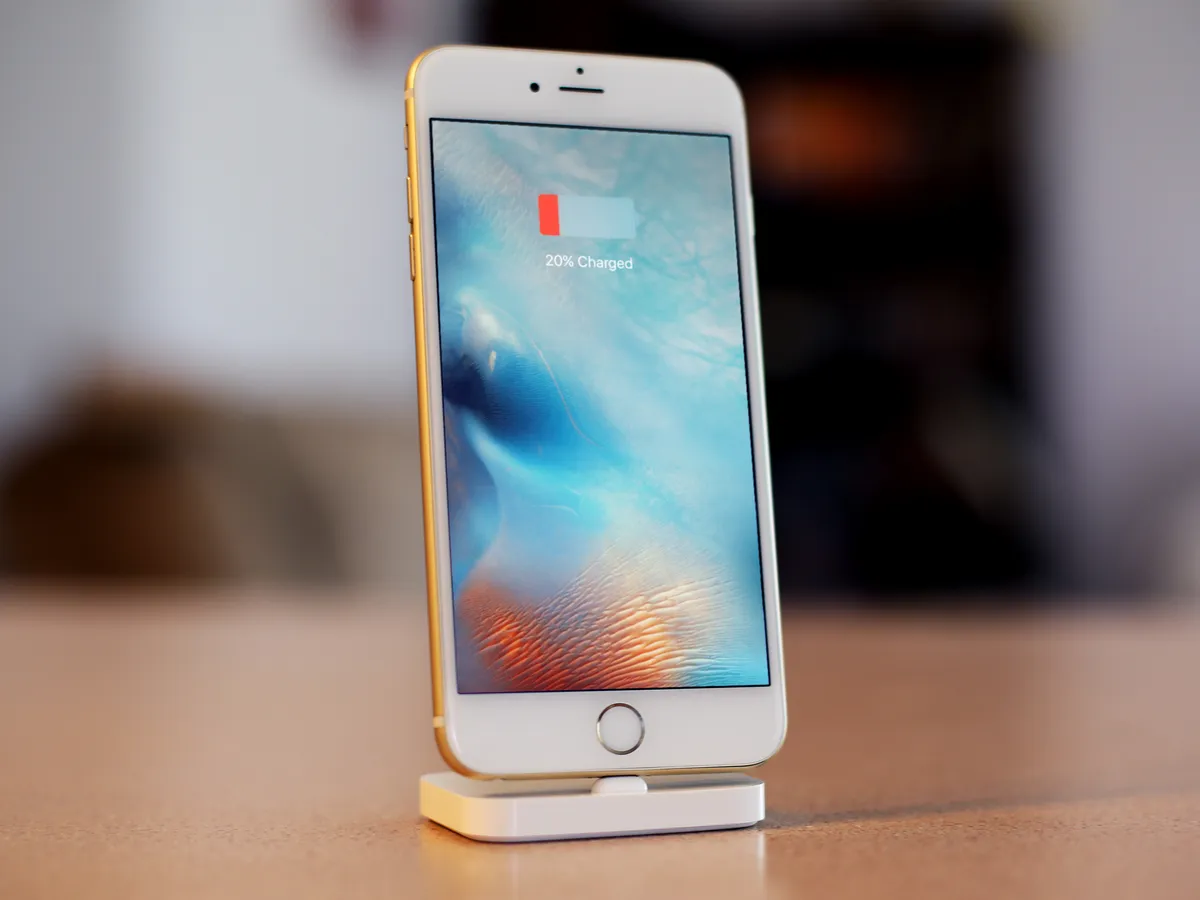
Performance management is a feature of iPhones that automatically slows down your iPhone when its battery's health has degraded past a certain point. This keeps your phone from shutting down unexpectedly, but it can also be frustrating for users when they find that their iPhone doesn't have the same pep in its step that it once did.
Since the release of iOS 11.3, users have been able to head to Settings > Battery > Battery Health (Beta) to get a better idea of the health of their iPhone's battery, and even turn off performance management if they so desire. Additionally, if your iPhone has previously been slowed down under performance management, iOS 11.3 cleaned the slate, resetting performance to unmanaged levels. Performance management won't kick in again until your iPhone experiences another unexpected shutdown.
How to use Battery Health in iOS 11.3 to monitor and control power throttling
2. Kill rogue processes and excessive background activity
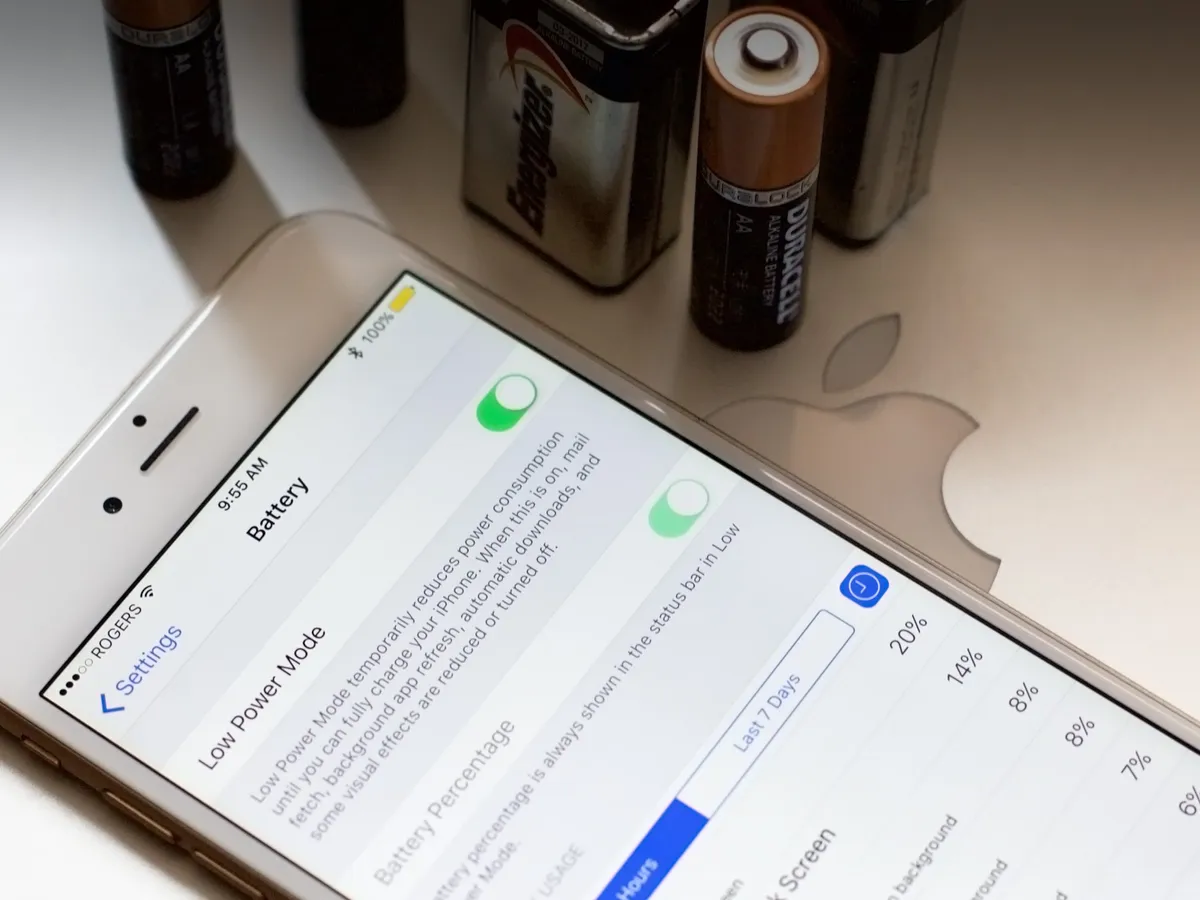
Theoretically, no one should ever have to manually manage apps on iOS. Practically, there will be times when rogue processes or excessive background activity consume enough resources that your battery will drain unacceptably fast and/or your performance will take a noticeable hit.
If you're not sure which apps may be causing issues, you can check Settings > Battery in the Battery Usage section. Tap on the Clock icon on the right and it'll show you background activity. If any app shows excessive background activity, especially compared to how much you've been using it, it's a candidate for termination.
How to see what's running in the background and using up your battery life on iPhone
Snapchat, Pokémon Go, Facebook, Messenger, even some Twitter clients can be routine offenders here. Once and a while, so can Photos.
If you see an app that's using far more of your resources than you think is acceptable, kill it by double-clicking the Home button (or dragging up and holding on iPhone X) to enter the fast app switcher. Then, swipe up to toss the app's card away (or hold to enter edit mode, then swipe up on iPhone X.)
How to force quit apps on iPhone
Once you've killed rogue apps and apps that are excessively consuming background resources, see how your iPhone performs. If you're still having issues, read on.
3. Put bad apps in the penalty box
If you notice it's always the same apps causing you problems or if there are simply apps or features you don't want running in the background, slowing down your performance, and using up your battery life, you can turn them off.
Most of the background features live in Settings > Notifications, Settings > General > Background App Refresh, and Settings > Privacy > Location Services. You can even switch email from push to pull if you really want to protect your resources.
You'll need to experiment to find the right mix of convenience vs. conservation, but when you get things tuned right you should get the best performance possible.
How to extend your iPhone battery life
If things are running smoothly, great. If not, keep reading.
4. Reboot. Hard.
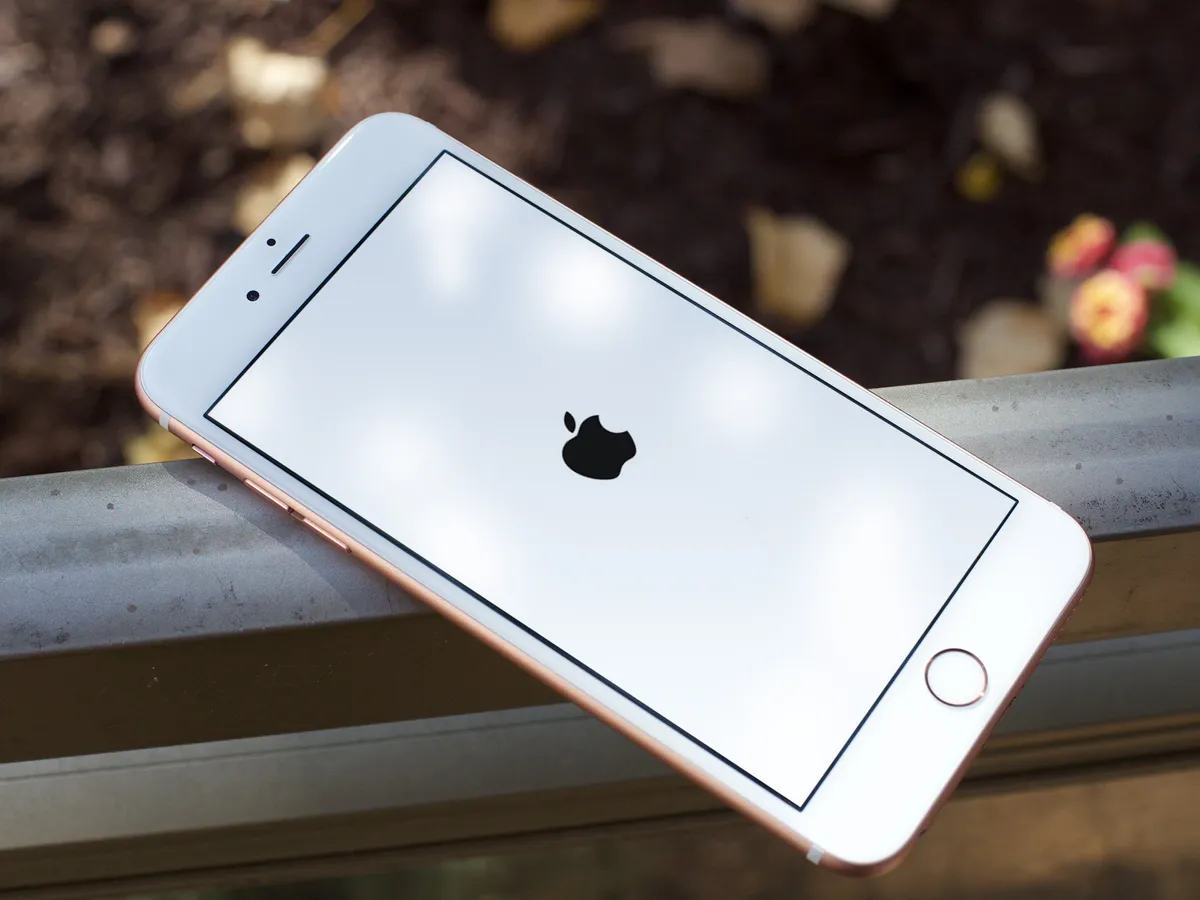
Make all the Windows jokes you like, but sometimes a hard reboot really does set things right.
Sometimes rogue processes are hard to single out, temporary data might have failed to purge, junk might have piled up, bits might have begun to rot, and your iPhone might have otherwise gotten bogged down.
To reset everything, hold down the Home + Side buttons (or press Volume Up, then Volume Down, then hold the Side button on iPhone 8 and iPhone X) until the screen goes black and the Apple logo pops back up.
Once your iPhone has rebooted, give it a whirl and see if things are working any better. If not, keep reading.
5. Restore from backup
Sometimes a reboot isn't enough. Over time, especially if you've updated or upgraded a lot over the years, the cruft can build up. It's the same kind of stuff — extra bits of data stuck here and there, but adding up to the point where it's noticeable and annoying.
A good way to clear it out is an old-fashioned visit to iTunes. Just plug your iPhone in using the Lightning to USB cable (or Lightning to Dock if you're really old-school), run an encrypted backup (to preserve as many of your passwords as possible), and then hit restore.
You should end up with a clean copy of iOS and all your data put back right where it's supposed to be.
How to restore your iPhone using iTunes
If that did the trick, then you're back in high-performance business. If not, let's keep going.
6. Get your battery replaced

This is the one making all the headlines and getting all the attention lately. Here's what Apple had to say about it:
About a year ago in iOS 10.2.1, we delivered a software update that improves power management during peak workloads to avoid unexpected shutdowns on iPhone 6, iPhone 6 Plus, iPhone 6s, iPhone 6s Plus, and iPhone SE. With the update, iOS dynamically manages the maximum performance of some system components when needed to prevent a shutdown. While these changes may go unnoticed, in some cases users may experience longer launch times for apps and other reductions in performance.Customer response to iOS 10.2.1 was positive, as it successfully reduced the occurrence of unexpected shutdowns. We recently extended the same support for iPhone 7 and iPhone 7 Plus in iOS 11.2.Of course, when a chemically aged battery is replaced with a new one, iPhone performance returns to normal when operated in standard conditions.
Apple has reduced the price of battery replacements down to US$29 for affected devices, namely iPhone 6 and later. If you think an aged battery is causing your performance problems, contact AppleCare or your local Apple Store and arrange to have it replaced.
If the new battery makes your iPhone run like new, outstanding. If not, there's one last thing you can try.
7. Restore as new
This is the nuclear option. Instead of updating in place, or restoring from an age-old backup, you start fresh and clean. You can re-sync accounts and content, including apps, from iCloud and iTunes, Google, Dropbox, and other online services, but you'll otherwise be starting over from scratch. You'll lose message history. You'll lose game and app data. You'll lose everything old. But you get to start over.
Think incredibly carefully before doing it. (And make sure you have an up-to-date backup so you can restore if you change your mind.) But it can be as liberating for you as it is your older iPhone.
Once you're absolutely certain, go to Settings > General > Reset > Reset All Contents and Settings.
How to set up your iPhone as new
Your #iPhoneSlow fixes?
A three-year-old iPhone 6 will simply never be as fast as a brand new iPhone X — hardware evolves at too fast a rate. When you next upgrade your iPhone, you'll get all the benefits of those advances.
In the meantime, though, no one should ever have to suffer through an unacceptably slow iPhone experience.
Try the fixes listed above and let me know which, if any, worked for you. And if you have fixes of your own, drop them in the comments below.
Update June 2018: Added a section about performance management in iOS 11.3.