This Loewe Bluetooth speaker collab with Kylian Mbappe is a top option for your iPhone
Loewe has collaborated with footballer Kylian Mbappe to release a special edition Bluetooth speaker, and it's perfect to use with your iPhone.


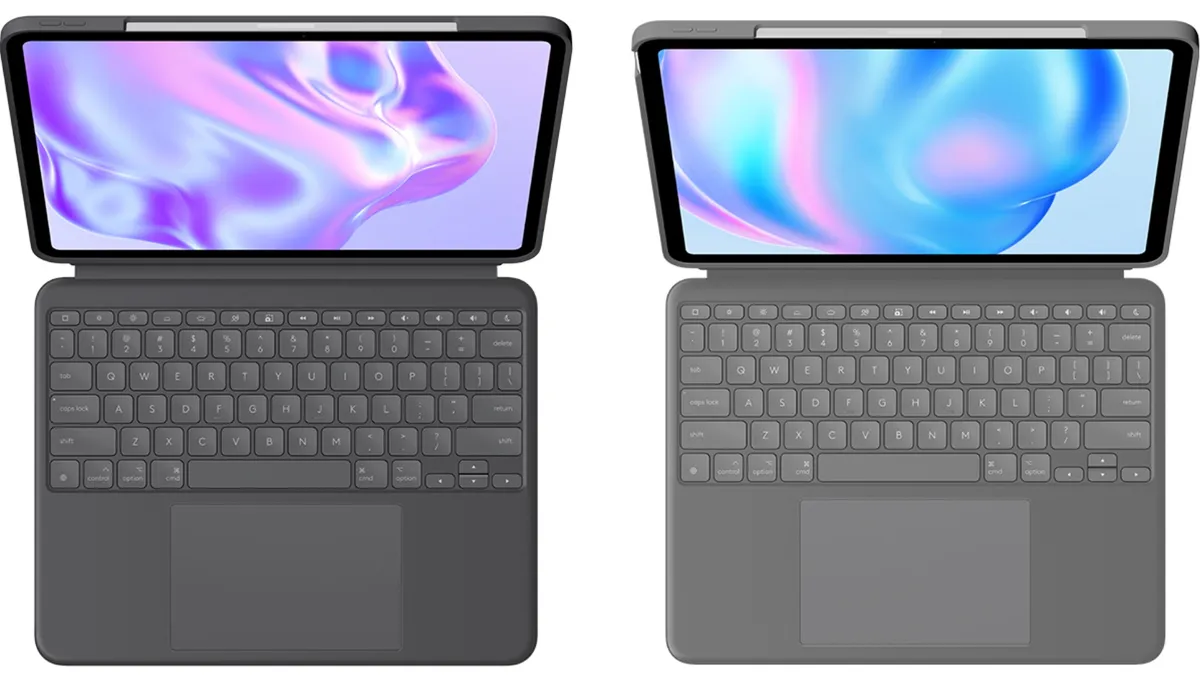
Apple's $299 iPad Pro and iPad Air Magic Keyboards have new, cheaper competition from Logitech in the form of the new Combo Touch.
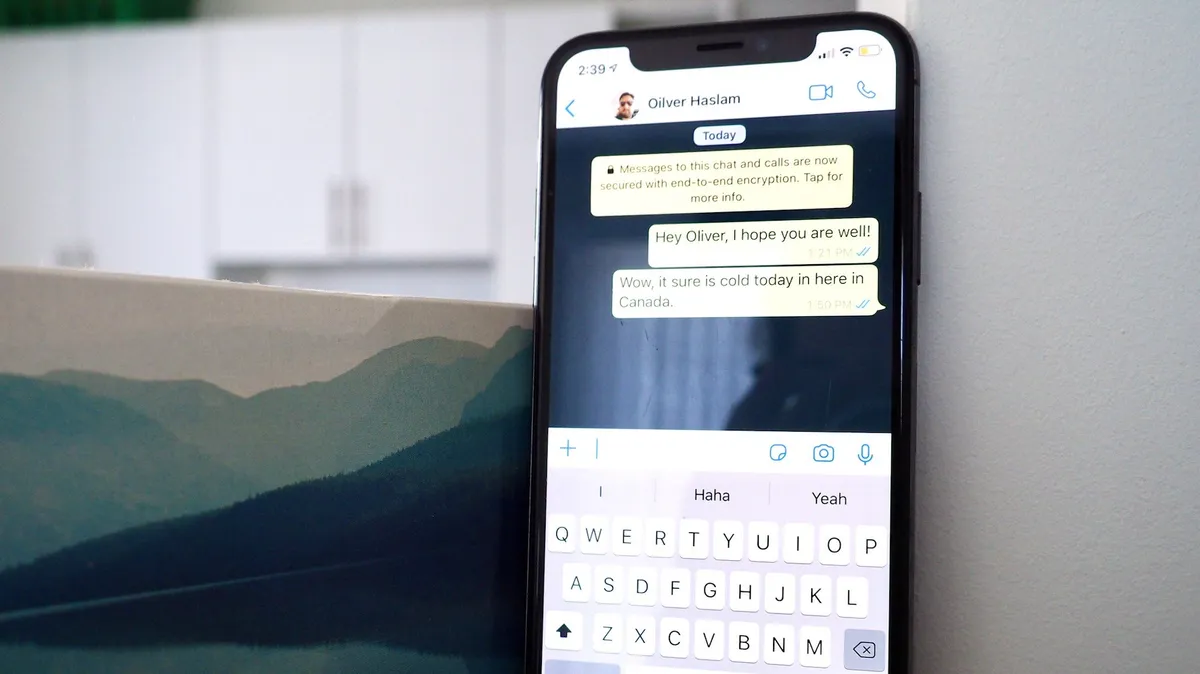
WhatsApp has announced a raft of changes to its iPhone app, improving the color palette, adding new animations, and changing how users add attachments.

Google Chrome could be ready to add multi-profile support on the iPhone and iPad according to a new report.
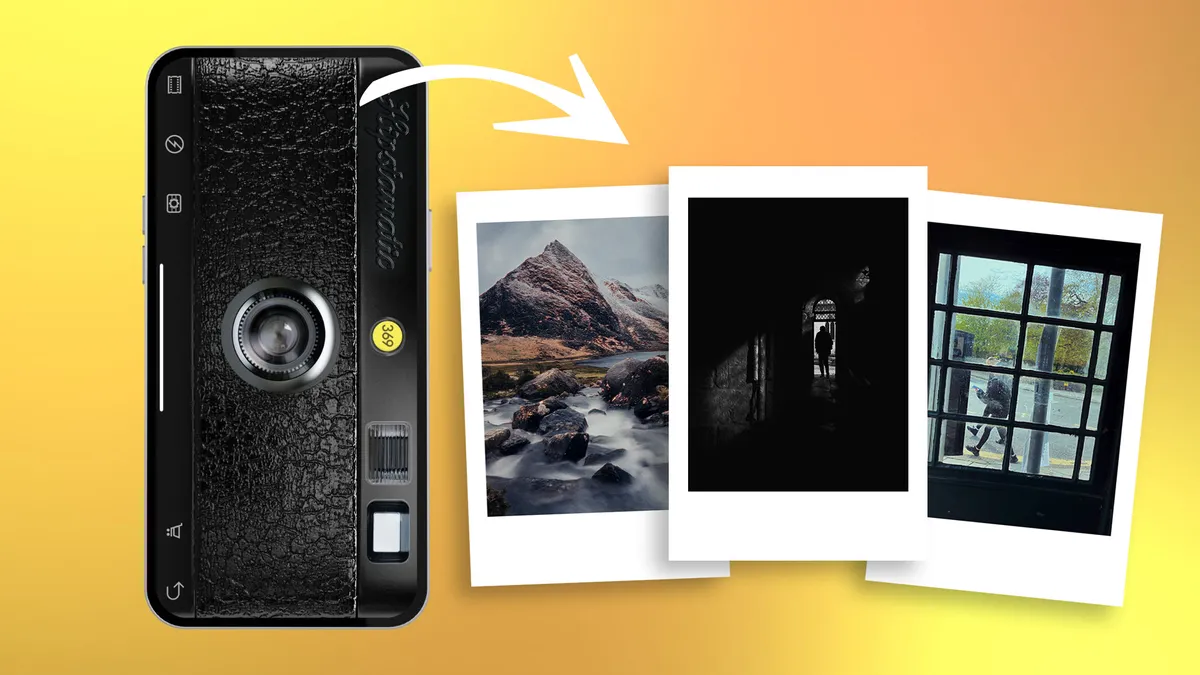
Turn back the clock and give your iPhone photos a retro film-era vibe using a variety of vintage apps.

iPhone users can now access their own version of Android’s rather excellent Circle to Search feature.

A new version of Matter has been released, version 1,3, adding support for EV chargers, kitchen appliances, and more.

Learn to attach an iPhone-compatible filter holder and use physical ND and polarizing filters to enhance your iPhone photography.
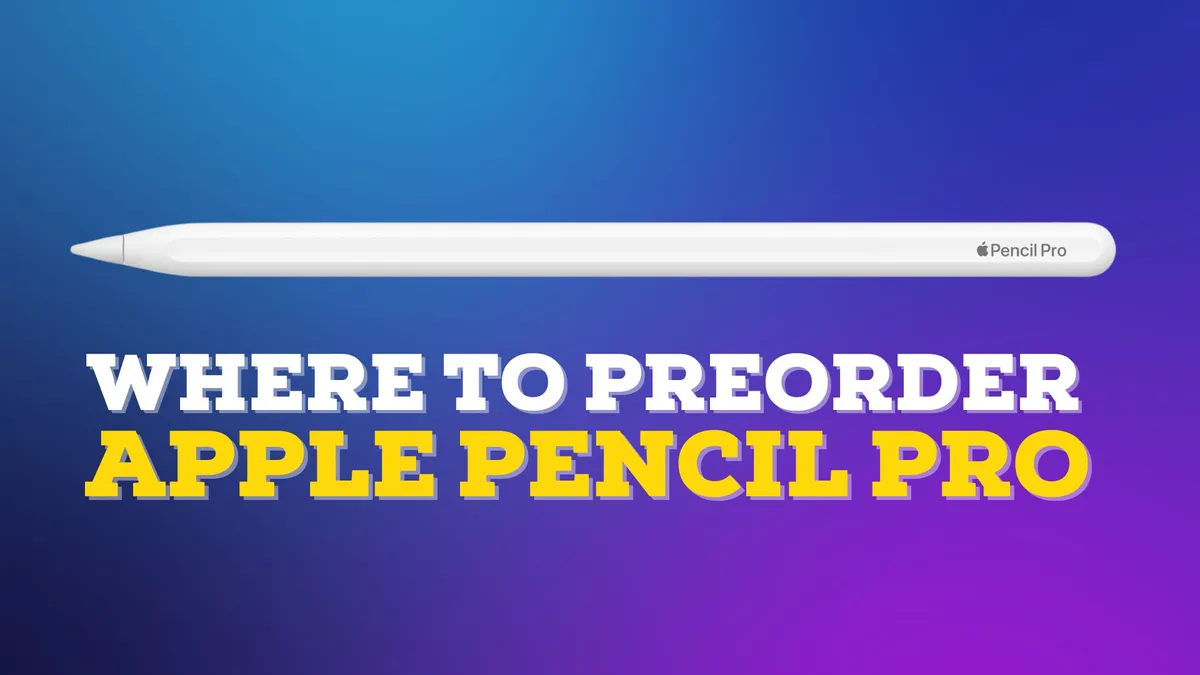
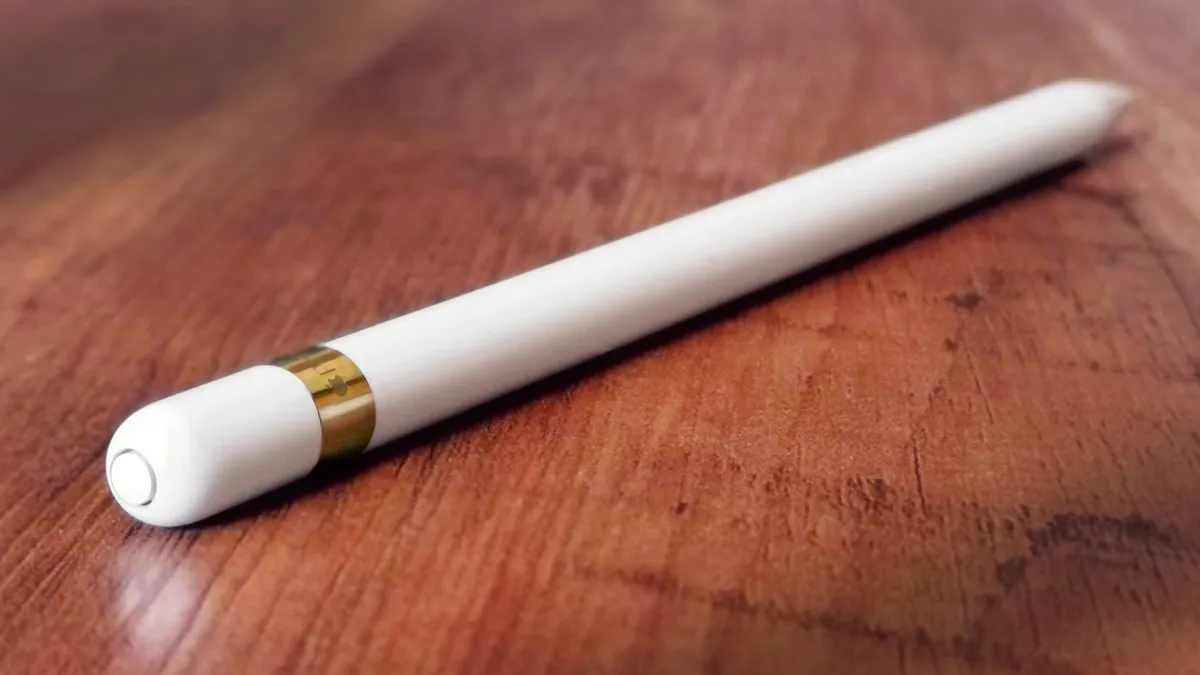
We have a date for the latest Apple Pencil, but where can you get one?
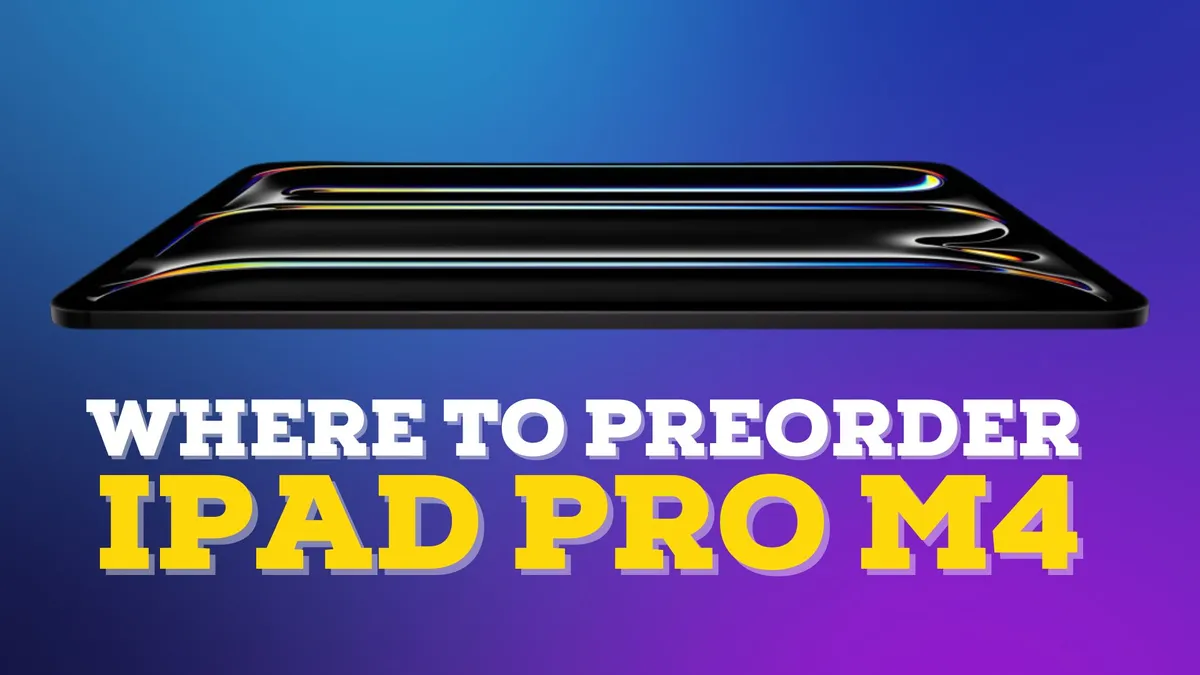
So now that we have an idea of when to expect the release of the new iPads, where can we preorder one?
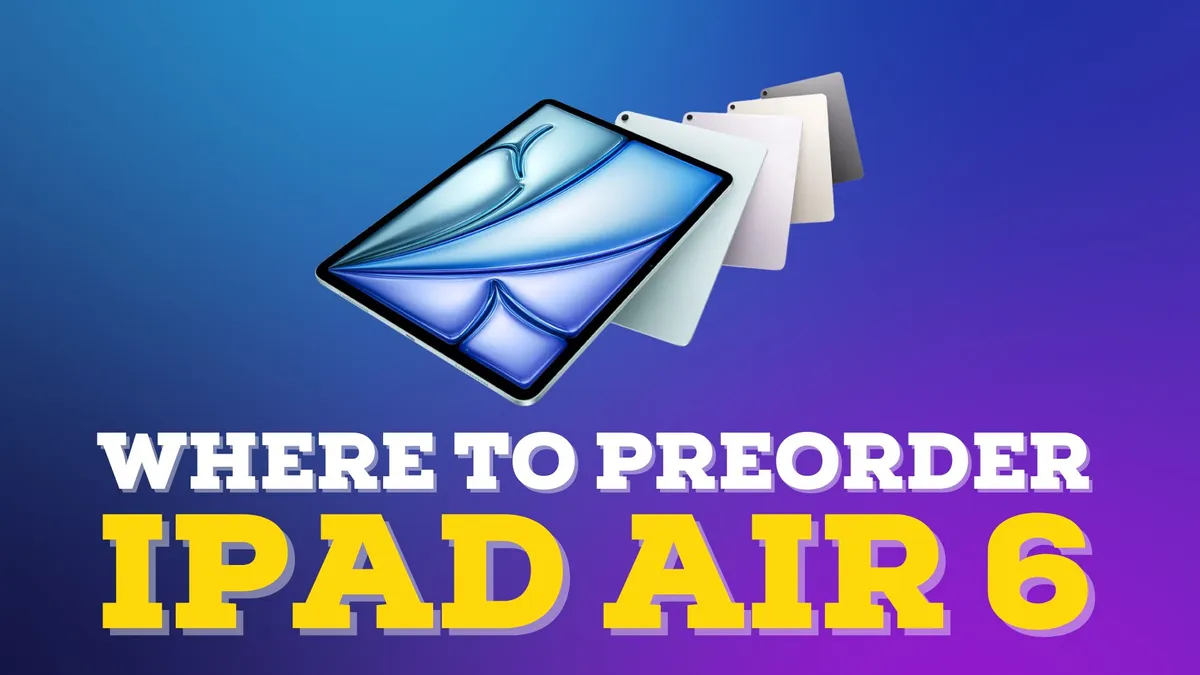
While we know where to expect the latest iPad Air, where can we go to get one?
Thanks to the iPad’s Scribble function, you can easily type in any textbox without having to wait for the virtual keyboard to pop up.
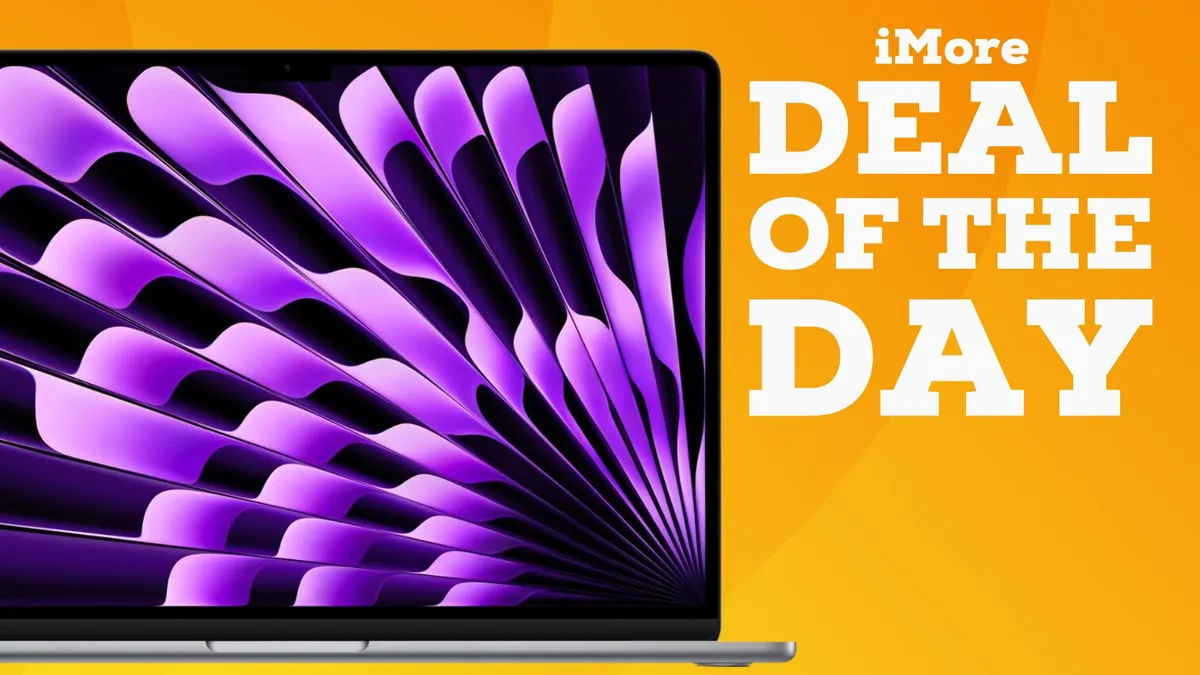
The MacBook Air M2 just dropped to its lowest price ever on Amazon, but stock is limited.
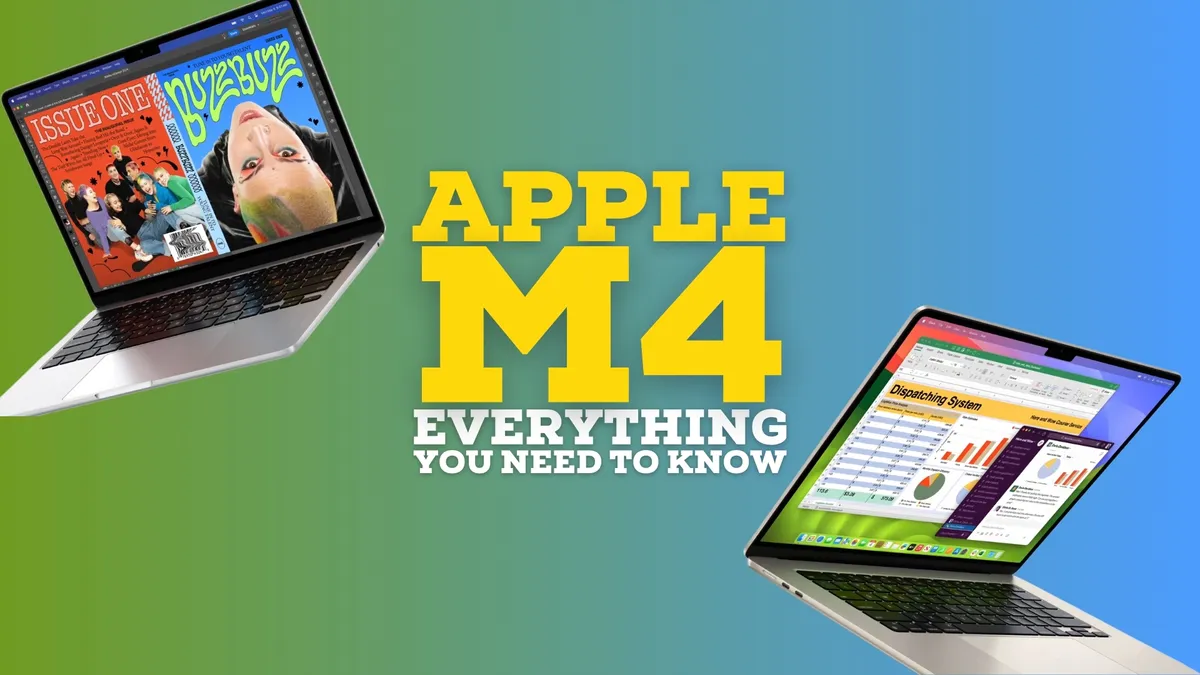
2024 heralds the first wave of M4 iPads but there's no sign just yet of MacBooks following suit. Here's everything we know so far.
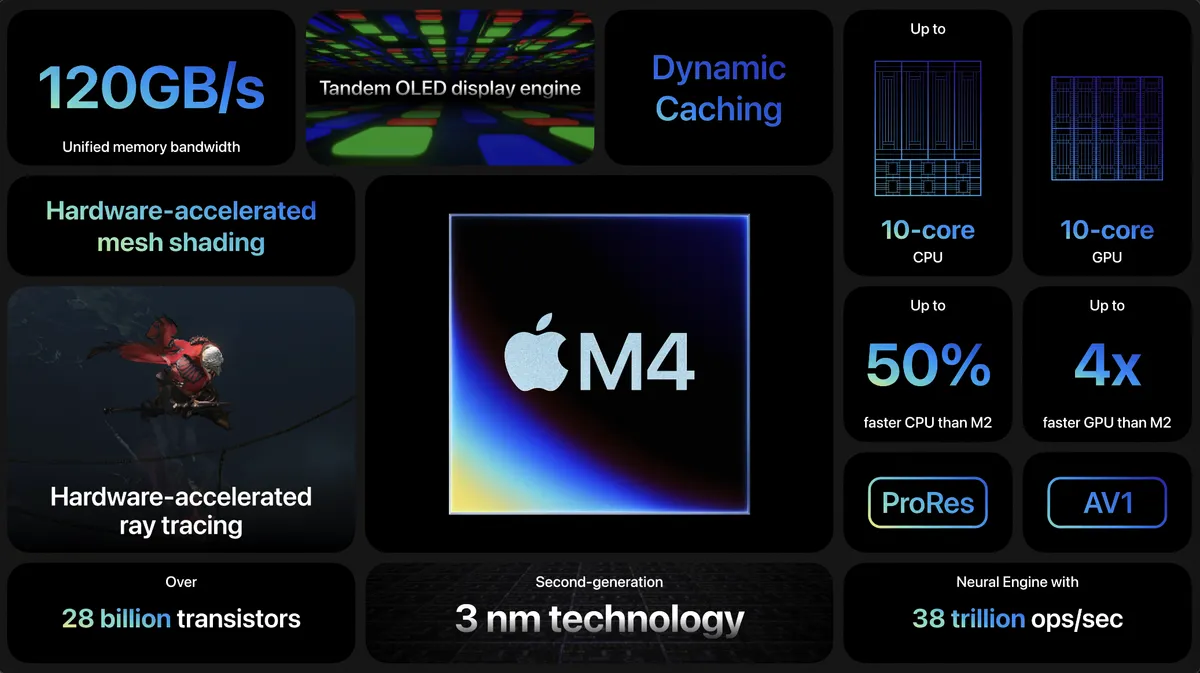
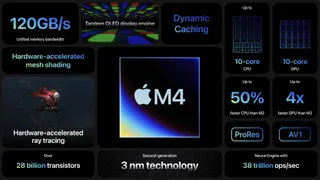
Apple's new M4 Apple silicon processor is here, and it arrives in the iPad Pro.
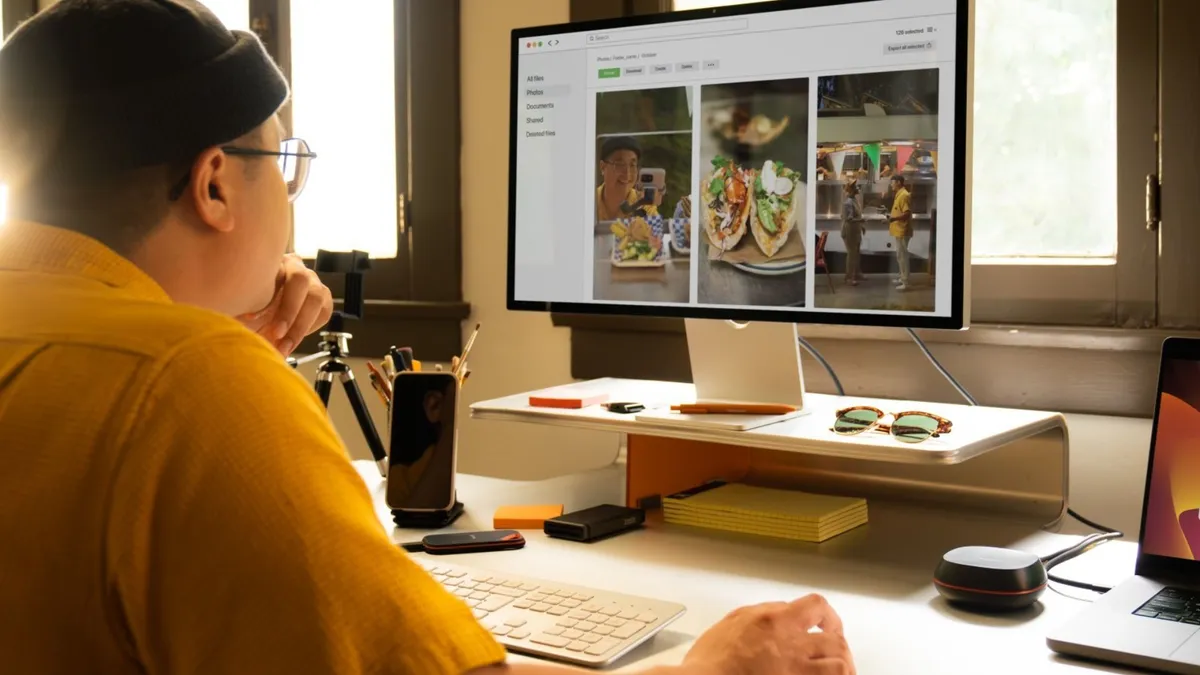
SanDisk's Desk Drive brings all the storage for an almost unbeatable price.
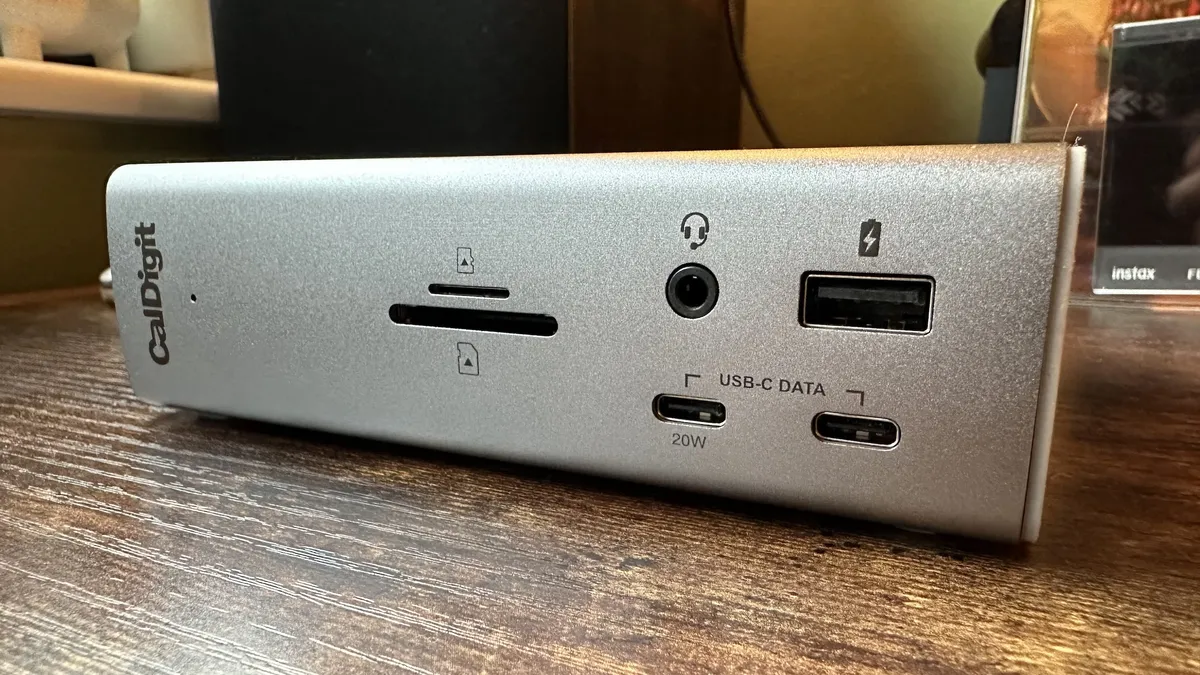
Need to connect multiple devices to your MacBook Pro? Get yourself one of these docking stations.
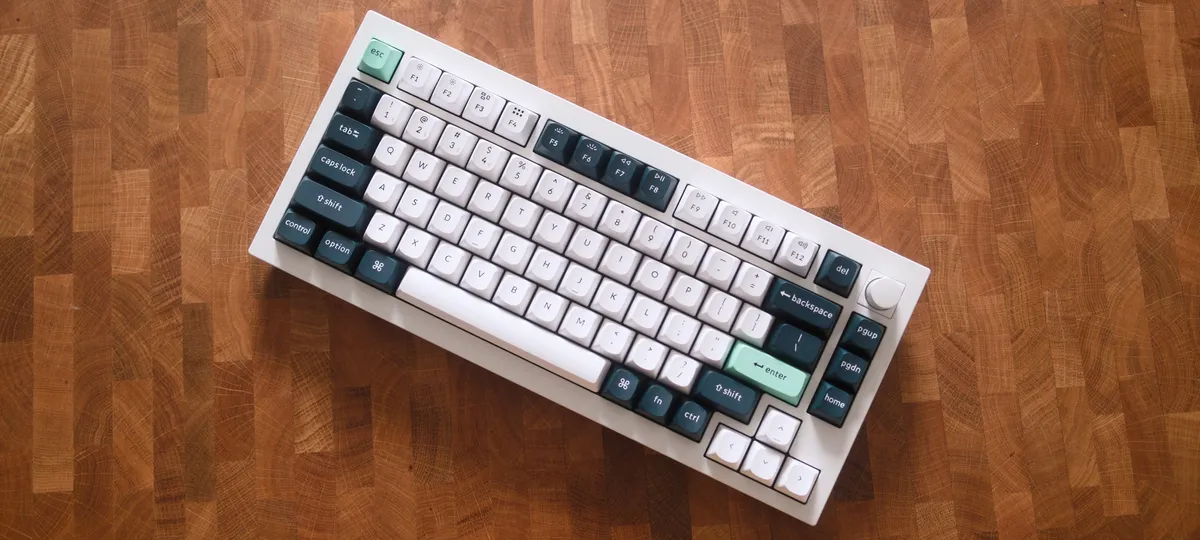
The Keychron Q1 HE adds magnetic hall effect switches to the tried and tested Q1 form factor. But is it good enough to replace the mechanical keyboard on your desk?
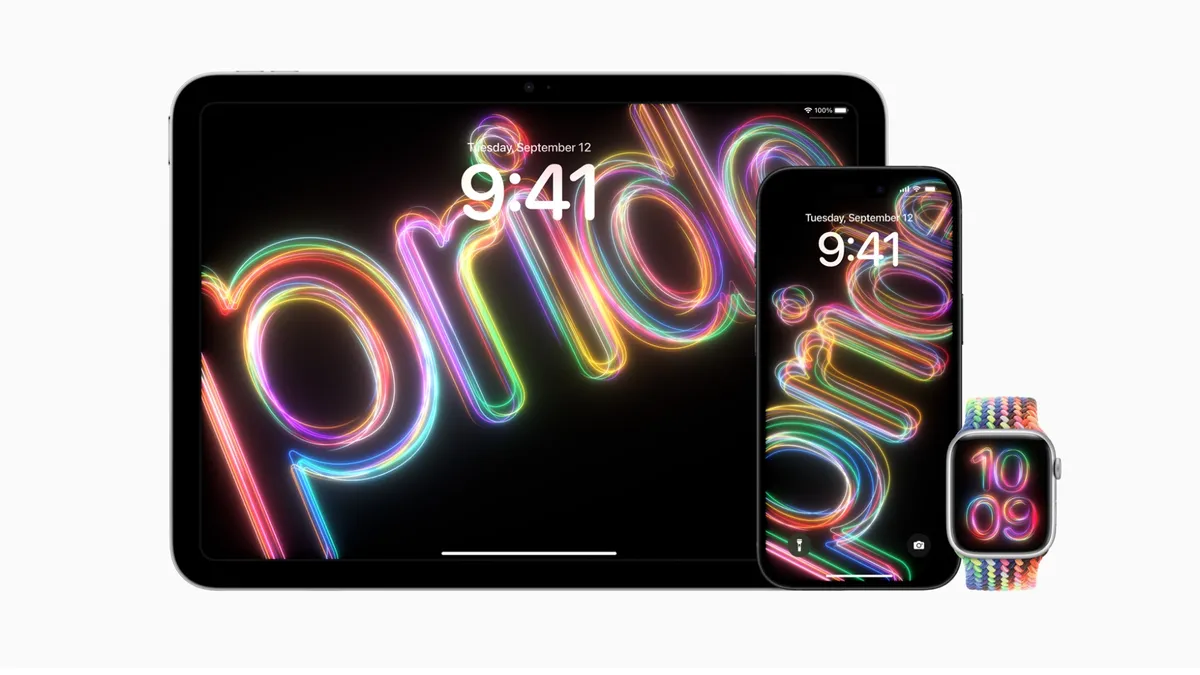
Apple has today announced its 2024 Pride Collection including a stunning new Apple Watch band.
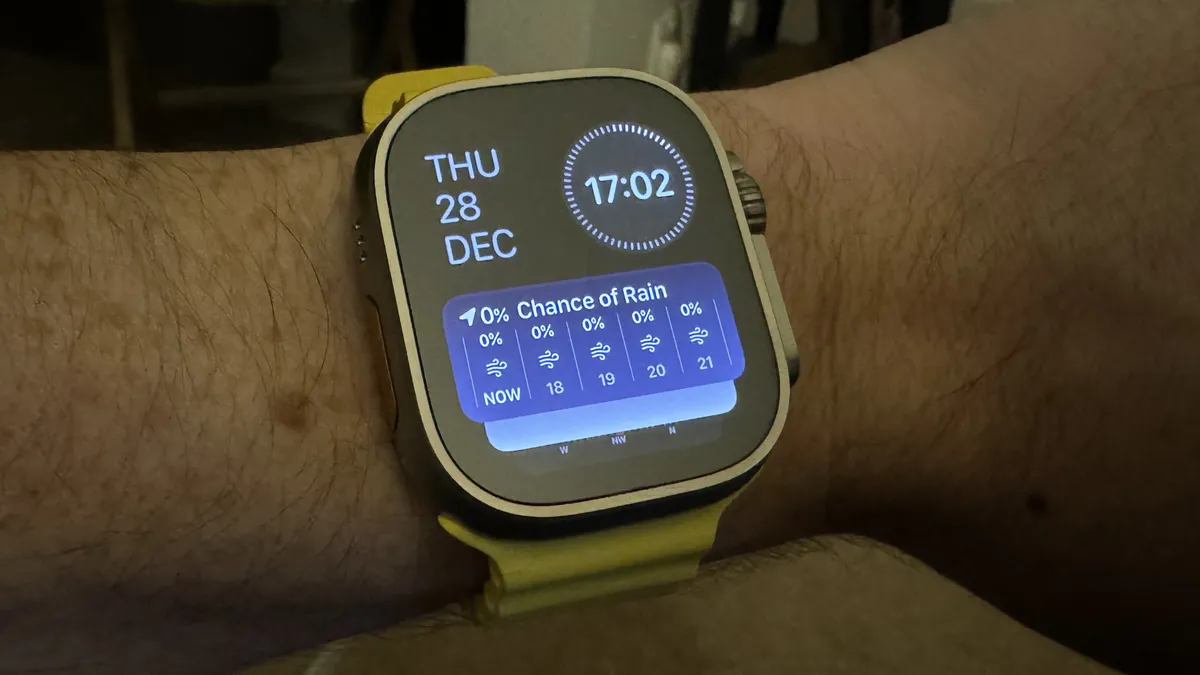
A new rumour says the upcoming Apple Watch X will opt for a thinner motherboard, which will leave extra room inside for additional hardware.
Thanks to the iPad’s Scribble function, you can easily type in any textbox without having to wait for the virtual keyboard to pop up.
Turn back the clock and give your iPhone photos a retro film-era vibe using a variety of vintage apps.
iPhone users can now access their own version of Android’s rather excellent Circle to Search feature.
Learn to attach an iPhone-compatible filter holder and use physical ND and polarizing filters to enhance your iPhone photography.

Microsoft has announced it will be launching a mobile game store on iPhone for a “true cross-platform gaming-centric mobile experience.”
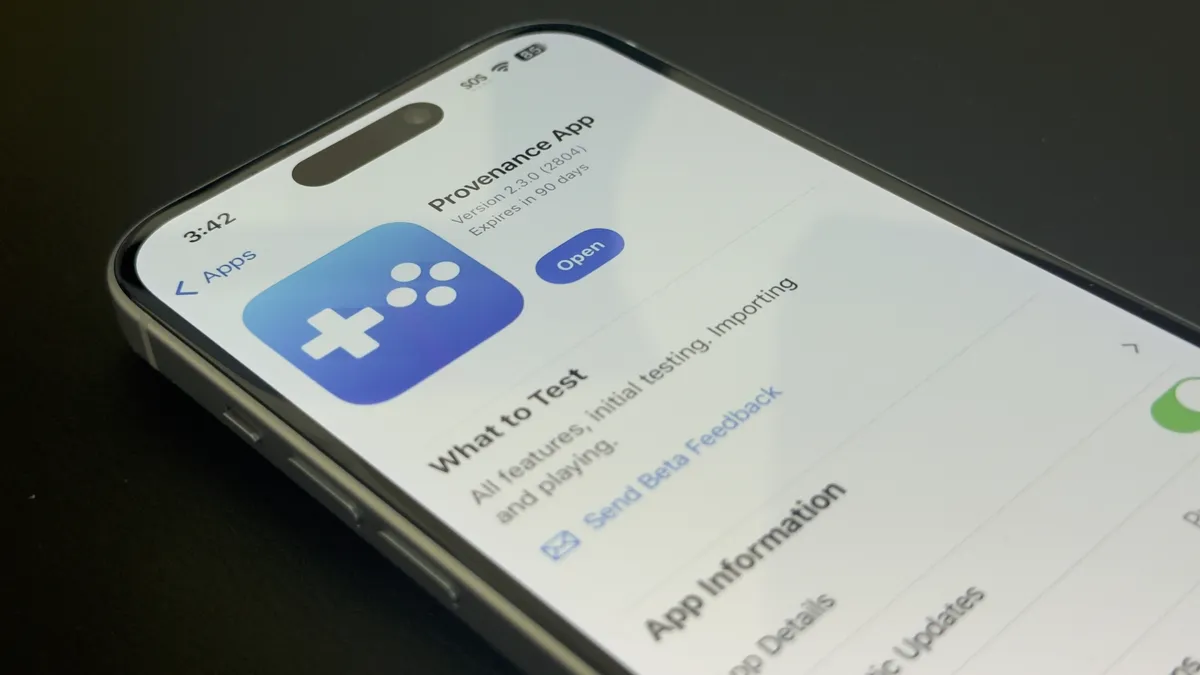
Game emulator fans have a new beta to download on the iPhone and iPad, and there's an Apple TV version on the way as well.

The new chip in the iPad Pro looks like it could offer a phenomenal boost in processing power, but I’m more excited about gaming on that excellent display.

Hands-On You squeeze, it shakes: Apple Pencil Pro stole the show at the new iPad launch event thanks to new features that will allow for all manner of creative shortcuts for artists.
The Keychron Q1 HE adds magnetic hall effect switches to the tried and tested Q1 form factor. But is it good enough to replace the mechanical keyboard on your desk?
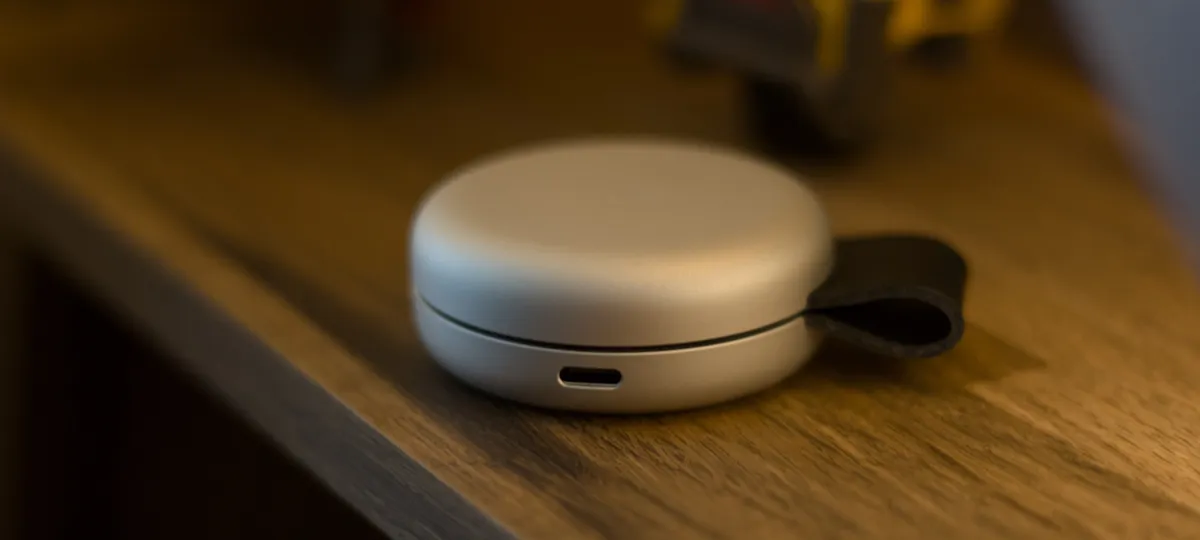
The Twelve South ButterFly is the world's smallest 2-in-1 MagSafe charger, but is it any good?

Too pricey to compete with its peers, and not quite as good as its remarkable LCD stablemates, the Dough Spectrum Black 27-inch OLED monitor is a good screen that’s still difficult to recommend.
WhatsApp has announced a raft of changes to its iPhone app, improving the color palette, adding new animations, and changing how users add attachments.
Google Chrome could be ready to add multi-profile support on the iPhone and iPad according to a new report.
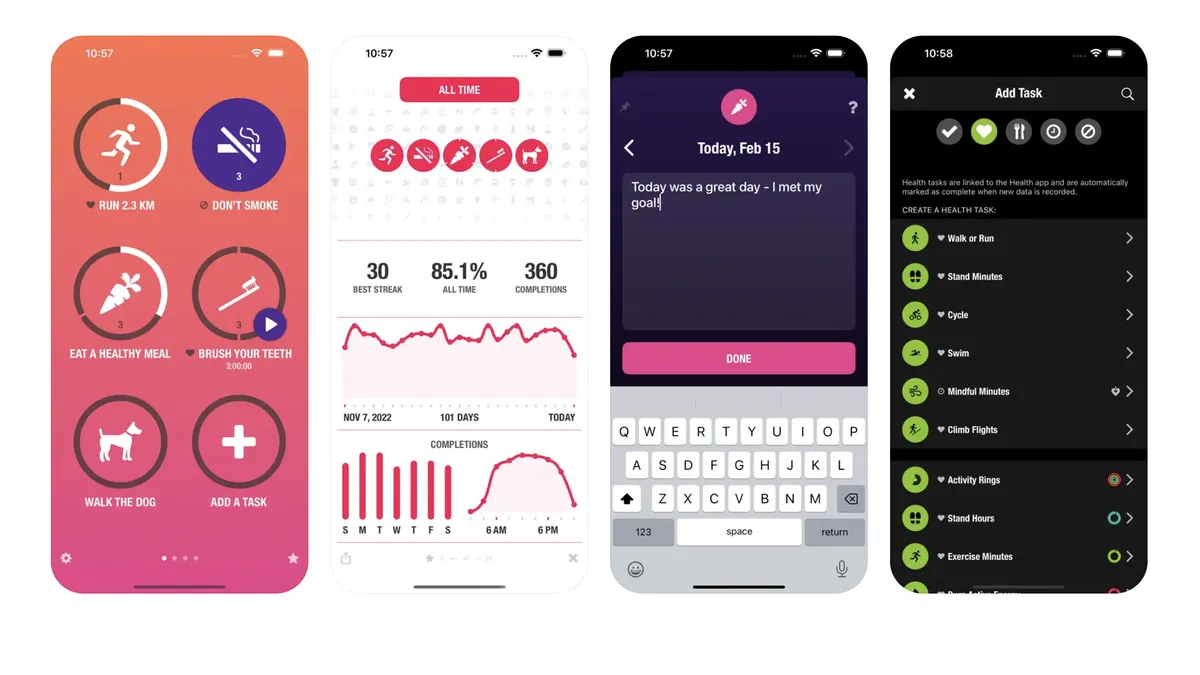
App of the day Streaks is a simple and effective habit-tracking app for people who love setting goals and hate losing daily streaks.
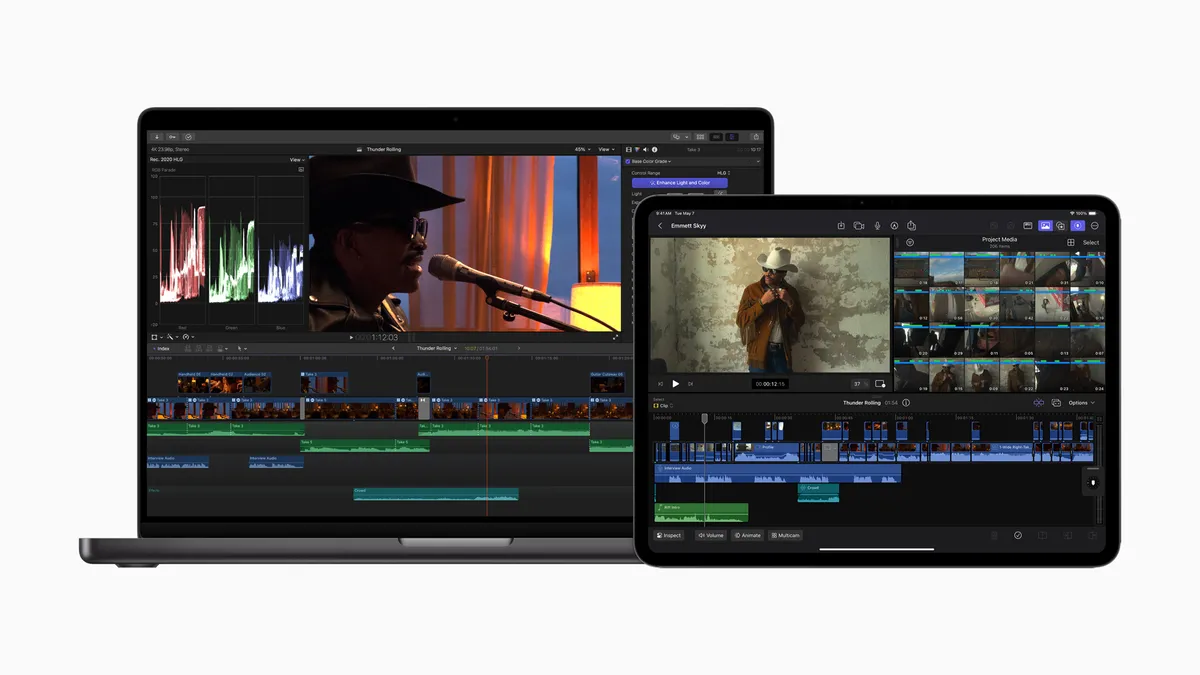
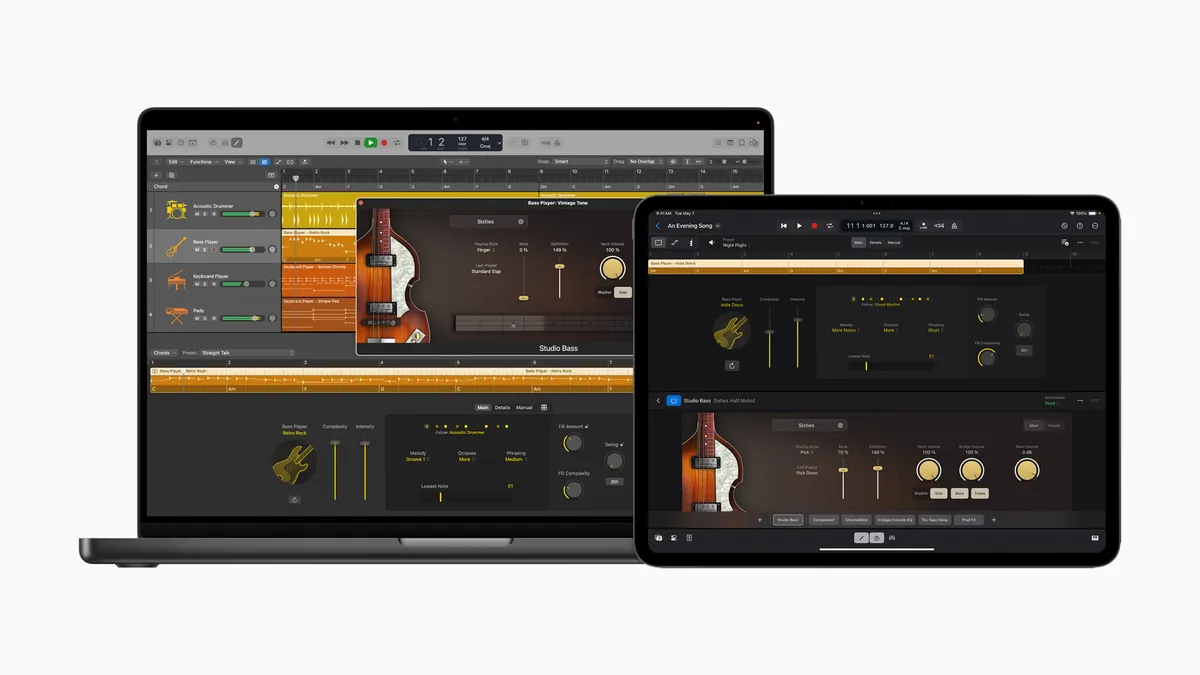
Final Cut gets an AI-powered sequel for iPad that takes advantage of the M4.