Best paid iPhone apps

The App Store is flooded with apps, both good and bad, so it can be overwhelming to decided which apps you're going to spend your hard earned cash (or gift cards) on. Stress no more! We've gathered up some of our all time favorite apps that we believe to be worth every penny.
1Password 4

1Password is not only one of the best apps for your iPhone, but one of the best for your iPad, Mac, and PC as well. With 1Password, you can say goodbye to using the same, insecure password for all your logins all over the internet and instead give each login its own individual secure password yet only need to remember one password to gain access to them all.
1Password is not just extremely useful and practical, but it's extremely well designed that gives the perfect combination of functionality and beauty.
Fantastical

Apple's built-in Calendar app is great and all, but if you want a superb calendar, take a look at Fantastical for iPhone. This awesome little calendar app lets you simply type your meetings in normal language and it translates them into an appointment for you. For example "meeting with Rene Ritchie next friday at noon" will automatically fill in the appropriate fields to schedule this event. If you're a quick typer, this is typically much faster than adding all the information yourself. Fantastical will make you wish you had more things to add to your calendar so that you can use it more. Seriously.
- Fantastical review
- $3.99 - Download now
Tweetbot

Tweetbot has been one of our favorite Twitter apps for quite some time, now. It's perfect for the power tweeter, with useful features like, intuitive gestures, granular notifications, and flexible mute filters all wrapped up in fun sounds and a great design.
$2.99 - Download now
See also: Twitterrific for iPhone
- Twitterrific review
- $2.99 - Download now
Camera+

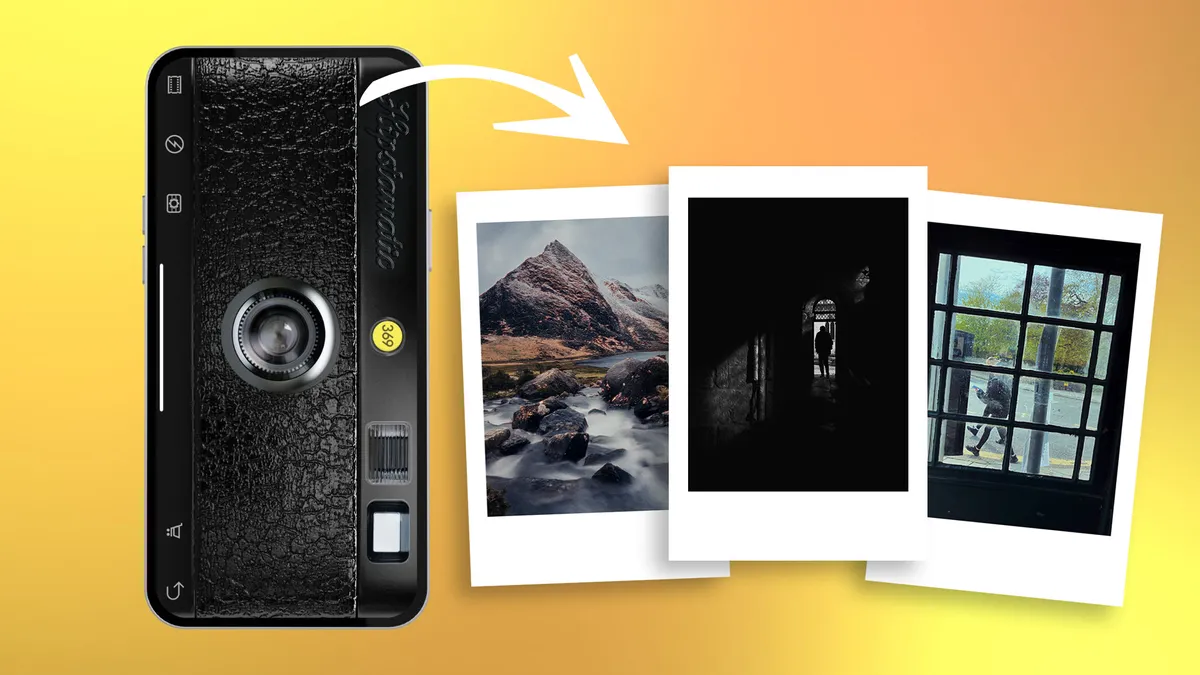
The iPhone's is, without question, an excellent camera, but the iPhone isn't exactly equipped with all the tools to make the most use out of it -- but Camera+ is! Camera+ is a photography app that is useful for both taking photos and editing them. With features ranging from separate exposure and focus points, stabilizer, dozens of effects and borders, different scene modes, and more, Camera+ is sure to help you grow to become the awesome iPhone photographer you desire to be!
- $0.99 - Download now
iMovie

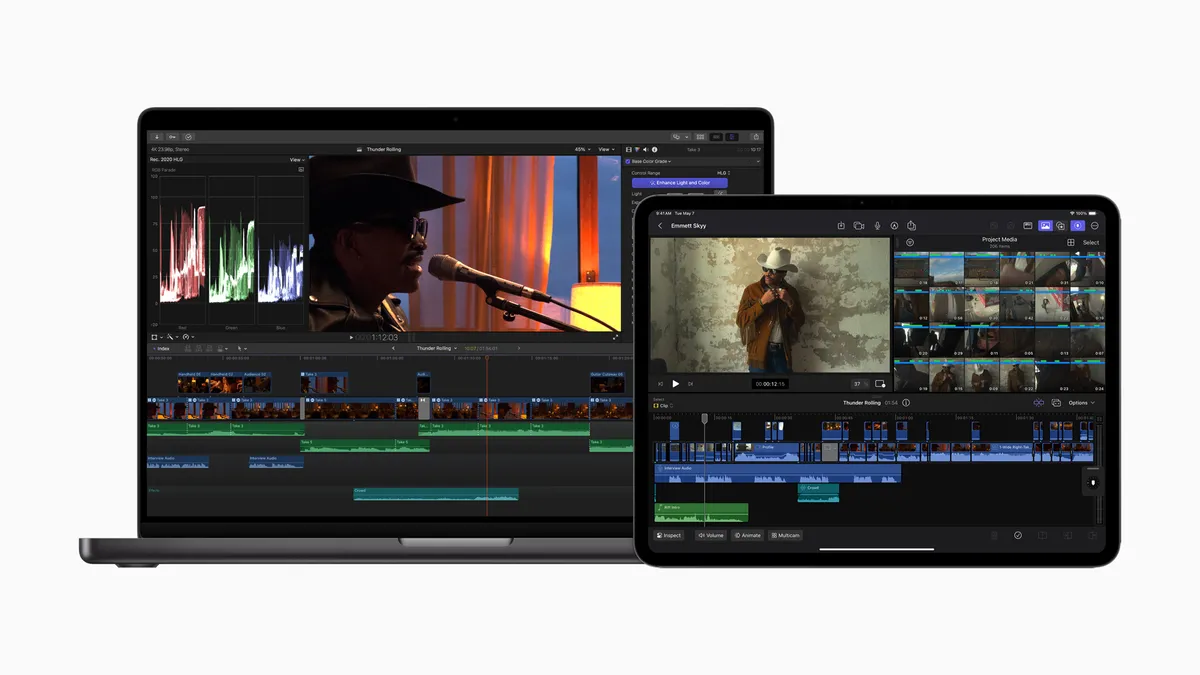
The still camera isn't the only great camera in the iPhone -- the video camera is also pretty great! But with the restrictions of simply shooting video and trimming clips, the built-in Camera app doesn't allow you to actually make movies, but iMovie does! iMovie is a fantastic video editor because it's super easy to make fun videos in just a matter of minutes. Videographers may yearn for more, but for everyone else, iMove is an excellent video editor for the iPhone.
- $4.99 - Download now
Clear

Clear is a task list app for those who don't like task list apps -- a new, gesture-based approach that's manages to be simple without being simplistic. It takes an almost Windows Phone Metro-style approach. It's not a task app for those who want power features or a more traditional interface. But for anyone new to todos, who wants something fresh and fun, who just has a few lists of a few items and finds Reminders far too much of a chore, Clear might be the perfect place to start.
- Clear for iPhone review
- $0.99 - Download now
Solar : Weather

Sure, the built-in Weather app on the iPhone gets you basic weather information in a somewhat appealing packages, but it's nothing compared to Solar : Weather. This little gem is a unique weather app for the iPhone that offers a one-of-a-kind interactive UI and experience. Instead of simply displaying the weather forecast for you, Solar: Weather will display different information based on gestures. For example, swiping up with scroll through the 24-hr forecast, swiping down will display the 3 day forecast, and swiping left/right will switch between locations. It's actually very fun to use.
- Solar for iPhone review
- $0.99 - Download now
Launch Center Pro

Tap an app icon on your Home screen and what happens? The app opens up, that's it. Tap an app icon in Launch Center Pro and what happens? Messages are ready to write. Events are ready to be added. Movie times are there for you to see. And much, much more. That's because Launch Center Pro doesn't just launch apps, it launches actions. Sure, iOS doesn't allow real app-to-app communication yet, but App Cubby, the makers of Launch Center Pro, have toiled away taking what Apple does allow -- the URL schemes that let apps send and receive small amounts of information in links -- and made something not only wonderful, but wonderfully productive.
- Launch Center Pro review
- $2.99 - Download now
Instapaper

Instapaper is one of the most popular read-later services on the web and iPhone that saves web pages and articles for offline reading and is optimized for readability on your device's screen. It offers a distraction-free text only environment with the ability to adjust fonts, text sizes, line spacing, and margins to truly satisfy your specific reading needs. You can save articles to Instapaper via a bookmarklet that you save in Safari or from one of the many Twitter, reading, and social apps in the App Store.
- $3.99 - Download now
Reeder

If you use Google Reader, you want Reeder - plain and simple. It's an RSS reader that will sync with your Google Reader account and present your feeds on a beautiful and clean interface. You can also choose to sync with Fever and Readability and Reeder allows you to share to nearly every social service out there.
- Reeder for iPhone review
- $2.99 - Download now
Instacast

Instacast 3 is the all new version of Vemedio's popular iPhone and iPad podcasting app. With it, Vemedio has switched out a lot of old methods for newer technologies like automatic reference counting and Core Data to make Instacast better and faster. Alongside these fancy new technologies is Instacasts new Cloud sync. Instead of using Apple's iCloud to keep your podcasts in sync, the folks at Vemedio put in a lot of work to create their own. All you need to do to use it is sign-up for a free account and all your data will be seamlessly moved to the cloud. If Apple's free Podcasts app isn't up to your needs, give Instacast a whirl.
- $4.99 - Download now
Byword

Byword is a text and Markdown editor that focuses on being simple, distraction free, and beautiful. It's available on the iPhone, iPad, and Mac and can keep all your work in sync via iCloud or Dropbox. It also features a special keyboard with a swipable row at the top that includes selective word and character counters, a tab key, smart paring characters, and undo key, Markdown helpers, and more.
- Byword for iPhone review
$2.99 - Download now
See also: iA Writer
iWork: Pages, Numbers, and Keynote

Want to create posters, write papers, design spreadsheets, and create presentations? Apple's iWork suite consisting of Pages, Numbers, and Keynote has go you covered. All three of these apps are available on both the iPhone and iPad and sync over iCloud with their Mac counterparts.
- Pages - $9.99 - Download now
- Numbers - $9.99 - Download now
- Keynote - $9.99 - Download now
Your favorite paid apps for iPhone?
This really is just a short list of fantastic apps out there, and we know there's some other great ones that have been left out. That's where you come in! What are the best paid apps you have installed on your iPhone and use regularly? Let us know in the comments below!


There are 28 comments. Add yours.
Great apps! But no love for Readdle :(
Just wait for the best paid iPad apps :)
I also recommend 'Living Earth - World Clock & Weather [http://nttr.st/U1LDYg]', 'runtastic Pro http://nttr.st/Tr3eZE]', 'VLC Remote [http://nttr.st/V6oIKM]', 'Ace Player [http://nttr.st/YPk0GU]', 'ReaddleDocs [http://nttr.st/UuYbtw]' for example.
Unlock your iphone at extremely cheap prices from unlockiphones.info . Such a great service they offer along with refund ! 100% satisfied !
"Fantastical will make you wish you had more things to add to your calendar so that you can use it more. Seriously."
Oh please! I bet you'll say the same thing when reviewing Siri!
Actually, it's true. Fantasical is a great app. I wish it had a few more features and a iPad app but for entering a appointment of event there is nothing better or quicker. I use to use Siri until this, now I ask Siri to open fantastical. It's that good.
I have Fantastical just for the event data entry portion. For it to be my primary calendar it needs two features that other "high end" PIM apps have: 1) Integrated iOS Tasks/Reminders and 2) Current date badge. For now, I'll stick with Pocket Informant as my primary as I do enjoy having a readable event month view.
Yeah, I'll often times use a different app, or my Mac, to make changes to my Calendar if I need to, but for data entry, it's alllll about Fantastical. I use it on my Mac too.
My favourite app are Sparrow and Camcard besides what you have list here.
Hourly News is great for news junkies
Although Pocket is better than Instapaper, I've switched to Evernote for saving articles (it also has a browser clipper on the Mac version) because it does so much more, of course.
And Zite is a must-have for a blog aggregator app!
I just don't get all the excitement for Fantastical: until it and other calendar apps add the visual/spatial "Day" view that the native iOS calendar does so well, there's no reason to switch. I mean, who the heck wants to view their daily schedule by looking at a bunch of dots?! No, no, no--takes too much time to figure out what your day looks like and the relative time of each appointments. Hardly intuitive....
That's when using Fantastical for entry and another app for viewing make a great combo. Nothing beats Fantastical for quick entry. Turn off notifications and notification center for Fantastical and use the built-in Calendar for your day-to-day glancing needs. Perfect combination for you :)
DocsToGo. In conjunction with DropBox (which is actually free...)
Dark Sky has become my favorite weather app. Highly focused and therefore scary accurate. For anyone that enjoys the outdoors and wants to dress appropriately, it's awesome!
I guess it is true. iOS users are really "dumb" with their spending habits.
I expected some stellar apps to be listed here, instead I see silly apps like Weather and Movie editing apps. The latter costing quite a bit. Aside from the calendar app which I can see useful for some hard core event planners and the password keeper, all the other apps have similar no cost ad versions. Why spend your hard earned money needless? I just have to smfh after reading this article.
I find it incredibly ironic that you generically call out iPhone users for being supposedly dumb, when you yourself can't even read the title of this article. I guess the whole "Best PAID Apps" can be quite confusing huh? Yeah definitely throw in some free apps on this one... /s
We have a huge list of awesome free apps here: http://www.imore.com/best-free-iphone-apps
Overall I'd say this was a great list.
Fantastical is great. I use roboform for a password generator/filler app, comes with a web browser.Movie360 is great for videos because I can 'pause' and 'resume'. Recorder pro allows me to use icloud for my recordings, nightcap is pretty good for taking low light pictures, flare is great for low light videos, slowpro works well of the 4s that I have, and foldify is great fun on the ipad- I've made a project and I do hope they eventually allow me to import my own picture from the camera roll. Thanks imore humans, I read this site everyday! Dale
Mine would be navigon, logmein (ignition), 1password4, jotnot scanner (or similar) Day One, and air video.
Scanner Pro from Readdle is a perfect app with an UI close to Apple's iOS Human Interface Guidelines and functionalities suitable for business use.
I used Camera+ all the time in the past, but I don´t think they made any progress on their app (can´t film with it, no Picasa support
So, I have put it on "page 4" in one of my Photography folders, and now I use the excellent app called KitCam. I highly recommend you check it out. It´s quite new, so there´s a few things they need to tweak and include, and it will rule over all my other Photog apps.
I am a newbie to iOS and iMore. My favorite apps are Tapatalk, Camera+, Downcast, Clear, GroceryIQ, Living Earth, Due, Evernote, Dropbox, GasBuddy, TV Guide, and 1Password [yes, I knwo some of these are free]. My wife and I share the same eaddress so GroceryIQ, Dropbox, and 1Password work wonders for us. Thanks iMore!
Unlock your iphone at extremely cheap prices from unlockiphones.info . Such a great service they offer along with refund ! 100% satisfied !
You can either try these apps available on the App Store:
1. Future Scheduler
2. Location Alerts
3. Photo effects Plus
4. Photo Album – Photobook
Nice apps check it out!!
Best
if you want Tutorials for iPhone / iOS Developers and Gamers then
click here http://2afe35xc4097em2fmypimfou23.hop.clickbank.net/?tid=TUTORIALS
I feel like somewhere on this list you should have included Super Lotto Scratchers: https://itunes.apple.com/us/app/super-lotto-scratchers-scratch/id6293657...
Nice choice. Look at http://insidetopapps.com site for larg choice of really interesting Apple Apps.